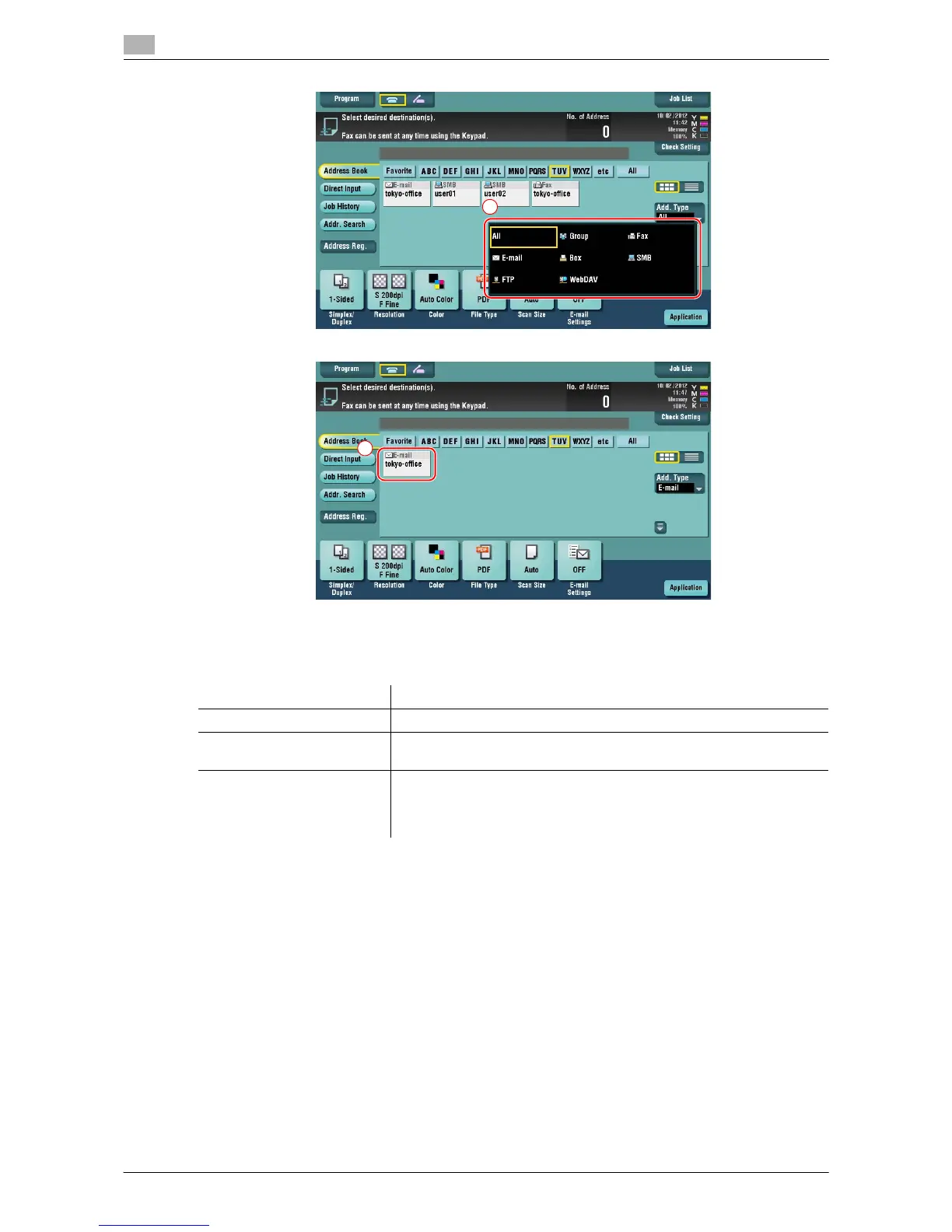
Registering a destination
3
3-56 d-Color MF222 plus/MF282 plus/MF362 plus/MF452 plus/MF552 plus
3.5
Specifying a destination
In addition to retrieving a registered destination, a destination can be specified in various methods.
d Reference
For details, refer to the [User's Guide Online] on the DVD.
Item Description
Direct Input Directly enter a destination using the keyboard screen or keypad.
Job History Specify a target destination in the job history (latest five destinations) on
the scan/fax screen.
Search Retrieves destination candidates by the prefix search function using the
name (registered destination name) or address (fax number, E-mail ad-
dress, or computer name). This function is convenient when there are
too many registered destinations.














 To Next Page