d-Color MF222 plus/MF282 plus/MF362 plus/MF452 plus/MF552 plus 3-7
3.1 Print Function
3
Operation flow
The following describes a flow to print data from your computer. For details, refer to page 3-10.
1 Opening original data
% Open the data you want to print using the application software.
2 Configuring the printer driver for printing
% Select a printer driver, and change the setting if necessary before printing.
Checking the cable connection
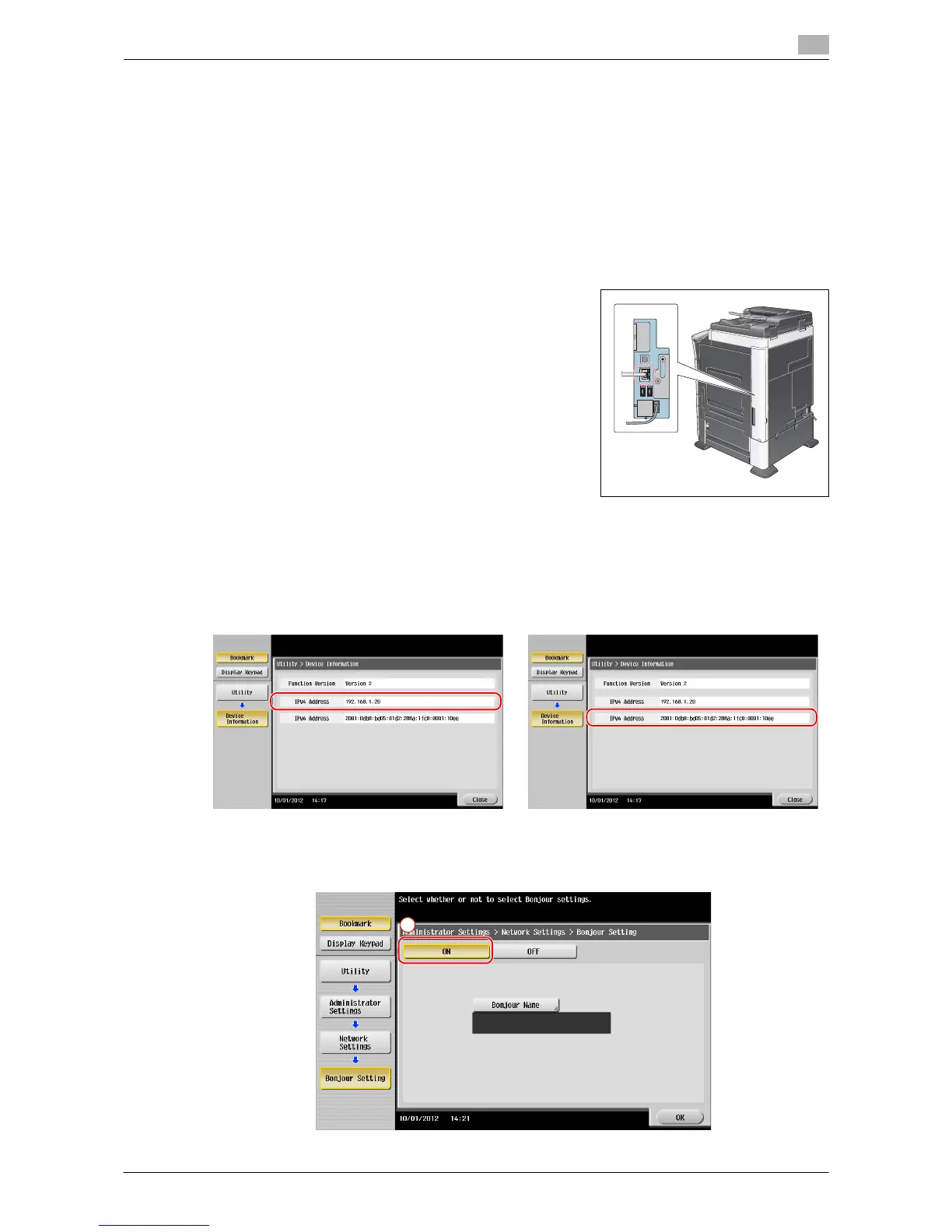
Check that a LAN cable is connected to the LAN port of this ma-
chine and the green LED is on.
Checking network settings of this machine
1 Tap [Utility], and select [Device Information]. Check that the IP address is displayed.
2 Specify the Bonjour name. Tap [Utility], and select [Administrator Settings] - [Network Settings] - [Bon-
jour Setting] - [ON].
• For IPv4 environment • For IPv6 environment














 To Next Page