d-Color MF222 plus/MF282 plus/MF362 plus/MF452 plus/MF552 plus 3-61
3.6 Using a USB memory device
3
Saving data in the USB memory device
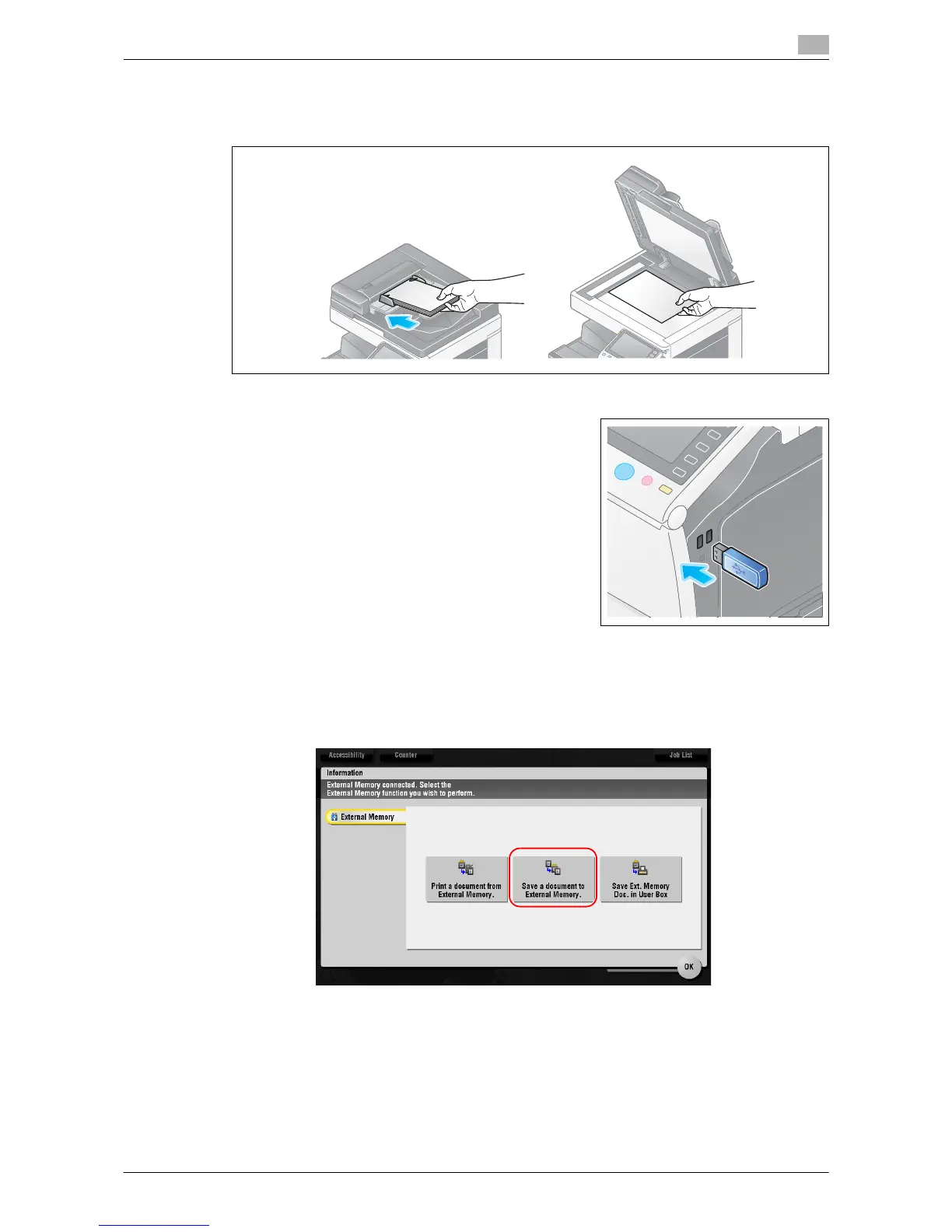
1 Load the original.
2 Connect a USB memory device to this machine.
NOTICE
Do not insert the USB memory device into the USB port close to the rear panel of this machine.
Do not use a USB device other than a flash-memory device.
3 Tap [Save a document to External Memory.].














 To Next Page