d-Color MF222 plus/MF282 plus/MF362 plus/MF452 plus/MF552 plus 2-31
2.5 Touch Panel
2
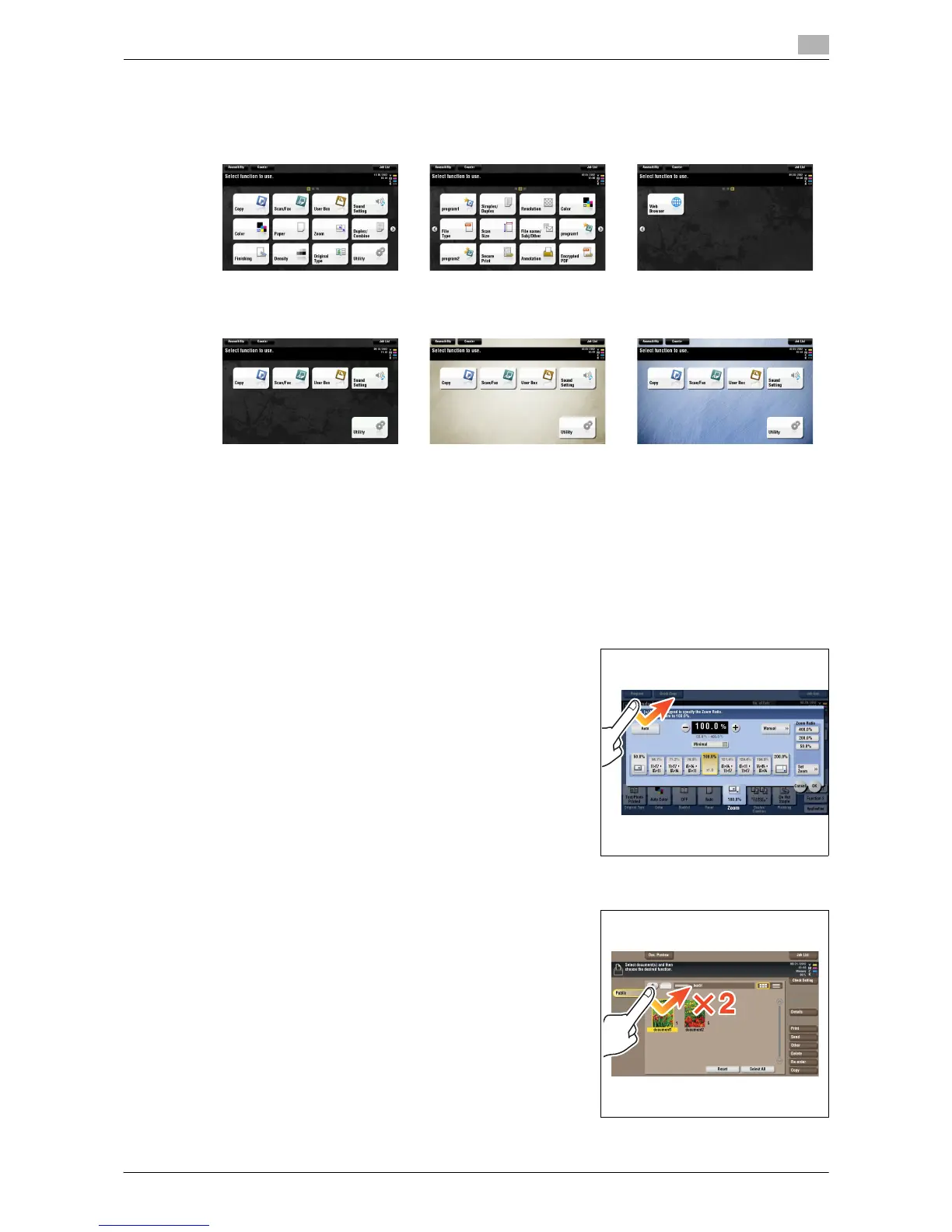
Customizing the main menu
The main menu can be extended to three screens as necessary. Up to 25 keys can be assigned to three main
menu screens which can be switched.
In addition, you can specify your favorite background pattern.
d Reference
For details, refer to the [User's Guide Online] on the DVD.
2.5.2 Operating the Touch Panel
The Touch Panel of this machine supports user-friendly operations, such as, sliding a finger on the Touch
Panel.
Tap
Lightly touch the screen with your finger, then remove your finger
from the screen immediately. This action can select or determine a
menu.
Double-tap
Lightly touch the screen with your finger twice in succession. Used
to retrieve detailed information, to enlarge a thumbnail or preview
image, and to open a User Box.














 To Next Page