d-Color MF222 plus/MF282 plus/MF362 plus/MF452 plus/MF552 plus 2-35
2.5 Touch Panel
2
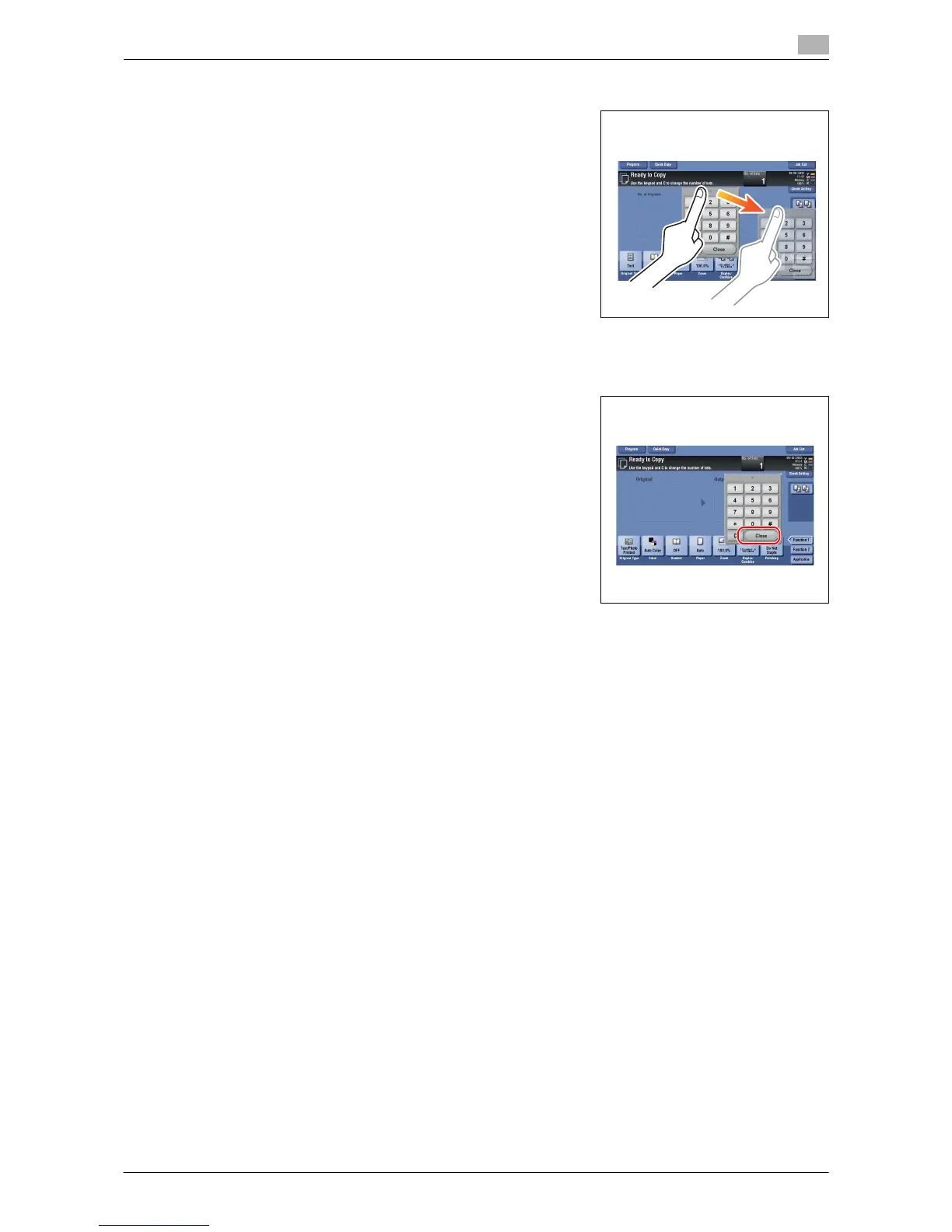
How to move the keypad
Move your finger while the upper side of keypad is being pressed.
How to close the keypad
After entering, tap [Close] to close the keypad.
It can also be closed by pressing the 10keypad provided for the
Register key.
To display the keypad all the time
The keypad can be displayed all the time on the copy screen, print setting screen for boxes or browser.
d Reference
For details, refer to the [User's Guide Online] on the DVD.














 To Next Page