Touch Panel
2
2-36 d-Color MF222 plus/MF282 plus/MF362 plus/MF452 plus/MF552 plus
2.5
2.5.4 Entering characters
When entering characters to register an address or program, use the keyboard screen displayed on the
Touch Panel.
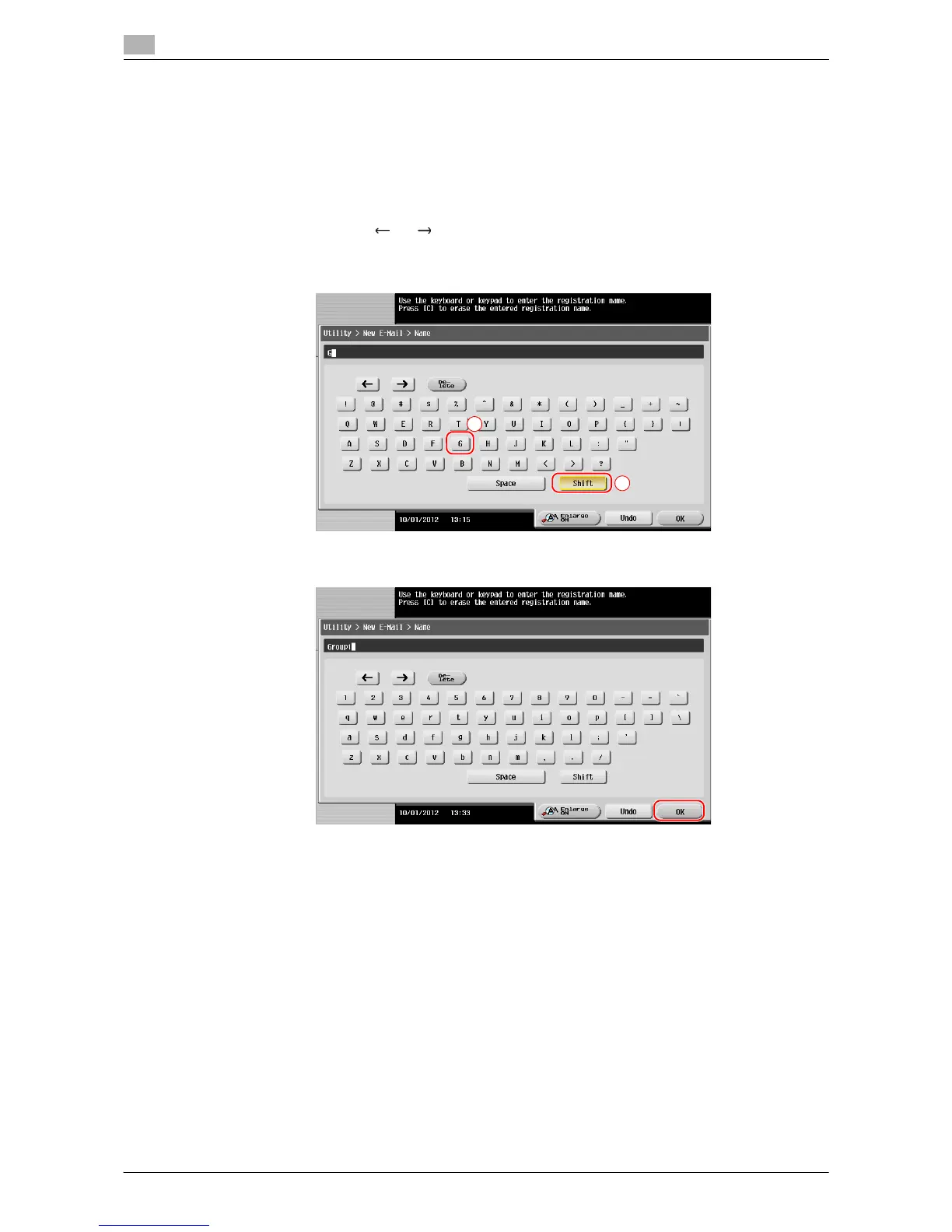
When typing in "Group1":
1 To type in uppercase letters or symbols, tap the [Shift] key.
% If you mistyped, tap [ ] or [ ] to move the cursor to the character you want to clear, then tap the
[Delete] key.
% Tap the [Shift] key again to return to the original keyboard screen.
2 After typing completes, tap [OK].














 To Next Page