d-Color MF222 plus/MF282 plus/MF362 plus/MF452 plus/MF552 plus 2-33
2.5 Touch Panel
2
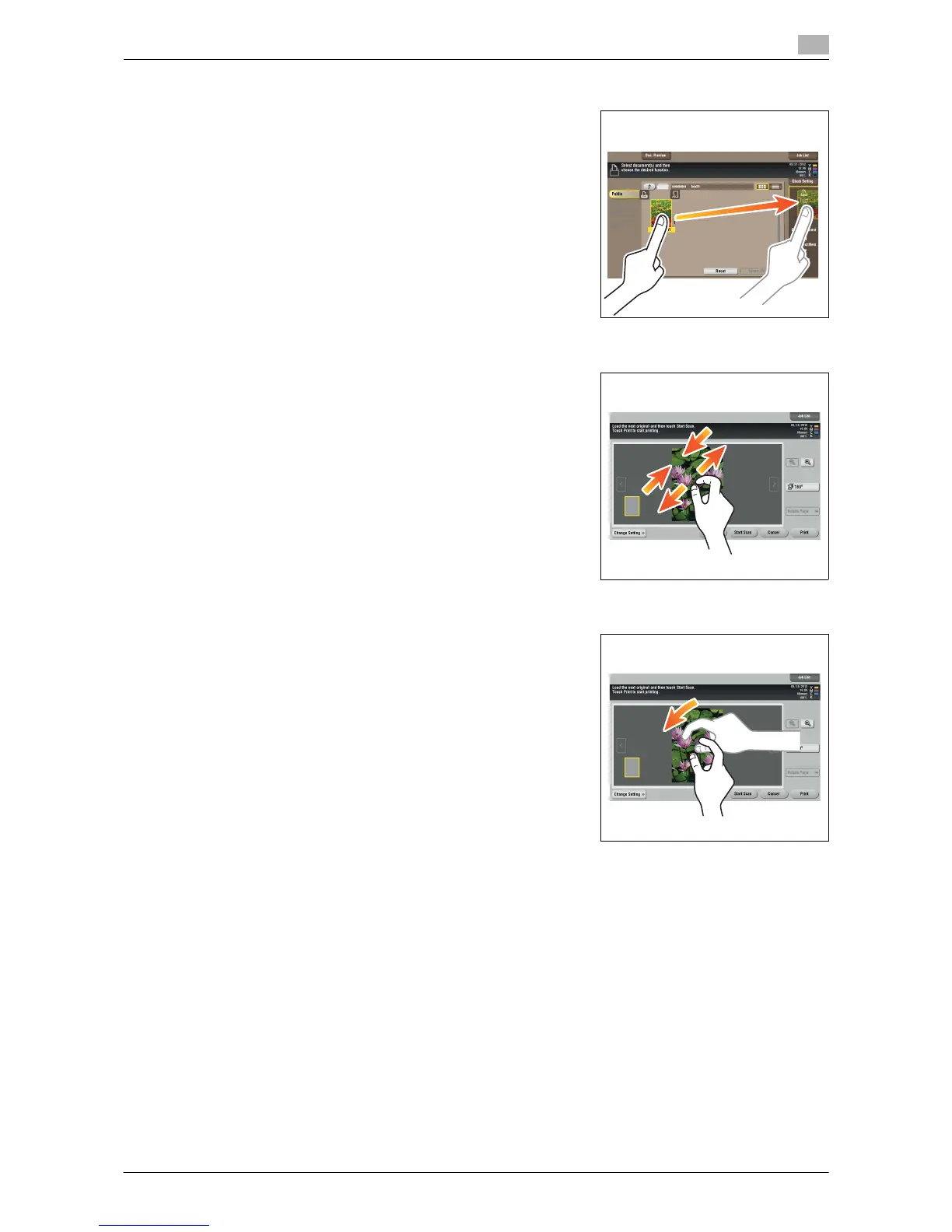
Drag & Drop
Slide your finger to the intended place and release it while a docu-
ment is selected. Used to move the document to the intended place.
Pinch in/Pinch out
Place two fingers on the screen and then open or close them. Used
to enlarge or reduce a preview image.
Rotation
Place two fingers on the screen and then rotate them. Used to rotate
a preview image.














 To Next Page