Copy Function
3
3-44 d-Color MF222 plus/MF282 plus/MF362 plus/MF452 plus/MF552 plus
3.4
3.4 Copy Function
Basic operations
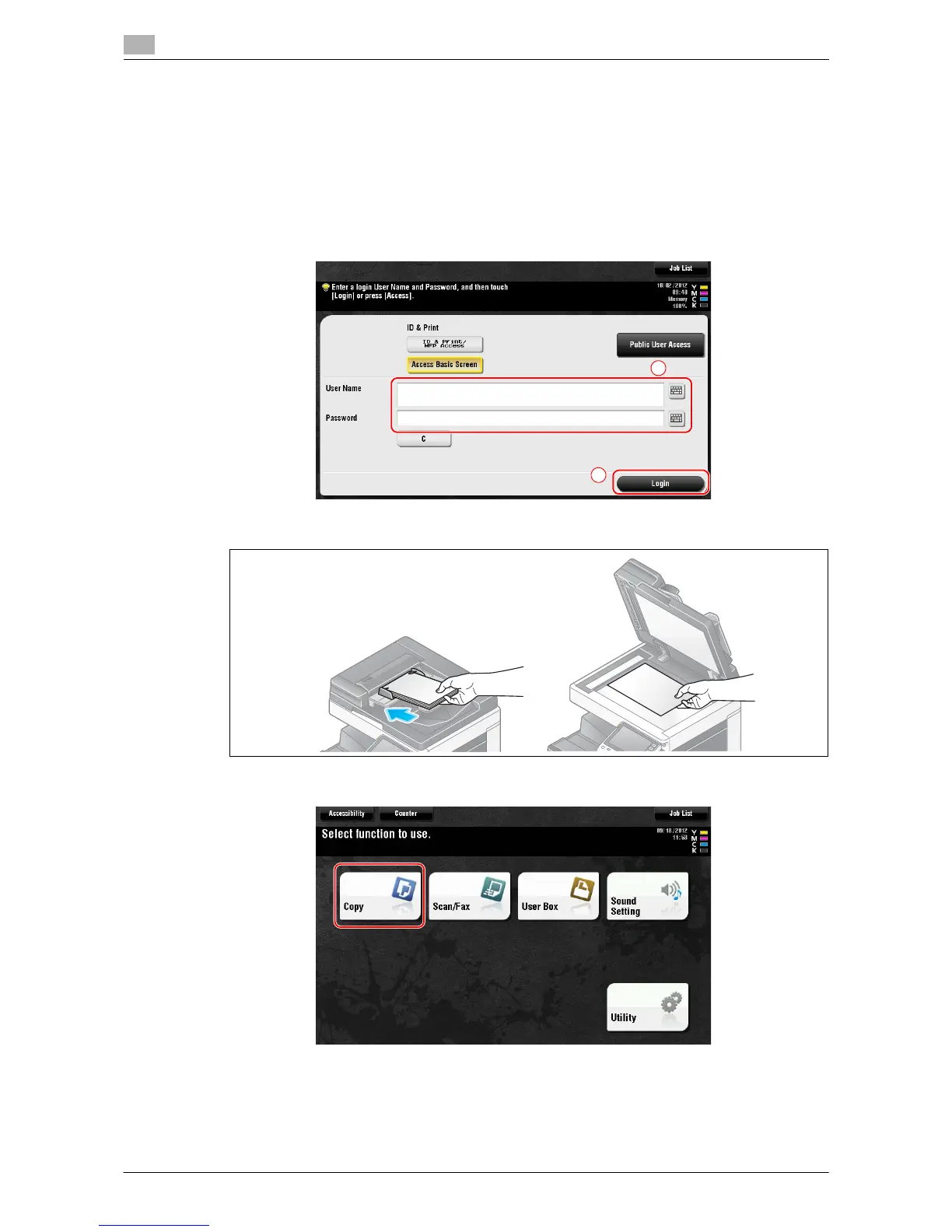
The following describes the basic operations to make a copy.
1 If user authentication is enabled, the login screen appears. Tap the entry field or keyboard icon to enter
the required item, then tap [Login] or [Access].
% If IC card or biometric authentication is enabled, refer to page 3-46.
2 Load the original.
3 Tap [Copy].














 To Next Page