2-32
Installing and Setting up the Machine > Installing Software
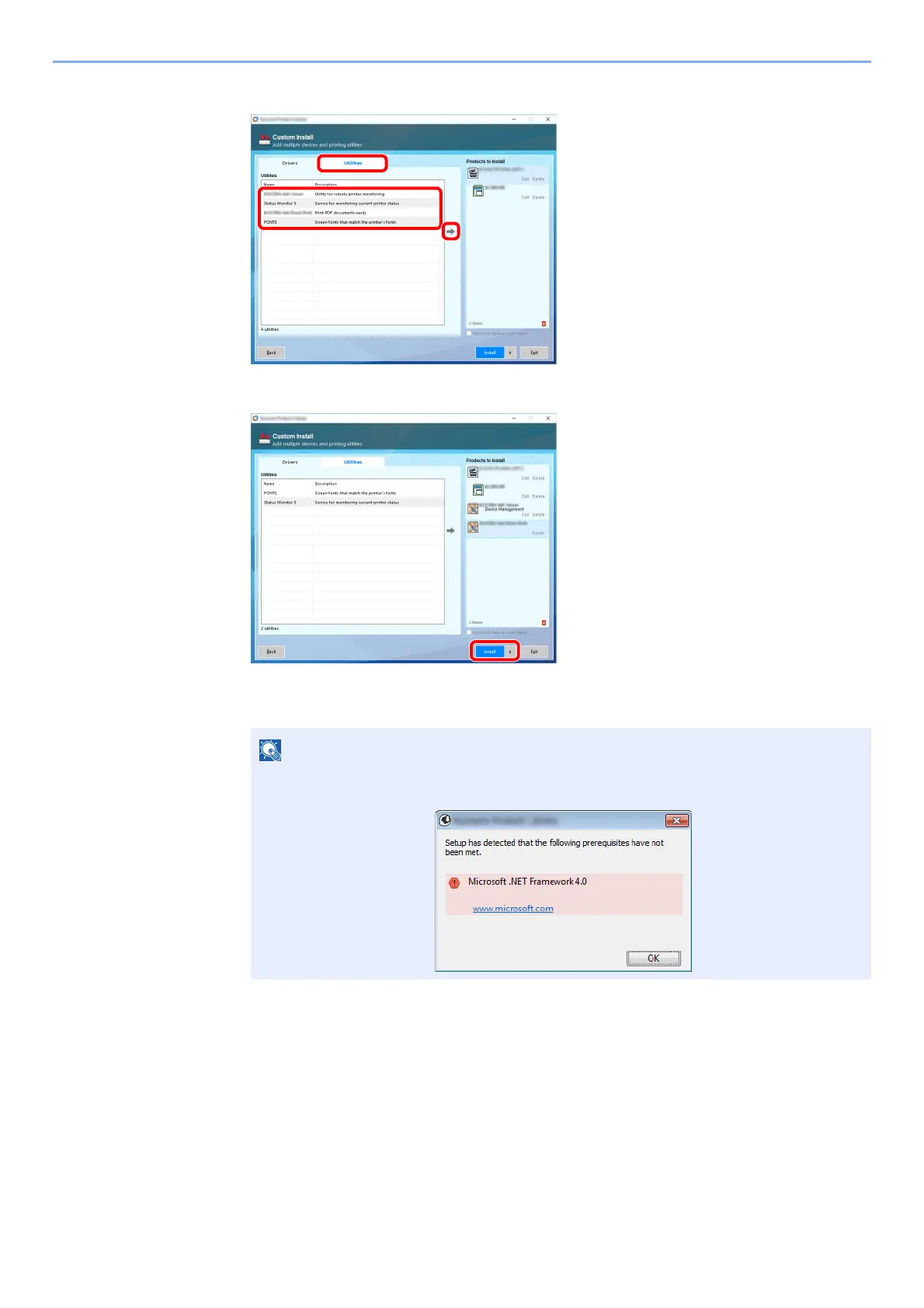
3 Click [Utilities] tab and select the utility to be installed.
4 Click [Insta
ll].
When you click [Install], a screen asking for your cooperation with data collection will be displayed.
Select one of the answer choices and click [OK].
To install Status Monitor on Windows versions preceding Windows 8, it is necessary to
install Microsoft .NET Framework 4.0 beforehand.













 To Next Page