2-33
Installing and Setting up the Machine > Installing Software
5
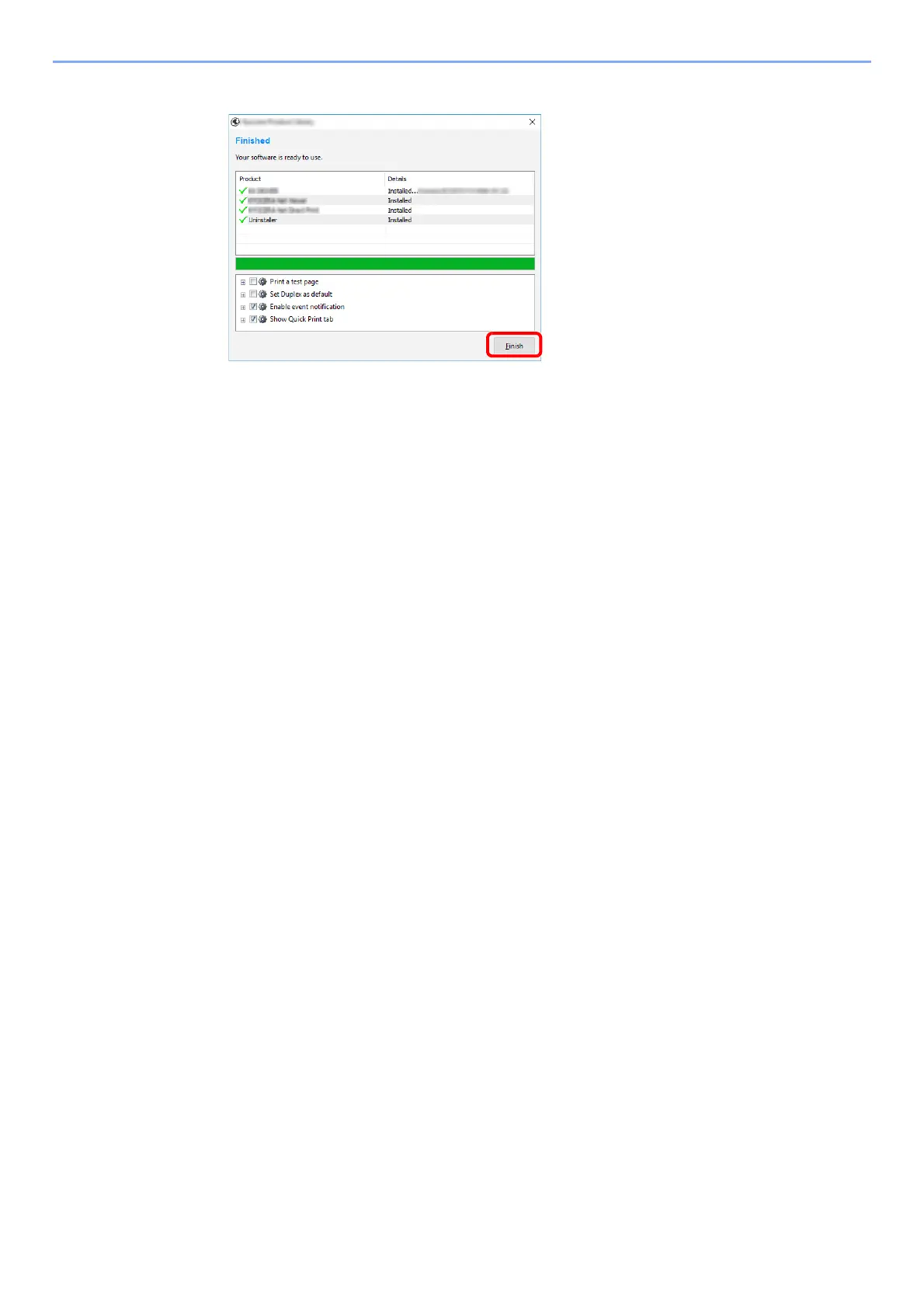
Finish the installation.
When "Your software is ready to use" appears, you can use the software. To print a test
page, click the "Print a test page" checkbox and select the machine.
Click [Finish] to exit the wizard.
If a system restart message appears, restart the computer by following the screen
prompts. This completes the Printing System Driver installation procedure.













 To Next Page