Remote Configuration Server (RCS)
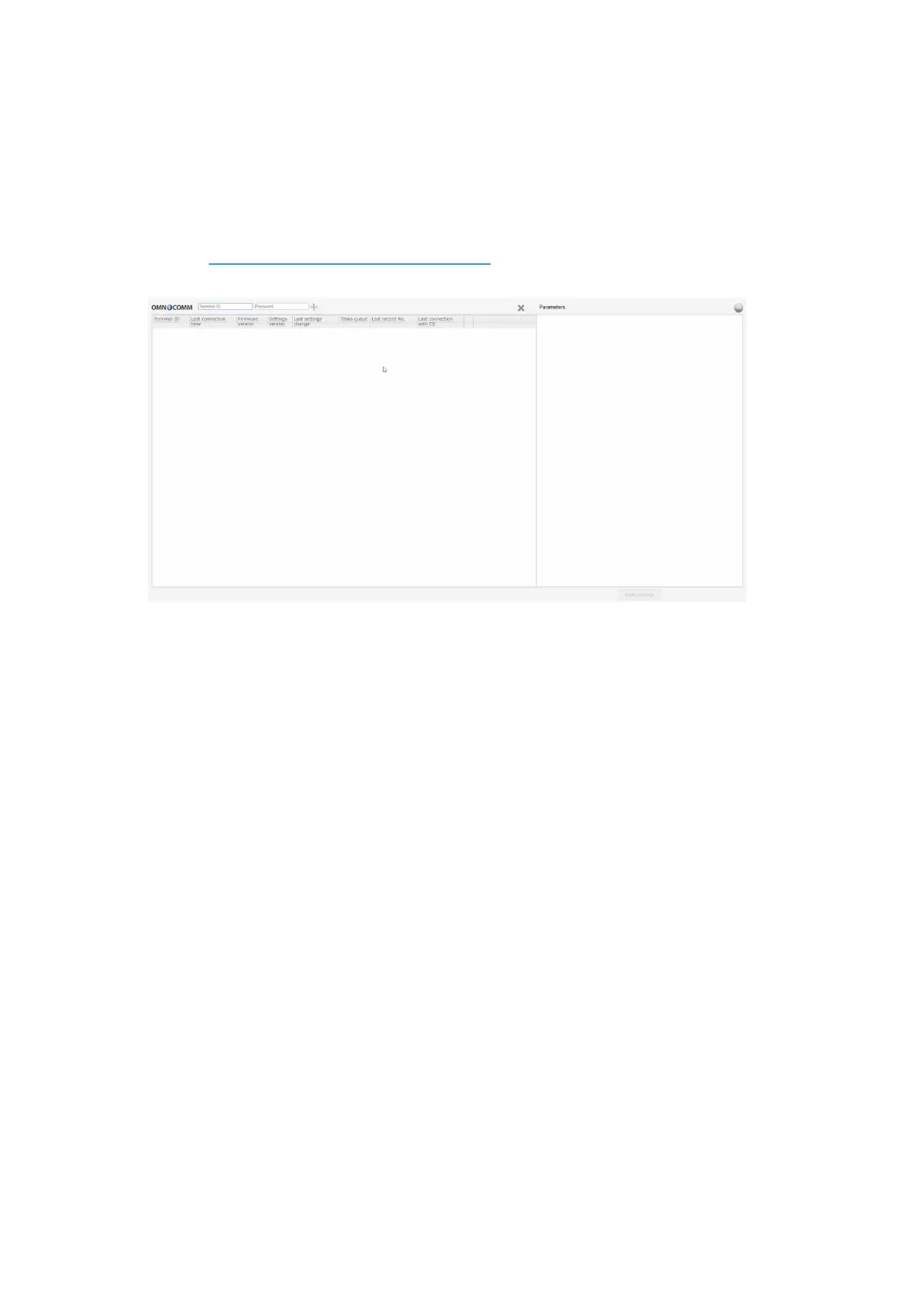
To connect to the configuration server, open the browser and in its address bar enter
the address http://config.omnicomm.ru:9911/#en. A window will open:
To add terminals:
1. In the “Terminal ID” field enter the terminal identification number
2. In the “Password” field enter the password set in the terminal during its setting
using Omnicomm Configurator program
3. Press the “+” button
Operation Parameters Setting
GPRS connection
In the «Settings» tab select the «Connection» section from the list.
In the «GPRS Setup» section:



 To Next Page