Installation
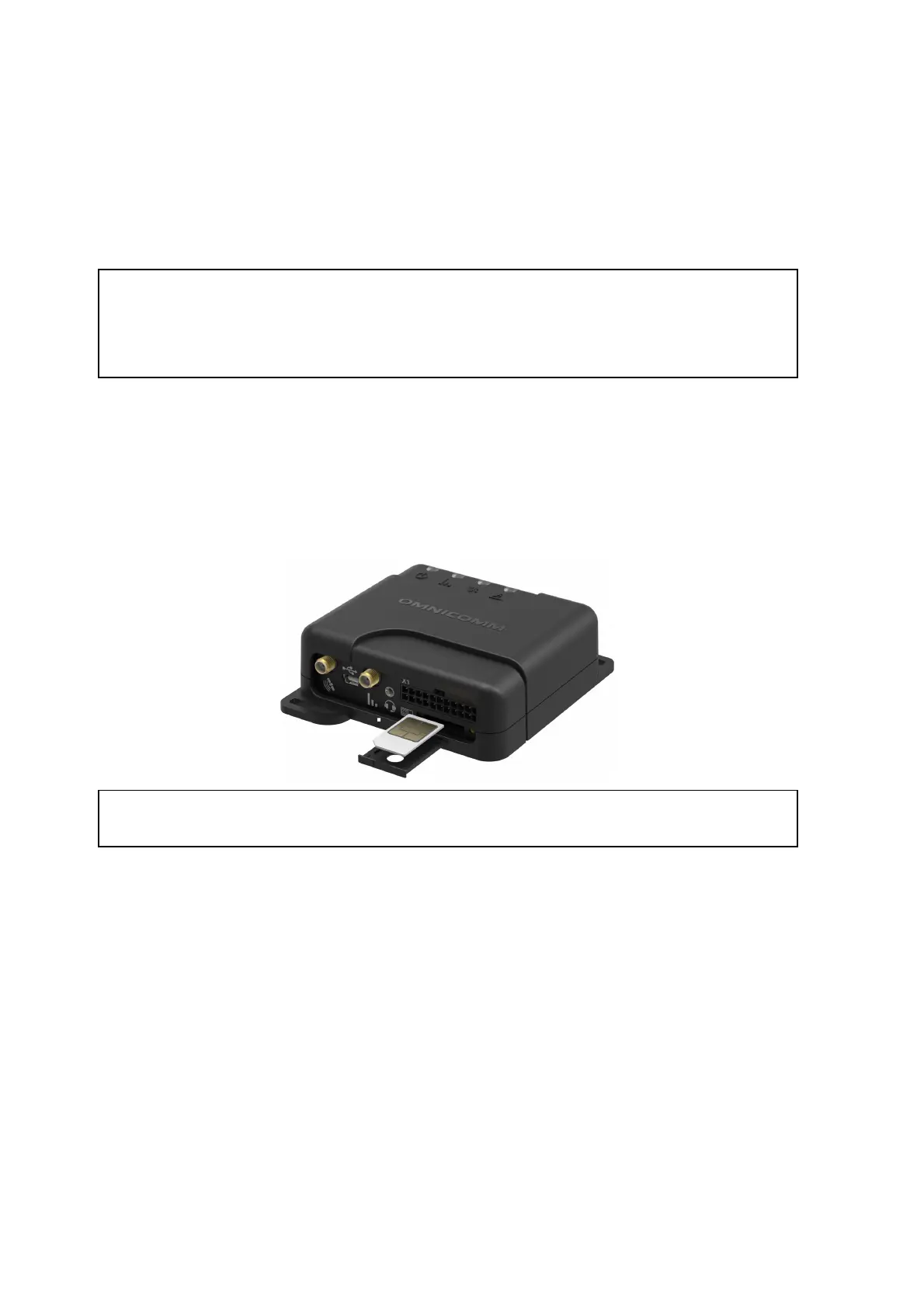
SIM Card Inserting
Before SIM card inserting disable PIN request at activation. For this end insert the card
in any cell phone and disable PIN request, according to the cell phone operating
instruction.
1. Using a sharp-pointed object press the button on the terminal front panel. The
SIM card holder will eject
2. Remove the SIM card holder from the connector slots and insert the SIM card into
it with contact pieces up
3. Insert the SIM card holder in the connector slots:
SIM chip installation is available under custom order.
Second SIM Card and SD Card Inserting for Optim
1. Unscrew the two screws fixing the terminal body
2. Remove the upper body part
3. Insert a miniSD card in the slot intended for SD card
4. Insert the second SIM card in the slot as shown in figure:



 To Next Page