Fuel Level Sensors
In the “Settings” tab select the “Inputs” section from the list.
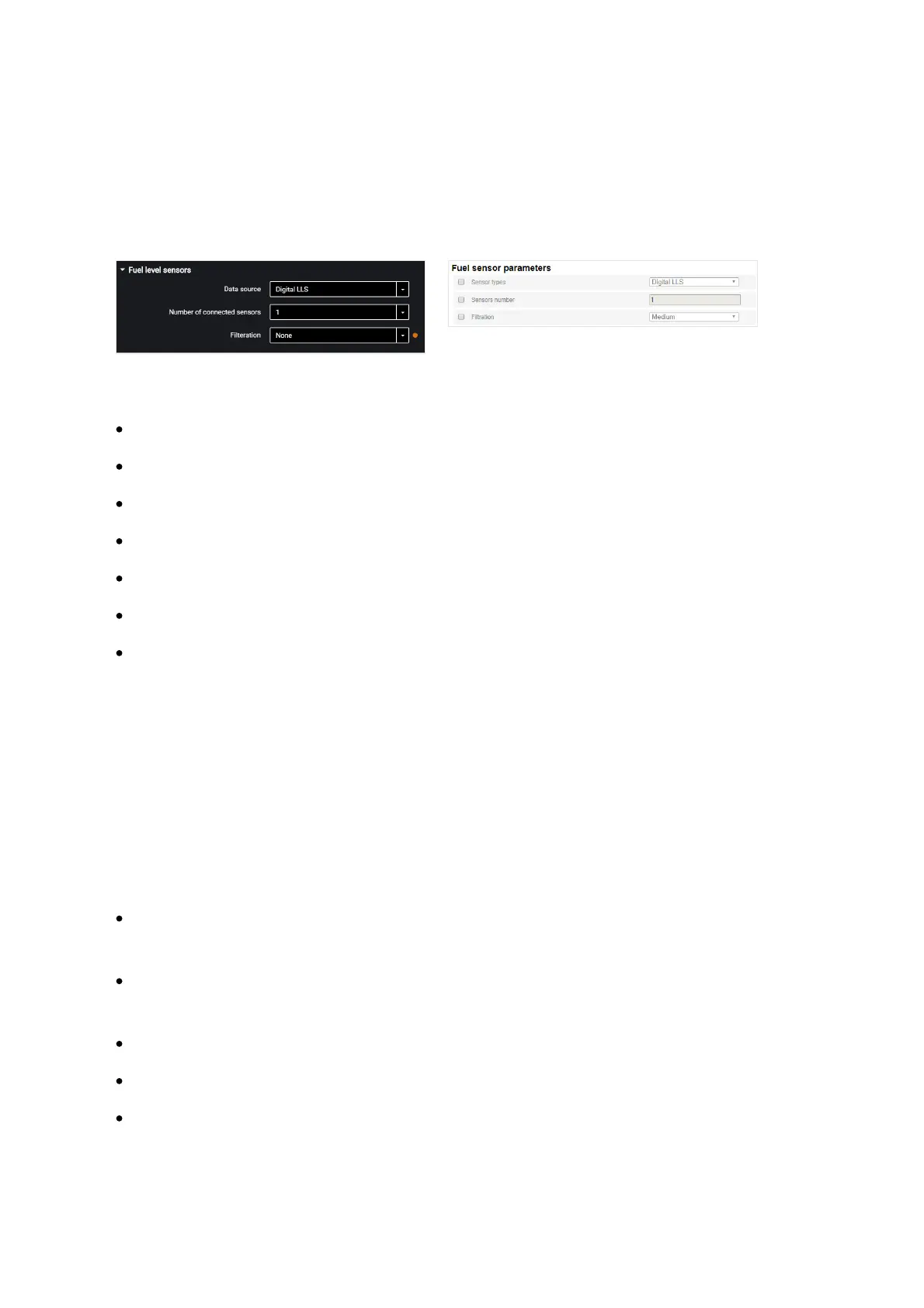
In the “Fuel Level Sensors” section:
“Data source” – select the type of fuel level sensors. Possible options:
“Digital LLS” – when connecting fuel level sensors Omnicomm LLS
“Frequency LLS-AF” – when connecting fuel level sensor Omnicomm LLS-AF
“Vehicle sensor” – when connecting the vehicle standard fuel sensor
“CAN Bus” – when connecting to the CAN bus
“Struna +” (except for Smart) – when connecting to the “Struna +” system
“PMP-201” (except for Smart) – when connecting the level gauge PMP-201
“Disabled” – in case fuel level control is not required.
When Omnicomm LLS and Omnicomm LLS-AF fuel level sensors are connected:
“Number of connected sensors” – specify the number of sensors connected to the
terminal.
When choosing LLS fuel level sensors connected to a universal input, you need to
configure the universal input. For automatic configuration of the universal input in
Omnicomm Configurator press the “Configure UI” button.
“Filtration” – enter the size of inner filter. Possible options of filtration:
“None” – filtration is performed only according to the settings in the
Omnicomm LLS sensor
“Weak” – used in case of product installation in stationary fuel storages and non-
mobile machinery
“Medium” – used in case of vehicle's operation in normal road conditions
“Strong” – used in case of vehicle's operation in normal and severe road conditions
“Maximum” – used in case of vehicle's operation in severe road conditions and
when connecting a standard fuel sensor with analog output



 To Next Page