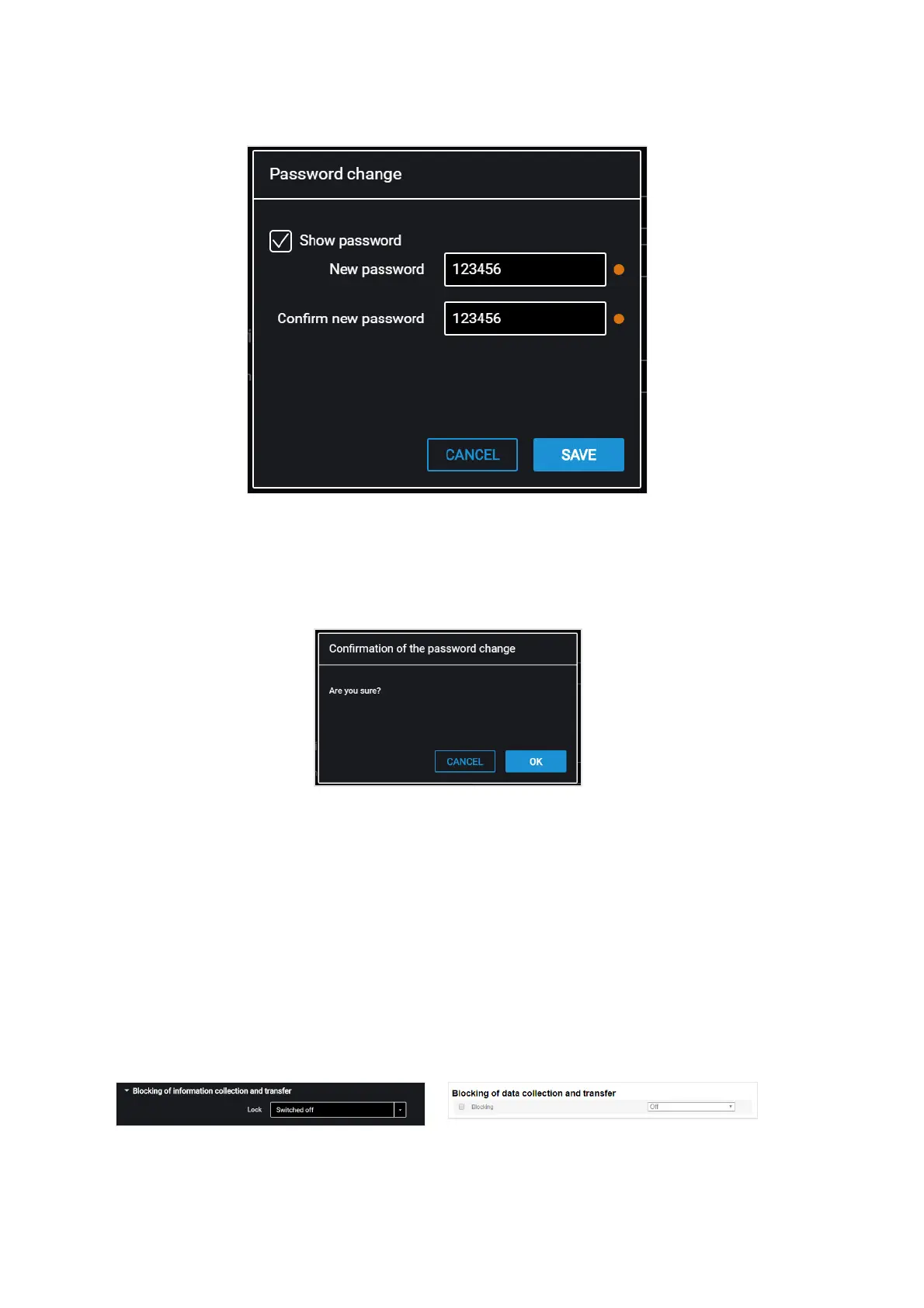
“New password” and “Confirm new password” – enter a new password that will be
used to get access to settings configuration. The password shall contain 8 characters
maximum.
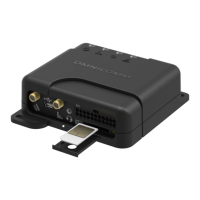
Press the “Save” button. A window will open:
Press the “Ok” button.
Press the “Write to device” button.
Data Collection and Transmission Blocking
In the “Settings” tab select the “Connection” section from the list.
In the “Blocking of information collection and transfer” section:
To block the terminal data acquisition and transmission in the “Lock” field select
“Switced off”:
To unlock data acquisition and transmission use Omnicomm Configurator or send


 To Next Page