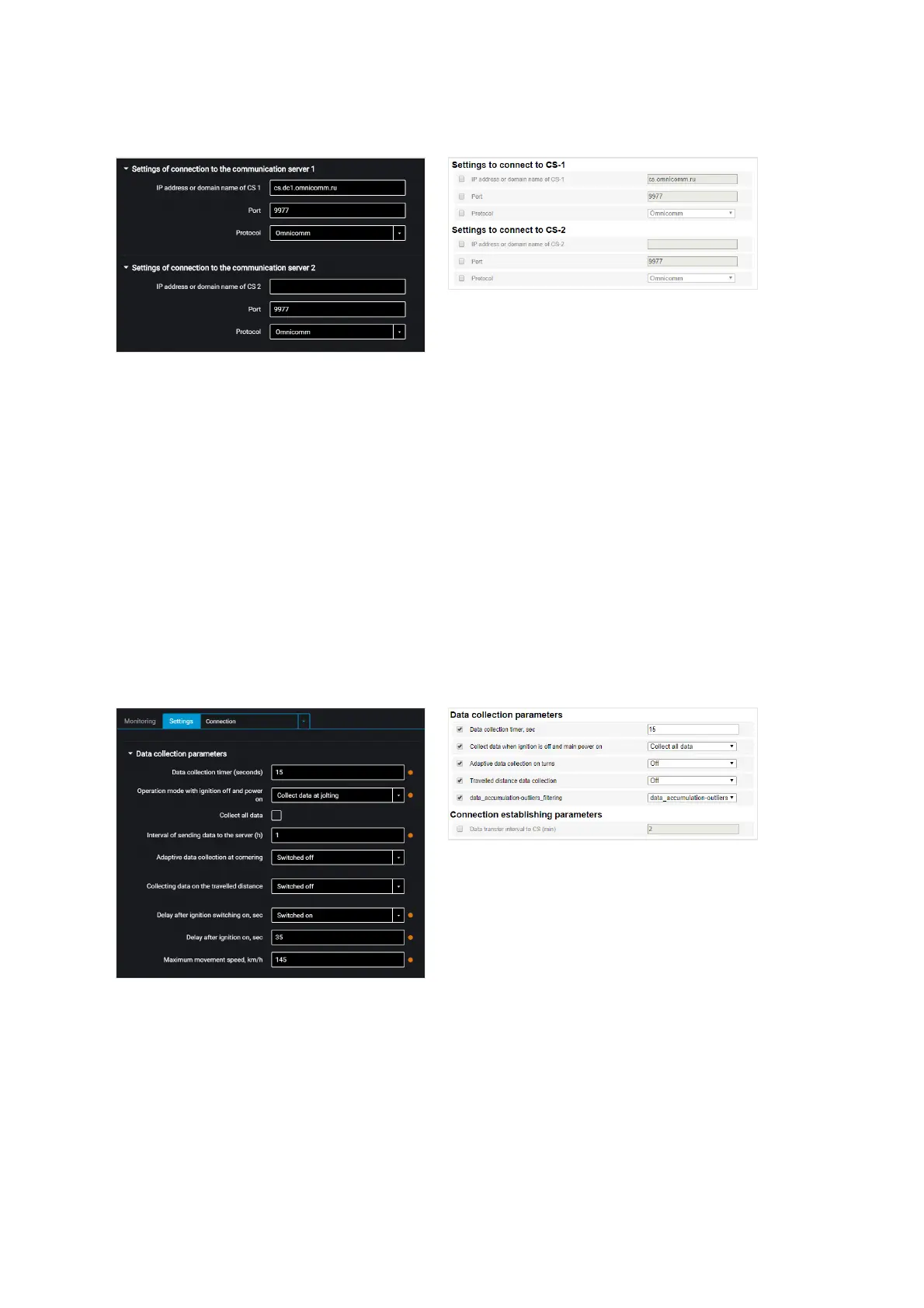
“IP address or domain name of CS” – enter IP address or domain name of the
communication server: cs.dc1.omnicomm.ru.
“Port” – enter port to be used by terminal to connect to the communication server:
9977
“Protocol” – select data transmission protocol to the CS. Possible options: Omnicomm
or EGTS.
Data Collection
In the “Settings” tab select the “Connection” section from the list.
In the “Data collection parameters” section:
“Data collection timer (seconds)” – set the value of the period of Terminal requesting
modules and external devices connected to it. Range of values – from 15 to 240
seconds.
“Operation with ignition off and power on” select:



 To Next Page