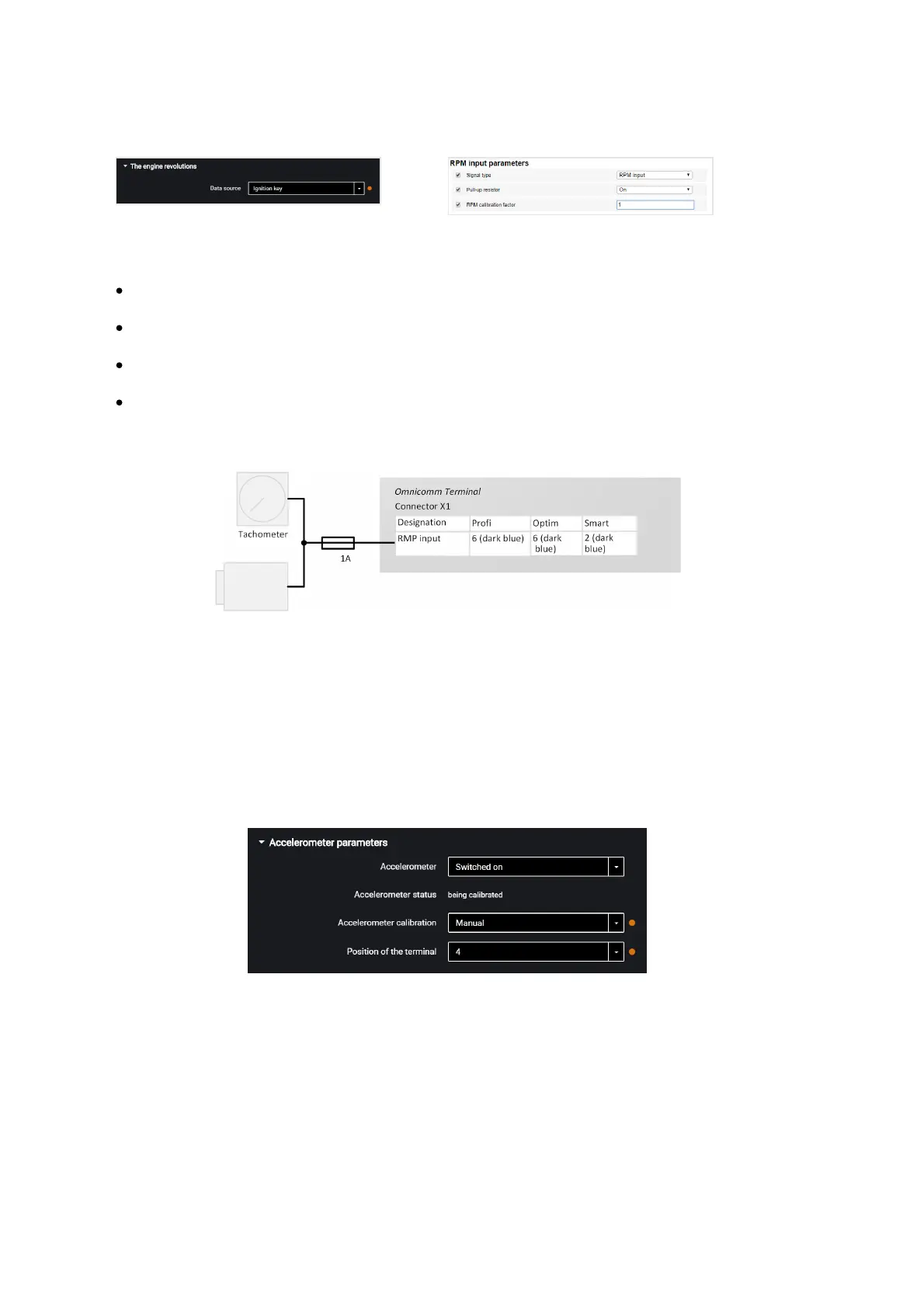
“Data source” – select the signal type. Possible values:
«Disabled»
«Ignition key»
«CAN bus»
«RPM input»
Connect the tachometer to the Terminals according to the diagram:
The place of connection to the tachometer shall be the point in the vehicle electric
network, in which the pulse signal frequency is proportional to the engine RPM.
Driving Safety Control
In the “Settings” tab select the “Additional equipment” section from the list.
In the “Accelerometer parameters” section:
“Accelerometer” – enable/disable the use of accelerometer for measuring the vehicle
acceleration.
“Accelerometer status” – accelerometer condition. Possible options: not used,
calibration, calibrated, calibration error.
“Accelerometer calibration” – select the accelerometer calibration mode.



 To Next Page