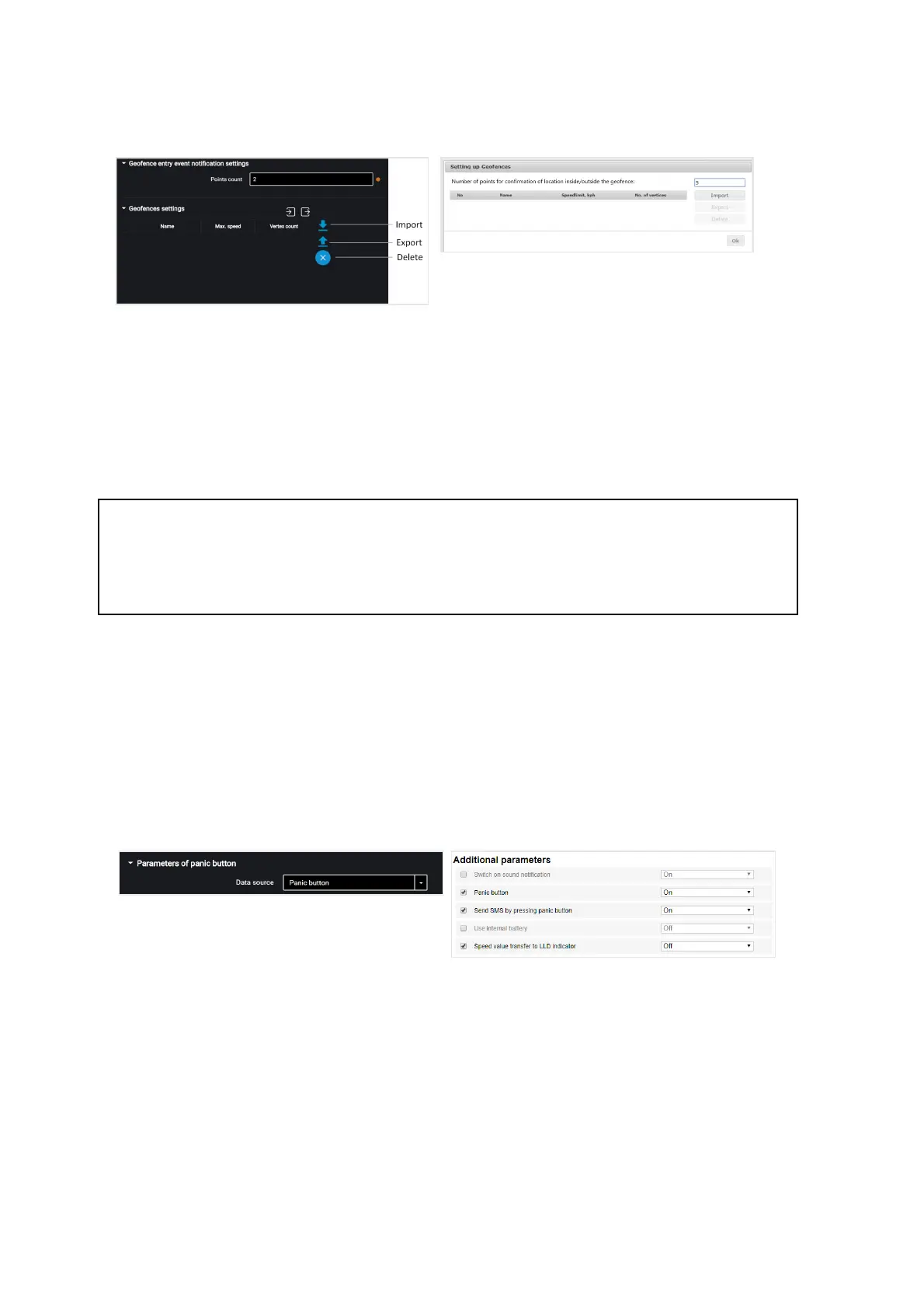
“Number of points to confirm being inside/outside the geofence” – specify the
number of successively defined vehicle coordinates required to register the vehicle
being inside or outside the geofence. Coordinates determination period – 1 sec.
Possible values: from 1 to 10.
To add a geofence, press the “Import” button and select the .xml file with geofence
settings.
The geofence name must be not more than 8-character long and consist of symbols,
digits and Latin letters.
Geofence should not contain consecutive points with the same coordinates.
Maximum number of geofences – 6.
Maximum number of peaks – 24.
Panic Button and GSM Call Button
In the “Settings” tab select the “Additional equipment” section from the list:
In the “Parameters of punic button” section:
“Data source” – enable/disable condition control of the panic button.
“SMS sending upon triggering” – enable/disable SMS sending upon the panic button
pressing.
Connect the panic button according to the diagram:



 To Next Page