“Authentication and Encryption Method” – select the data authentication and
encryption method used in the Wi-Fi base station.
Possible options:
«Open» – encryption is not used
«WPA_PSK»
«WPA_EAP (FAST)
«WPA_EAP (PEAP)
When using encryption, specify “Login” and “Password” to connect to the Wi-Fi base
station.
Press the “Add” button.
The “List of networks” section displays Wi-Fi access points, which the terminal can use
for Wi-Fi wireless network data transmission.
To connect the terminal to a hidden Wi-Fi network, during the setting specify only
one Wi-Fi access point.
Connection to Communication Servers
Terminals support data transmission to two Communication Servers (CS) through
Omnicomm and EGTS protocols.
In the “Settings” tab select the “Сonnection” section from the list.
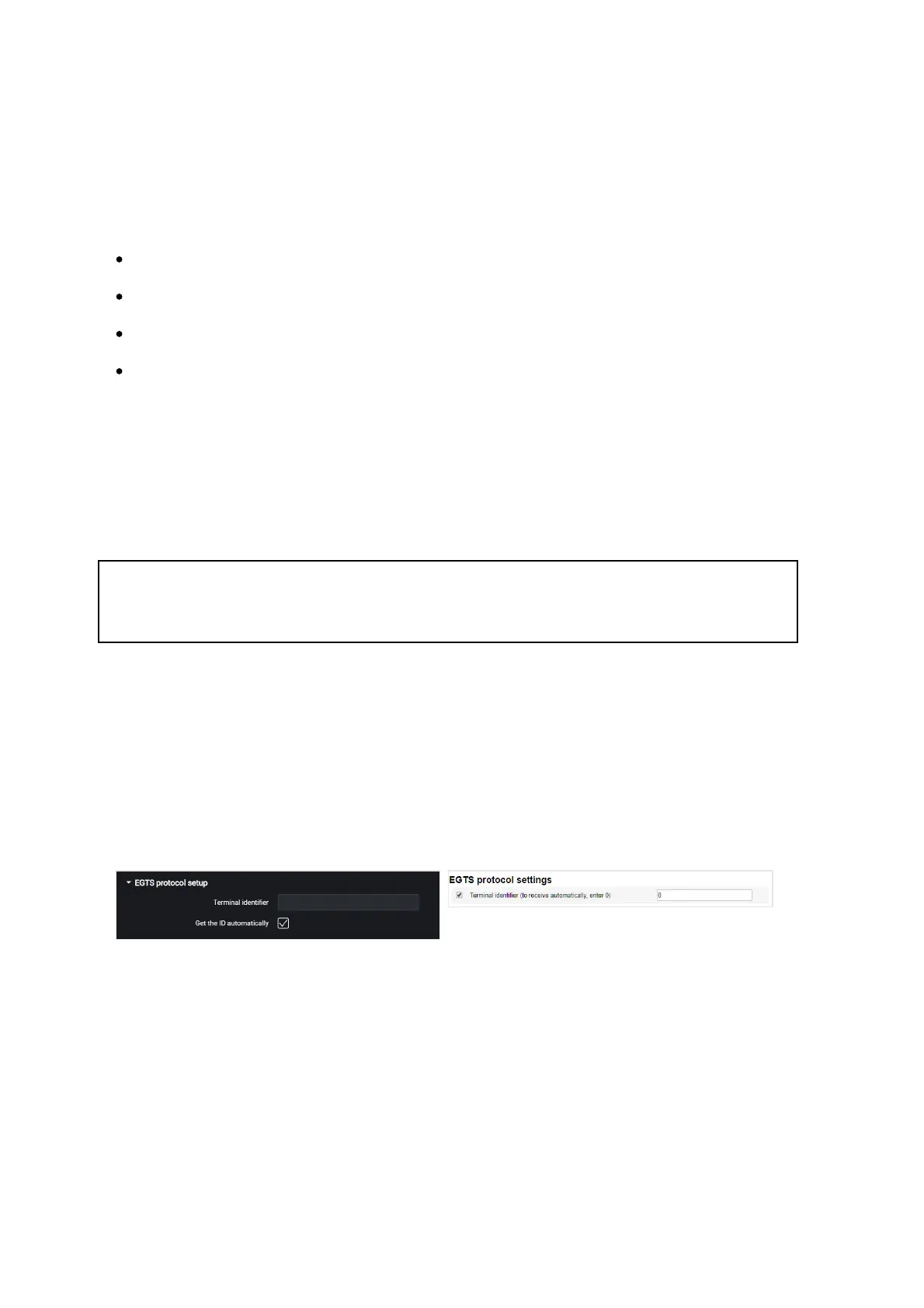
In the “EGTS Protocol setup” section:
When setting up EGTS data transmission, you must use the TID terminal identification.
If the settings are not configured, when transmitting data through EGTS protocol ID
Omnicomm will be used for terminal identification.
In the “Settings of connection to the communication server” sections:



 To Next Page