controlled output No.1.
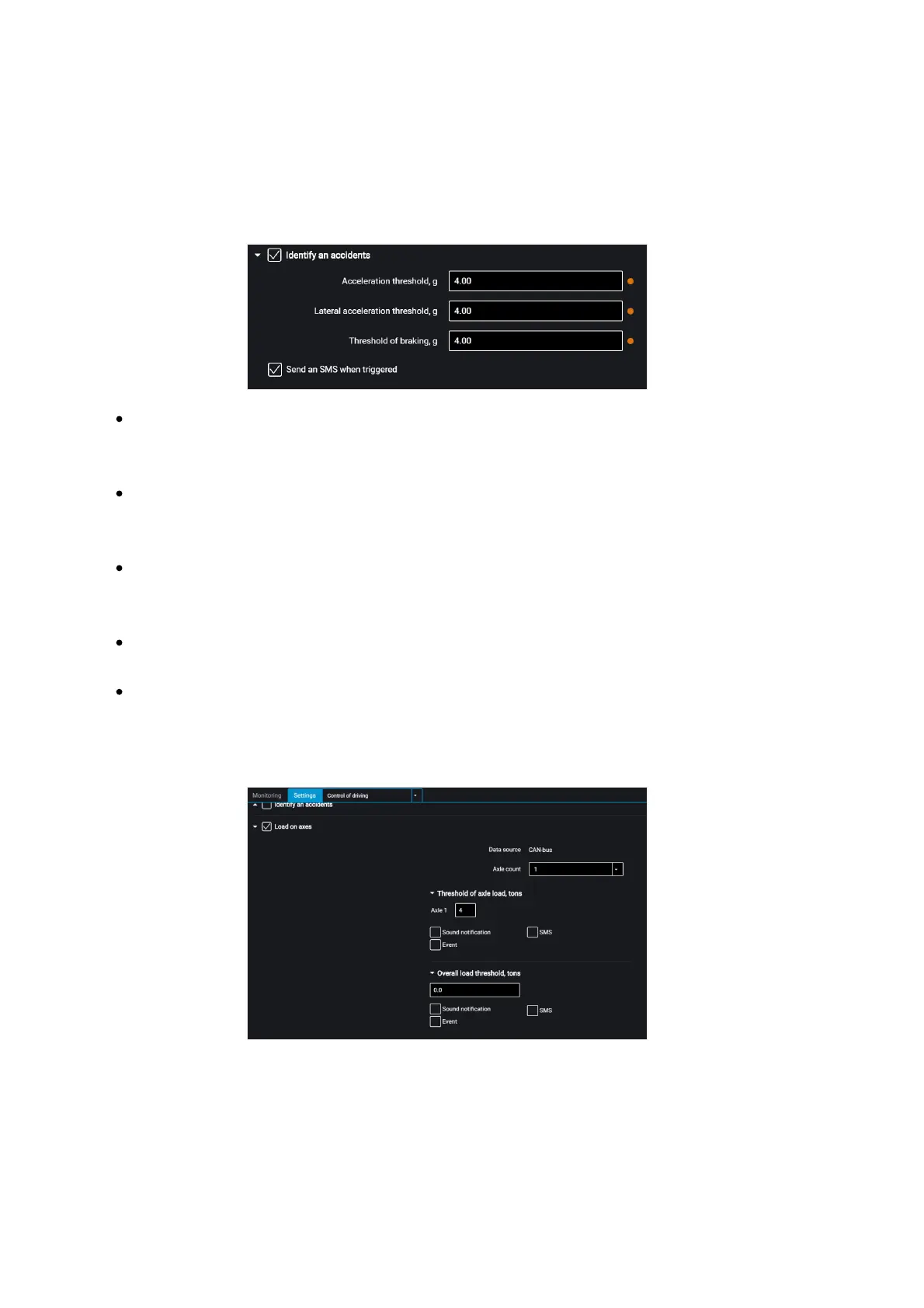
“Determine accidents” – enable/disable accident registration upon exceeding the set
values of monitored parameters.
“Speeding up threshold” – value of acceleration while speeding up, which
exceeding will trigger registration of accident
“Lateral acceleration threshold” – value of acceleration while turning, which
exceeding will trigger registration of accident
“Braking threshold” – value of acceleration while braking, which exceeding will
trigger registration of accident
“Send SMS upon triggering” – enable SMS sending upon registration of accident
“Send photo upon triggering” – enable digital camera photo sending upon
registration of accident
“Load on axes” – enable/disable control of vehicle axle load and total vehicle load.
“Data source” displays the axle load data source. Possible options: ALM Weight
Indicator and CAN.
To select the ALM Weight Indicator as a data source choose Indicator in the RS-485 or
RS-232 interface configuration.



 To Next Page