127
Allocations to Slave Units Section 5-2
Communications Mode
No. 8: Software Setting
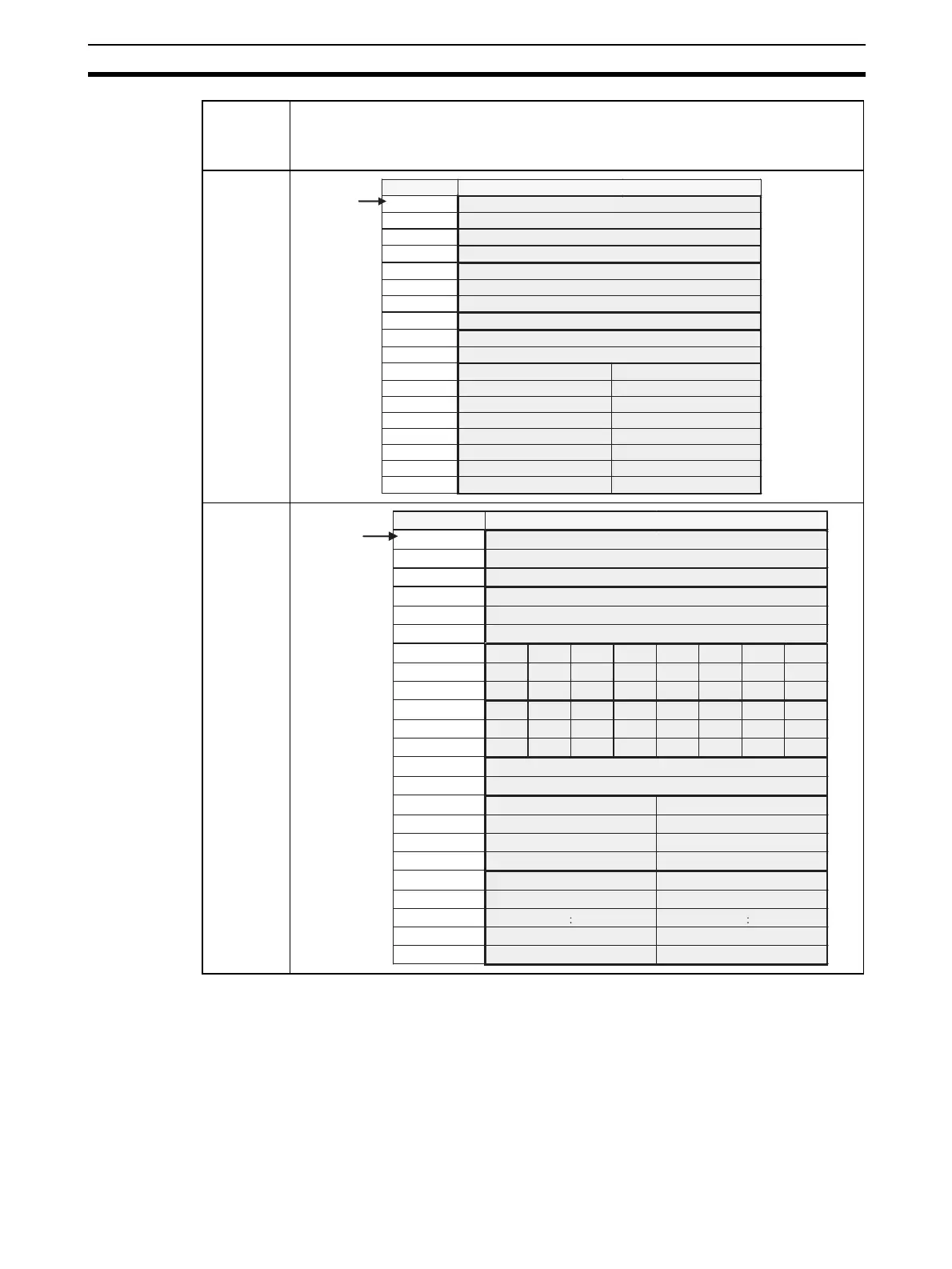
When using communications mode 8 (Software Setting Mode), the CompoNet
Unit IN/OUT information can be allocated in the CIO, DM, WR, and HR Areas,
in addition to the Special I/O Unit Area.
The Software Setting Table is used in the following situations.
• When allocating words in an area other than the Special I/O Unit Area to
Slave Units
• When setting the number of words allocated, e.g., when words after those
allocated to the Slave Units will be used for another purpose.
2
3
Communi-
cations
mode num-
ber
Pattern
+0 [ OUT0 ]
: :
+30 [ OUT30]
+31 [ OUT31]
+32 [ I N0 ]
: :
+62 [ I N30 ]
+63 [ I N31 ]
+64
+65
+66
+67
+68
+69
+70
+71
+72
+73
Word address Bit 15 Bit 0
Special I/O
Unit Area
CIO 2000 +
(10 x unit
number)
Status
Parameters
Communications Error Flags: OUT0 to OUT7 Participation Flags: OUT0 to OUT7
Communications Error Flags: IN0 to IN7 Participation Flags: IN0 to IN7
Communications Error Flags: OUT8 to OUT15
Participation Flags: OUT8 to OUT15
Communications Error Flags: IN8 to IN15
Participation Flags: IN8 to IN15
Communications Error Flags: OUT16 to OUT23 Participation Flags: OUT16 to OUT23
Communications Error Flags: IN16 to IN23 Participation Flags: IN16 to IN23
Communications Error Flags: OUT24 to OUT31
Participation Flags: OUT24 to OUT31
Communications Error Flags: IN24 to IN31
Participation Flags: IN24 to IN31
+0 [ OUT0 ]
: :
+15 [ OUT15 ]
+16 [ I N0 ]
: :
+31 [ I N15 ]
+32 [ BIT OUT 7] [ BI T OUT 6] [ BI T OUT 5] [ BI T OUT 4] [ BI T OUT 3] [ BI T OUT 2] [ BI T OUT 1] [ BI T OUT 0]
: : : : : : : : :
+39 [ BIT OUT 63] [ BIT OUT 62] [ BIT OUT 61] [ BIT OUT 60] [ BIT OUT 59] [ BIT OUT 58] [ BI T OUT 57] [ BIT OUT 56]
+40 [ BI T IN 7] [ BI T I N 6] [ BI T I N 5] [ BI T IN 4] [ BI T I N 3] [ BI T IN 2] [ BIT IN 1] [ B IT IN 0]
: : : : : : : : :
+47 [ BIT IN 63] [ BIT IN 62] [ BIT IN 61] [ BI T IN 60] [ BI T IN 59] [ BI T IN 58] [ BI T IN 57] [ BI T I N 56]
+48
+49
+50
+51
+52
+53
+54
+55
:
+68
+69
Word address Bit 15 Bit 0
Special I/O
Unit Area
CIO 2000 +
(10 x unit
number)
Status
Parameters
Communications Error Flags: OUT0 to OUT7 Participation Flags: OUT0 to OUT7
Communications Error Flags: IN0 to IN7
Participation Flags: IN0 to IN7
Communications Error Flags: OUT8 to OUT15
Participation Flags: OUT8 to OUT15
Communications Error Flags: IN8 to IN15
Participation Flags: IN8 to IN15
Communications Error Flags: BIT OUT0 to BIT OUT7
Participation Flags: BIT OUT0 to BIT OUT7
Communications Error Flags: BIT OUT56 to BIT OUT63
Participation Flags: BIT OUT56 to BIT OUT63
Communications Error Flags: BIT IN56 to BIT IN63
Participation Flags: BIT IN56 to BIT IN63
Communications Error Flags: BIT IN0 to BIT IN7 Participation Flags: BIT IN0 to BIT IN7












 To Next Page