Chapter-10
String Options
Code ID
10.1.5
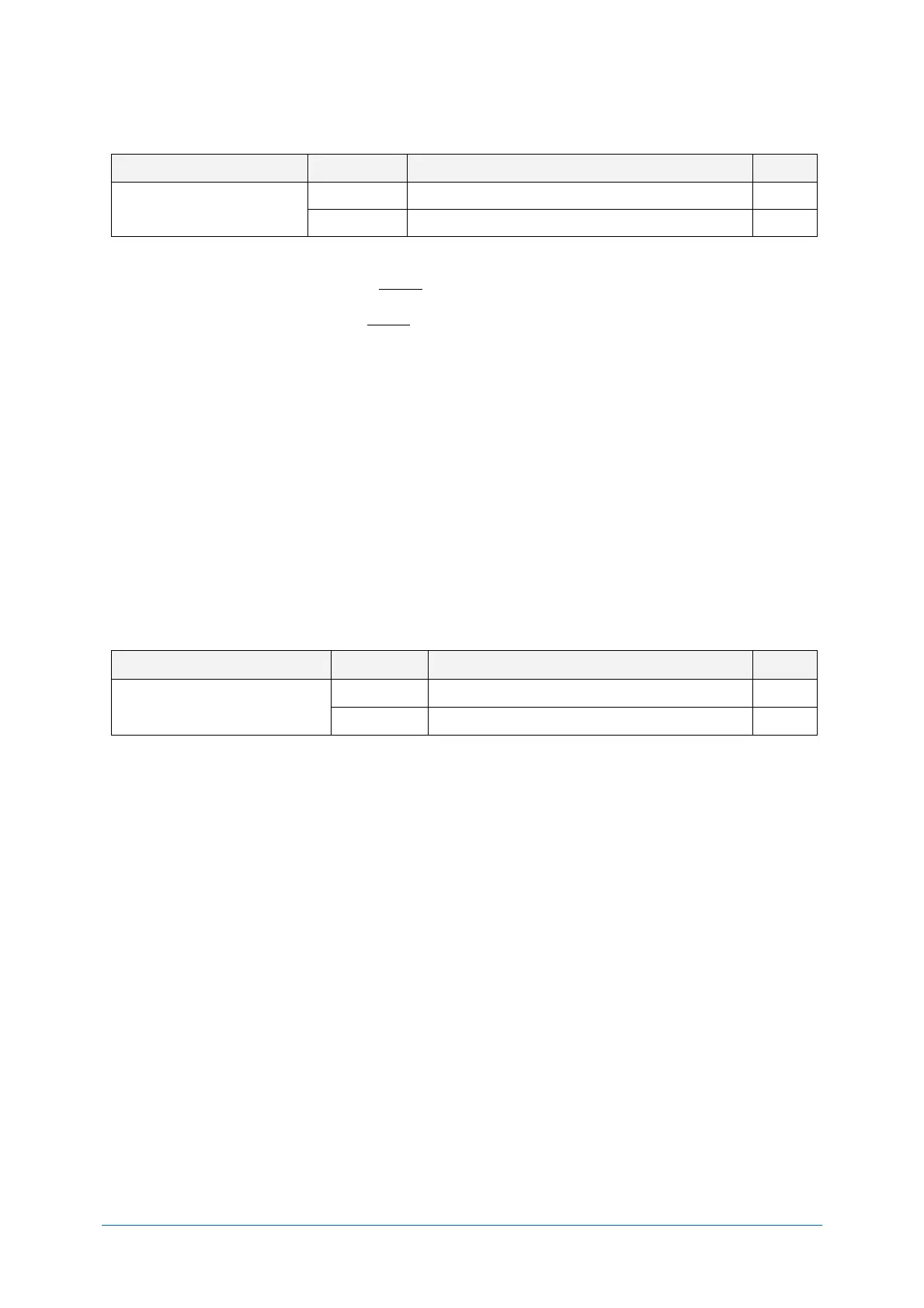
Code ID can be added by sending following command continue to the prefix / suffix setting command.
Code identification using OPTICON ID
Code identification using AIM ID/ ISO 15424
There are two ways of adding Code ID as follows.
● OPTICON Code ID: (Refer appendix 11.1.1)
● AIM/ISO Code ID: (Refer appendix 11.1.2)
The code identifier is transmitted in ISO 15424 format. ]cm
• ] is ASCII value, decimal 93
• c is code character
• m is modifier character
Example) Add “<OPTICON Code ID>” to the all codes prefix.
Configuring with Command:
<Esc>RY$2<CR>
Code Length 10.1.6
For 1D codes the code length is transmitted as 2 digits, excluding prefix and suffix characters. For 2D
codes the code length is transmitted as 6 digits. It is also possible to send the length as 6 digits for
both 1D and 2D codes. These direct input characters count as 1 entry of the 4 permissible entries for a
prefix and suffix.
Code length can be added by sending following command continue to the prefix / suffix setting
command.
Code length (1D/2D: 2/6 digit)
Code length (1D/2D: 6/6 digit)
Example: Set the prefix for all codes to <Code length (1D/2D: 2/6 digit)>:
Configuring with Command:
<ESC>RY$3<CR>


 To Next Page