Chapter-7
Tuning and Bank Function
Reading Test
7.3
After tuning, use the test command to confirm whether installation condition and tuning work properly.
Reading Test Command 7.3.1
Reading test outputs 1 result after 10 times of imaging and reading each. And output this continuously.
To start / end reading test, use the following command.
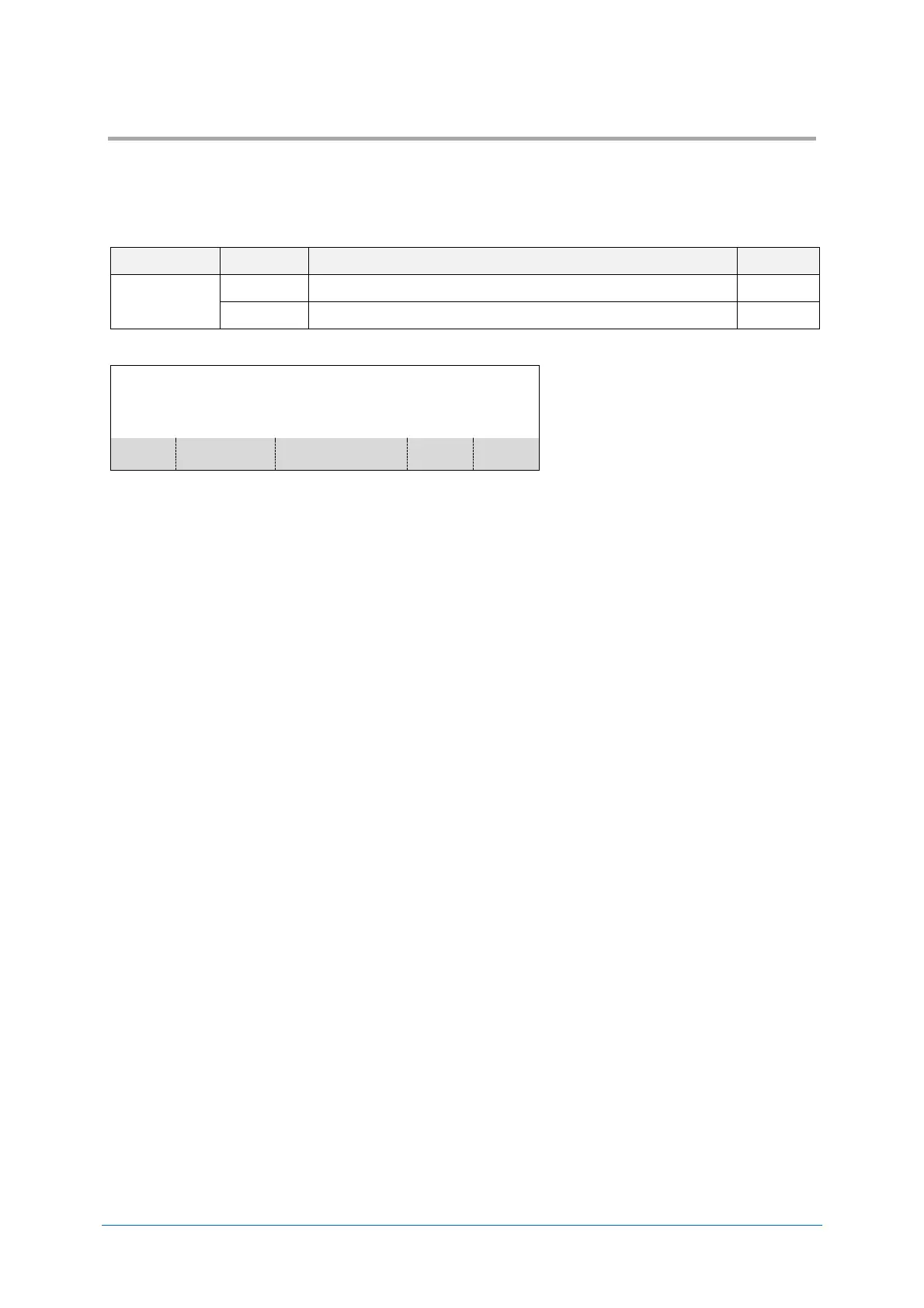
The reading test outputs following data continuously.
BANK 1:RATE 100[%]:TIME 25 - 26[ms]:123456789<CR>
BANK 1:RATE 100[%]:TIME 24 - 28[ms]:123456789<CR>
BANK 1:RATE 100[%]:TIME 24 - 27[ms]:123456789<CR>
BANK 1:RATE 100[%]:TIME 24 - 26[ms]:123456789<CR>
Max/Min read time
in 10 times


 To Next Page