Version 4.0.2 dated 2019-4-3 Page 39Translation of the original instructions
BF20LD GB
BF20LD_GB_DRO5.fm
OPTIMUM
MASCHINEN - GERMANY
®
5 DRO 5 on BF20LD
Display: three position display, one speed display
Setting the resolution of the counting function
Setting of counting direction
Linear error compensation
Metric / inches change-over
LCD display status setting
Speed mode setting
Basic value setting
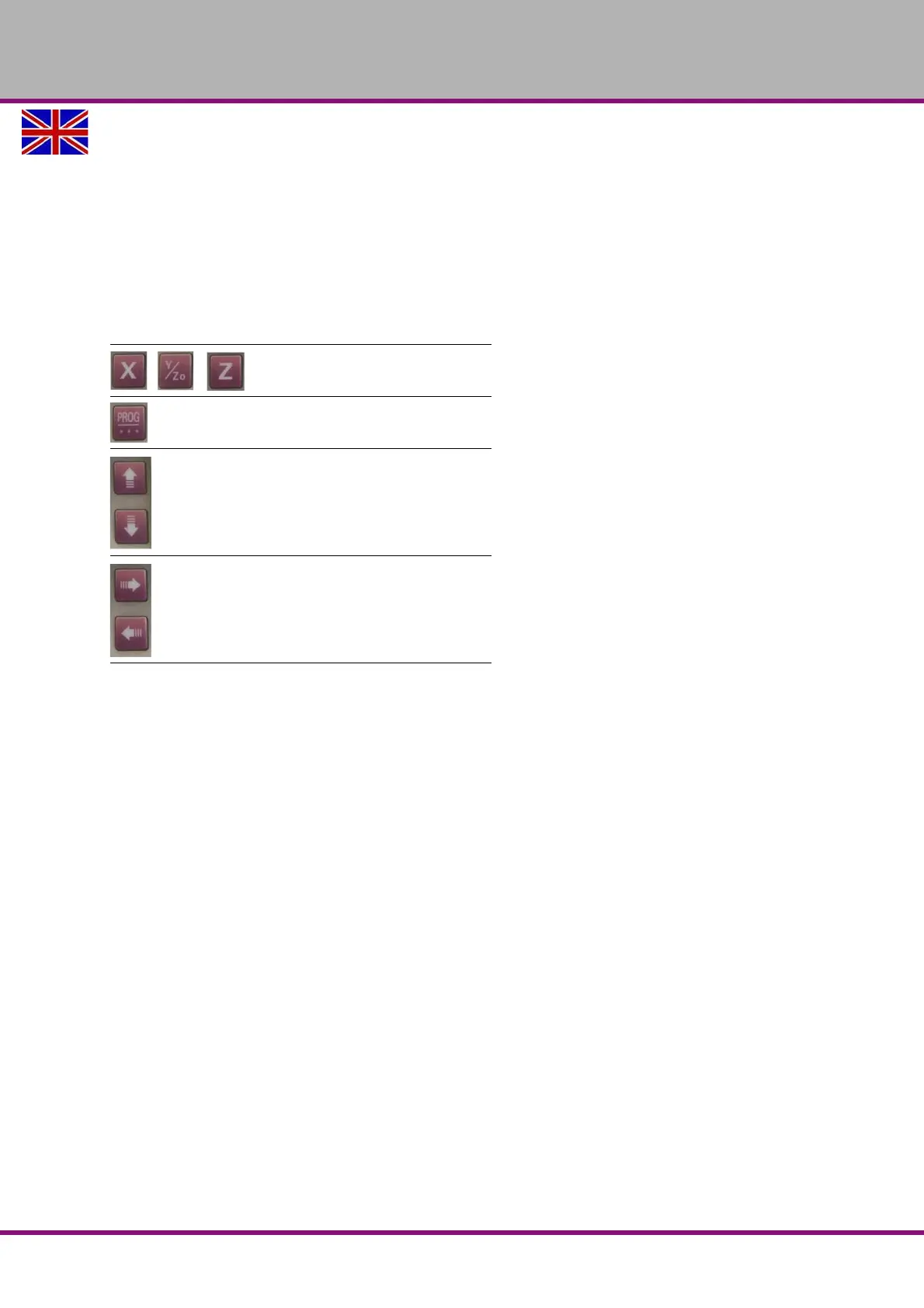
5.1 Keyboard (eight keys)
5.2 Operations
5.2.1 Axial function
In the normal display state, press (X,Y, Z) key to make the corresponding axial value flash. After flash sev-
eral times, this axis will be cleared.
If the value of the indicator is blinking, press the corresponding axis button again to cancel the operation.
If the displayed value is in flashing state, press again the function button "PROG" in order to change the
fundamental value of the axis.
5.2.2 Modification of the basic value of X, Y, Z
After entering this option, the basic value is highlighted, and the digital bit is located in the flashing state.
The ↑ ↓ keys are used for changing the digital bit, the ← → keys are used for selecting the digital bit. After
completing the changes, press the "PROG" key to exit the option.
5.3 MENU
The operating modes of the menus are nearly same. The ↑ ↓ key move the cursor to the specified options,
the "PROG" key is used to select. For optional items, using ↑ ↓ key to select, and using the "PROG" key to
exit after completing. For modifying items, using ↑ ↓ key to modify the digital bit, using ← → key to select
the digital bit, using "PROG" key to exit after completing. Pressing the "PROG" key in multilevel menus
enters the next level menu.
The selection keys of axes
function selection key, enter key.
Moving key
Increase or decrease key of the digits















 To Next Page