26
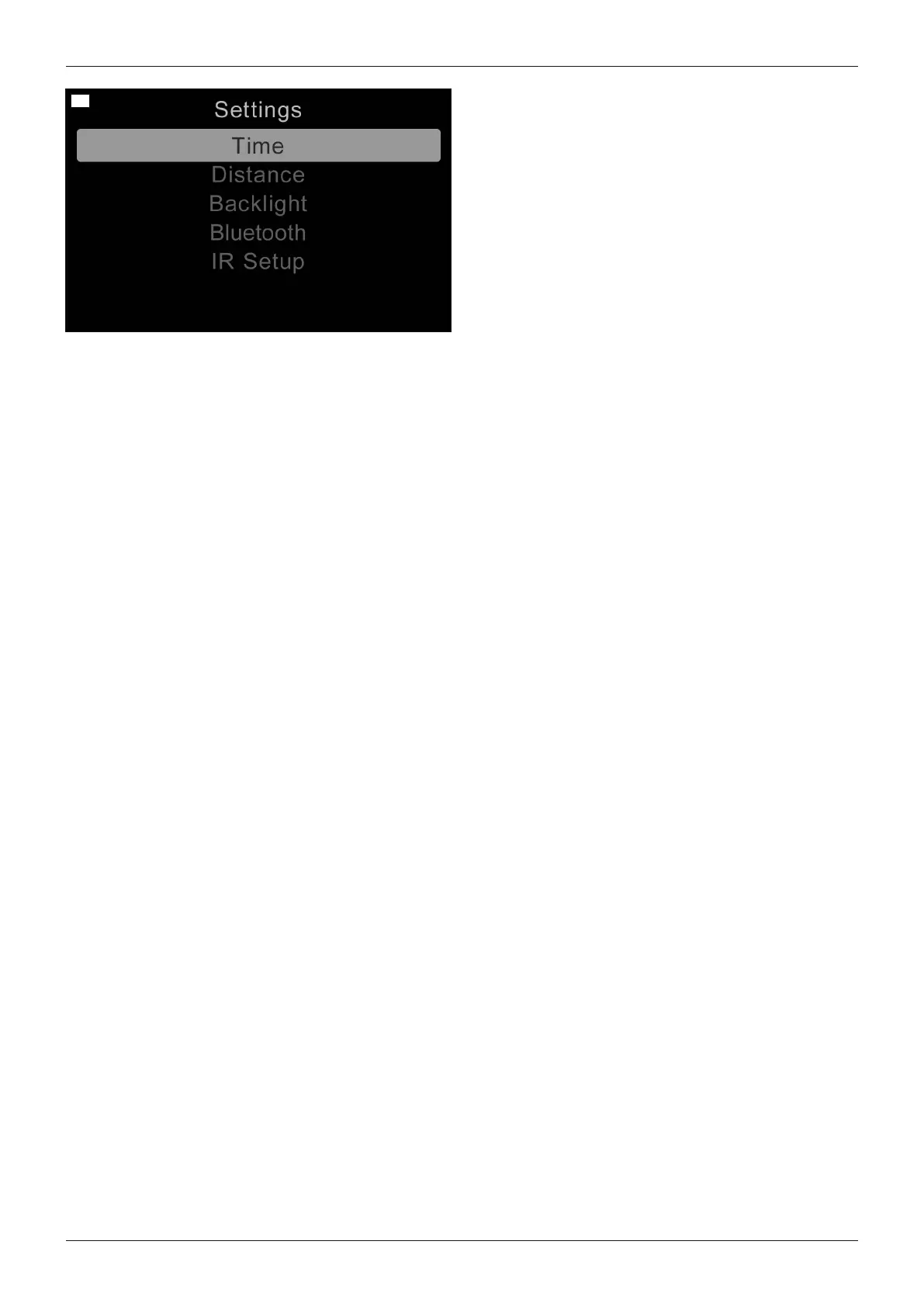
• To retrieve the "Settings" menu, the [Warning flash
ers on/off] button must be pressed and held.
• To navigate through the menu, move the joystick up
and down.
• The desired setting function (e.g.[Time]) is selec
ted by moving the joystick to the right.
• Concrete settings (value changes) are made by fur
ther joystick movements up/down or right/left.
• Some settings are made by turning the rotary multi-
selector to the left or right (see Page42).
• To save, select the menu item [Exit] and move the
joystick to the right to confirm.
[Time] menu item >
The following submenus are displayed by moving the joystick to the right.
• [Set Time]: The displayed time can be changed with additional joystick movements here.
• [Display Time]: By moving the joystick to the left/right, the time display format can be changed or the display
turned off. Adjustable options are [12hr], [24hr] or [Off].
• [Exit]: Return to the Settings menu by moving the joystick to the right
[Distance] menu item >
The following submenus are displayed by moving the joystick to the right.
• [Total Distance]: Display of the overall distance travelled with the control unit.
• [Trip Distance]: Display of the distance travelled since the last reset to zero.
• [Display Distance]: Moving the joystick to the left/right determines whether the total distance or trip distance
appears on the display.
• [Clear Trip Distance]: The trip distance can be erased by moving the joystick to the right.
• [Exit]: Return to the Settings menu by moving the joystick to the right
[Backlight] menu item >
The following submenus are displayed by moving the joystick to the right.
• [Backlight]: The intensity of the LCD backlight can be adjusted by moving the joystick to the left/right. The
adjustable range is 0% to 100% in steps of10%.
• [Autobacklight]: The available options Off and On can be selected by moving the joystick to the left/right. If set
to On, the display adjusts the screen brightness based on the light sensor reading. If set to Off, the screen
brightness will not change with changes in light intensity.
• [Backlight Timeout]: Automatic dimming of the backlight after a defined time period can be set by moving the
joystick to the left/right. The setting is 0 to 240seconds in increments of 5seconds. A value of 0seconds deac
tivates this function.
• [Exit]: Return to the Settings menu by moving the joystick to the right
[Bluetooth] menu item
See the section "Environmental control via Bluetooth" (see Page36) for further information.
[IR Menu] menu item
See the section "Environmental control via infrared (IR)" (see Page40) for further information.
[Diagnostics] menu item
For trained, qualified personnel only.
[Exit] menu item
Exit the Settings menu by moving the joystick to the right. The display switches to the first driving profile.
35Juvo
Use















 To Next Page