R-Net control unit – TEN° control panel
Symbol Information
Restricted speed (creep speed)
Turtle symbol lights up yellow: automatic speed reduction (e.g.because a seat
function was activated)
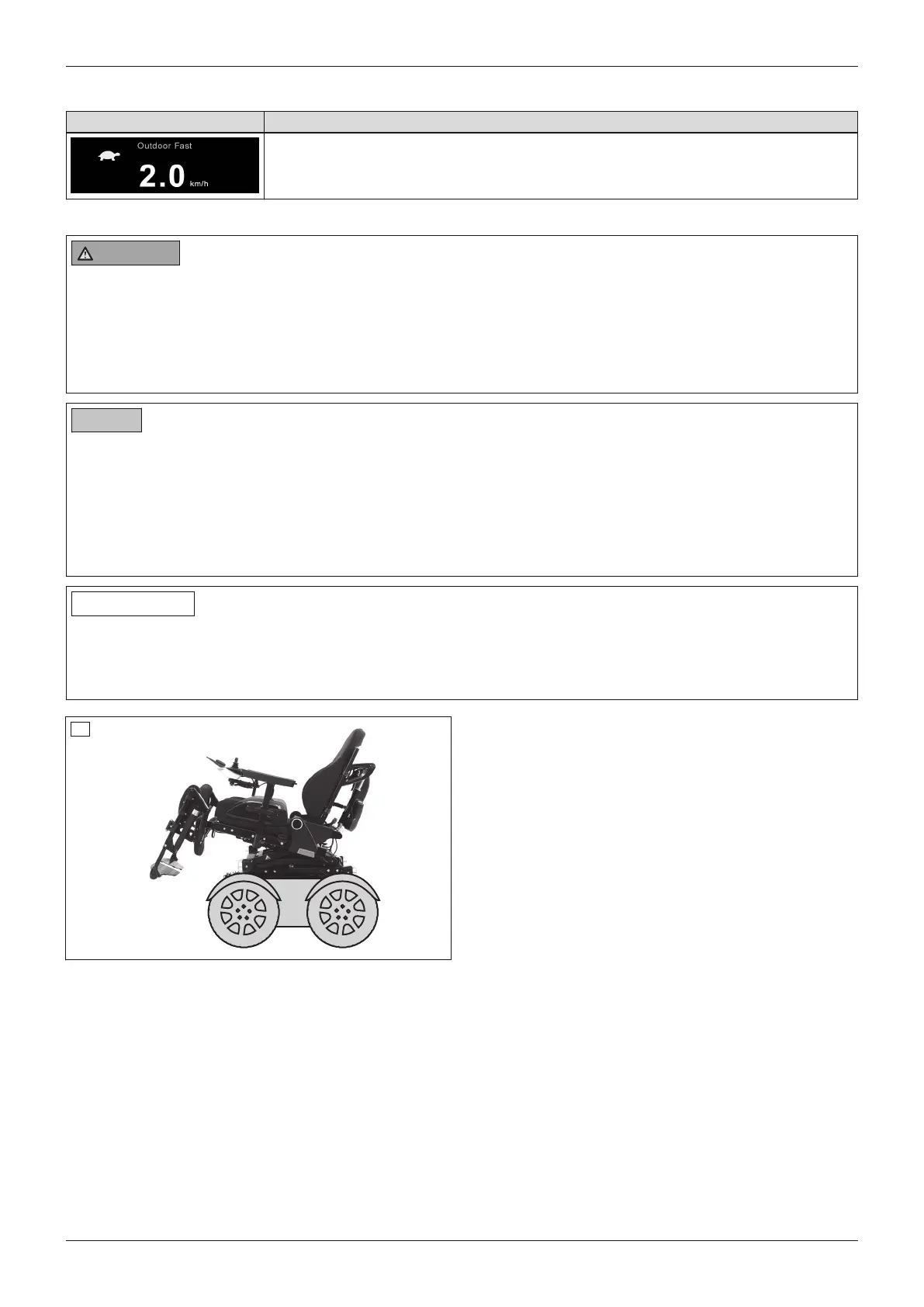
6.11.3 Power seat tilt
WARNING
Incorrect seat tilt handling
Falling, tipping over due to driving with unallowable seat settings
► Use the seat tilt feature only with the backrest in the upright position.
► Drive in street traffic only with the seat tilt lowered.
► When driving with the seat tilt activated, even at home, fasten the belts and do not lean out beyond the seat
surface.
NOTICE
Improper use of the seat tilt
Damage to the seat back due to collision with the luggage carrier
► Note that the seat back may collide with the luggage carrier when the seat is fully tilted. In this case, remove
the luggage carrier before using the seat tilt.
► Note that the seat back may collide with items on the luggage carrier even when the seat is only tilted slightly.
Take the items off the luggage carrier in this case. If this is not possible, then the seat must not be adjusted
too far back.
INFORMATION
► Please also observe the generally applicable safety instructions in the section "Power seat functions" >
"Safety instructions" (see Page61).
► Observe the instructions for use in the sections "Controlling power seat functions" (see Page66) and "Joy
stick functions" (see Page67).
55
The power seat tilt function allows the seat to be tilted
by up to 45°, for example to relieve pressure (with
centre of gravity shift).
The seat can be tilted back continuously to the spe
cified angle.
63Juvo
Use















 To Next Page