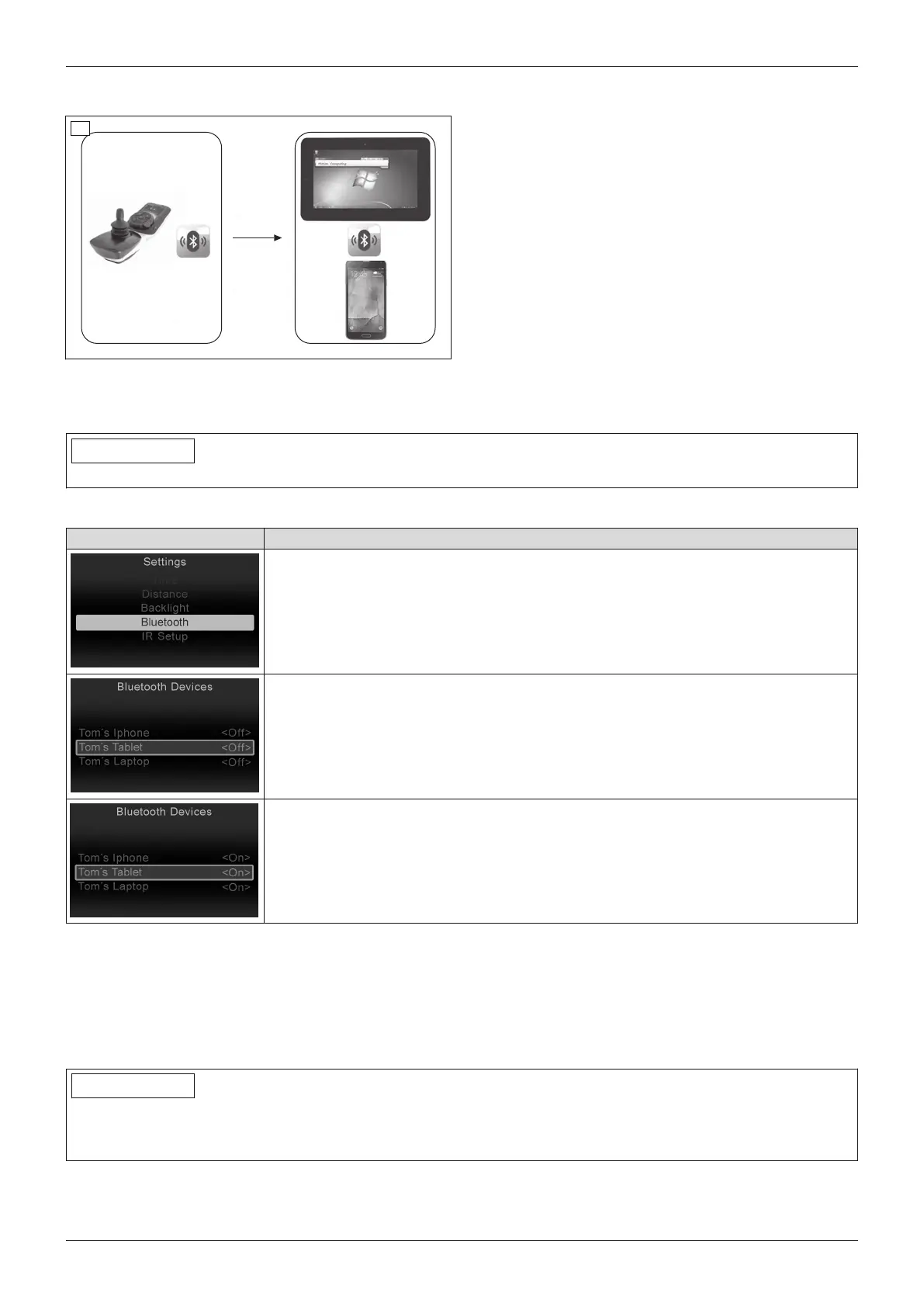
6.6.2.4 Environmental control via Bluetooth
27
PCs (Windows) and tablets/smartphones (iDevices;
Android 4.0 or higher) can be operated in "Bluetooth
Devices" mode.
The joystick signals of the TEN° control panel are used
to control the device functions.
Mouse functions (mouse movements, right/left click,
hold, select) can be executed using brief joystick com
mands or external buttons.
6.6.2.4.1 Activating devices
Before connecting to a Bluetooth device, the device registration must be activated on the TEN° control panel.
INFORMATION
Only activated device registrations are displayed in Bluetooth mode.
LCD display in "Settings" menu – TEN° control panel
Display Information
Select the "Settings" menu by pressing and holding the [Warning flashers on/off]
button on the TEN° control panel and choose the [Bluetooth] item:
• To scroll through the list: joystick front/back
• To select registration: joystick to the right
A list of preprogrammed device names and their respective activation status [On/Off]
is displayed. Standard device names are PC, phone, iPhone, iPad. The names can
be adjusted by the qualified personnel as desired.
Select an appropriate device name for the device being activated.
Set the activation status to <On>. Restart the control unit afterwards.
6.6.2.4.2 Pairing
Mutual authentication is required prior to initial Bluetooth communication between devices. This procedure, which
needs to be carried out once for each device, is called "pairing".
The procedure on the TEN° control panel, which can also be carried out by an attendant if necessary, is described
below.
Pairing with a PC
INFORMATION
Because of the various operating system versions, some steps (searching for a Bluetooth device, adding a
Bluetooth device, establishing a connection to the Bluetooth device) can only be described in very general terms.
Also use the respective operating system help.
To pair with a PC, perform the following steps:
36
Use
Juvo















 To Next Page