74
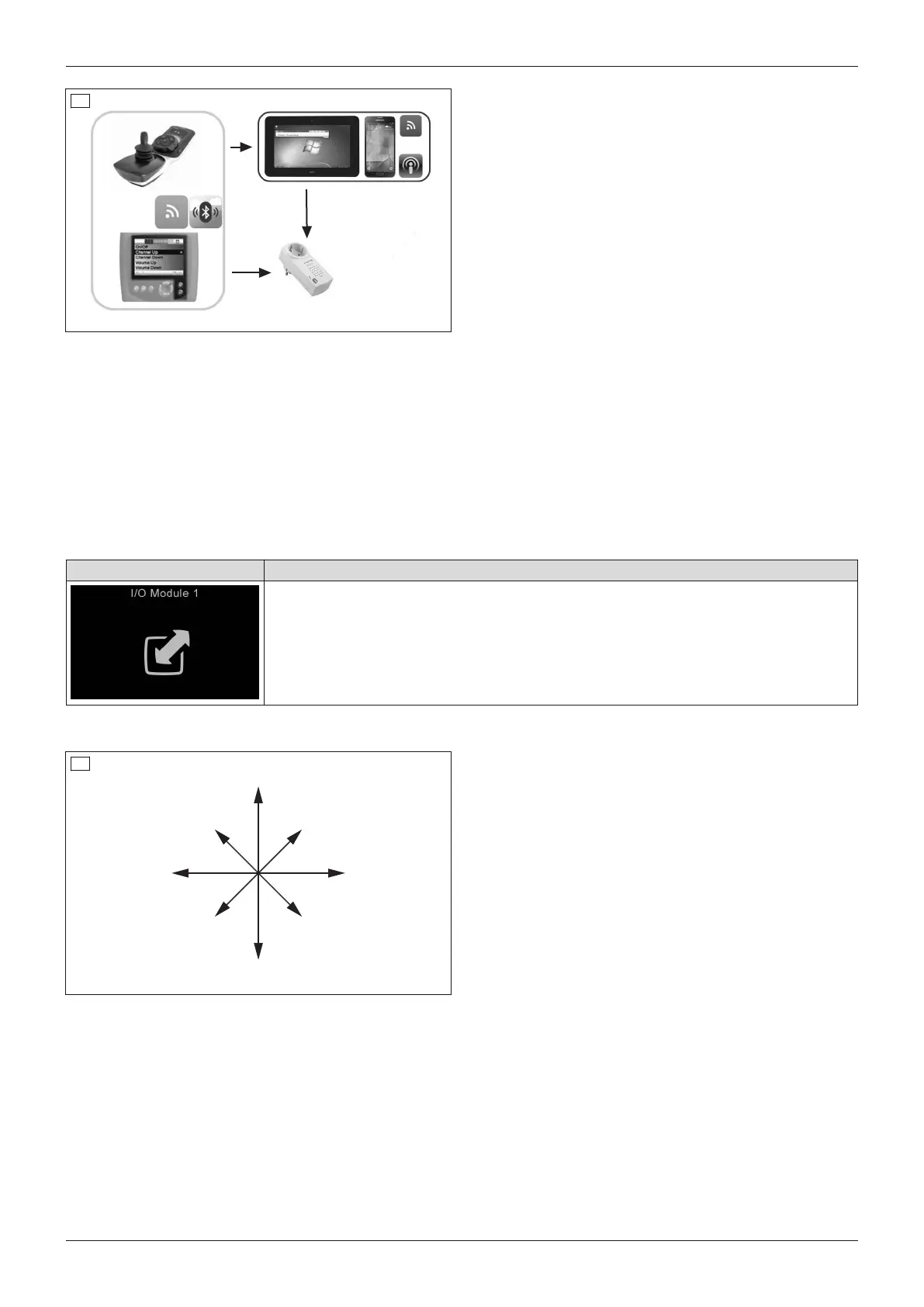
An additionally available wireless module makes it pos
sible to control up to 6 building services receivers
(e.g.outlets, light switches, roller shutters etc.) wire
lessly via the control panel.
Operating in the background, the wireless module is a
transmitter (frequency 868.30MHz), which uses the
Easywave protocol especially developed for building
services. This protocol is used in numerous building
services products available in the market.
The maximum tested driving distance range is 20m.
The devices being controlled must be synchronised
with the control device prior to use. Synchronisation is
performed by the qualified personnel.
Retrieving/exiting "I/O Module 1"
The environmental control mode for devices with infrared remote control is retrieved/exited as follows:
• Repeatedly pressing the [Profile/mode] button retrieves the profiles and operating modes in succession (see
Page30; dependent on programming).
• When "I/O Module 1" mode is reached, the programmed building services devices can be wirelessly con
trolled (see below).
• Pressing the [Profile/mode] button again allows you to switch to further operating modes and back to the driv
ing profiles again (dependent on programming).
LCD display in "I/O Module 1" mode – TEN° control panel
Display Information
"I/O Module" mode active
The devices being controlled must be synchronised with the control unit prior to use.
Synchronisation is performed by the qualified personnel.
Operating devices
Function 4
Function 1
Function 2
Function 2
Function 2
Function 3
Function 5
Function 6
Left Right
Forward
Reverse
75
The desired function can be controlled in "I/O Module
1" mode by moving the joystick in the corresponding
direction.
Example: Function 1 is started by moving the joystick
forwards.
6.16 Additional options
6.16.1 Control panel holder
Swing-away control panel holder
The control panel holder makes it possible to drive the power wheelchair under a table or closer to an object.
The control panel holder can be rotated up to the armrest.
86
Use
Juvo















 To Next Page