The joystick was mounted on a holder for the tray. This makes the joystick readily accessible for the user.
The qualified personnel programmed the movement ranges according to the specific abilities of the user.
Special features of the supplied joystick control include:
• Intuitive operation
• Simple menu navigation
• Individual settings for amplification
• Modular concept for individual adaptation
• Service-friendliness thanks to simple design
• Adjustment of speed, acceleration and deceleration values to the user's individual needs.
Detailed information regarding the technical data, configuration and assembly of the individual joysticks can be
found in the respective user and installation handbook provided with the joystick.
6.15.3.2 Joystick commands
The following functions are typically assigned to the joystick movements:
Joystick movement Drive mode Menu mode*
To the front Forwards Scroll up in list
To the rear Reverse Scroll down in list
To the right Right turn directly after starting Select menu item
To the left Left turn directly after starting
*) Sequence mode can also be set for menu selection depending on programming. The menu entries can be
scrolled through here by pressing the user switch.
You can switch from Driving mode to Menu mode and back by briefly pressing the user switch (approx. 1s) during
standstill.
Pressing the user switch while driving triggers an emergency stop.
6.15.3.3 Drive mode
The display appears with the defined entry point on the control panel or LCD monitor after switching on. To drive,
select the drive menu and press the joystick in the desired direction of travel. The speed is increased as long as the
user presses the joystick in the selected direction, or until the defined maximum speed has been reached.
The wheelchair can be braked using the following methods:
• Press the joystick in the opposite direction (fast stop).
• Stop pressing the joystick (automatic halt).
The speed decreases until the wheelchair comes to a halt. When the joystick is activated again, the wheelchair
continues in the desired direction.
INFORMATION
The mechanical brake is automatically activated and prevents the wheelchair from rolling away when the wheel
chair comes to a halt.
6.15.3.4 Latched drive mode
In Latched drive mode, the drive function is maintained without the user having to continuously press the joystick
control. This relieves the user when driving longer distances. The joystick control needs only to be pressed until the
desired speed has been reached. The wheelchair then drives with this speed until the joystick control is pressed
again. Steering corrections can be made at any time while driving. The braking process is performed as described
for the Drive mode (see Page79).
The following operating modes can be programmed for Latched drive mode by the qualified personnel:
• Step: Driving in Step mode means that the latched speed of the wheelchair is increased or reduced using short
joystick movements.
• Cruise: Joystick movement accelerates the wheelchair and driving continues at the speed reached when the
joystick is released.
Both operating modes can be programmed either for driving forwards, or for driving forwards and in reverse.
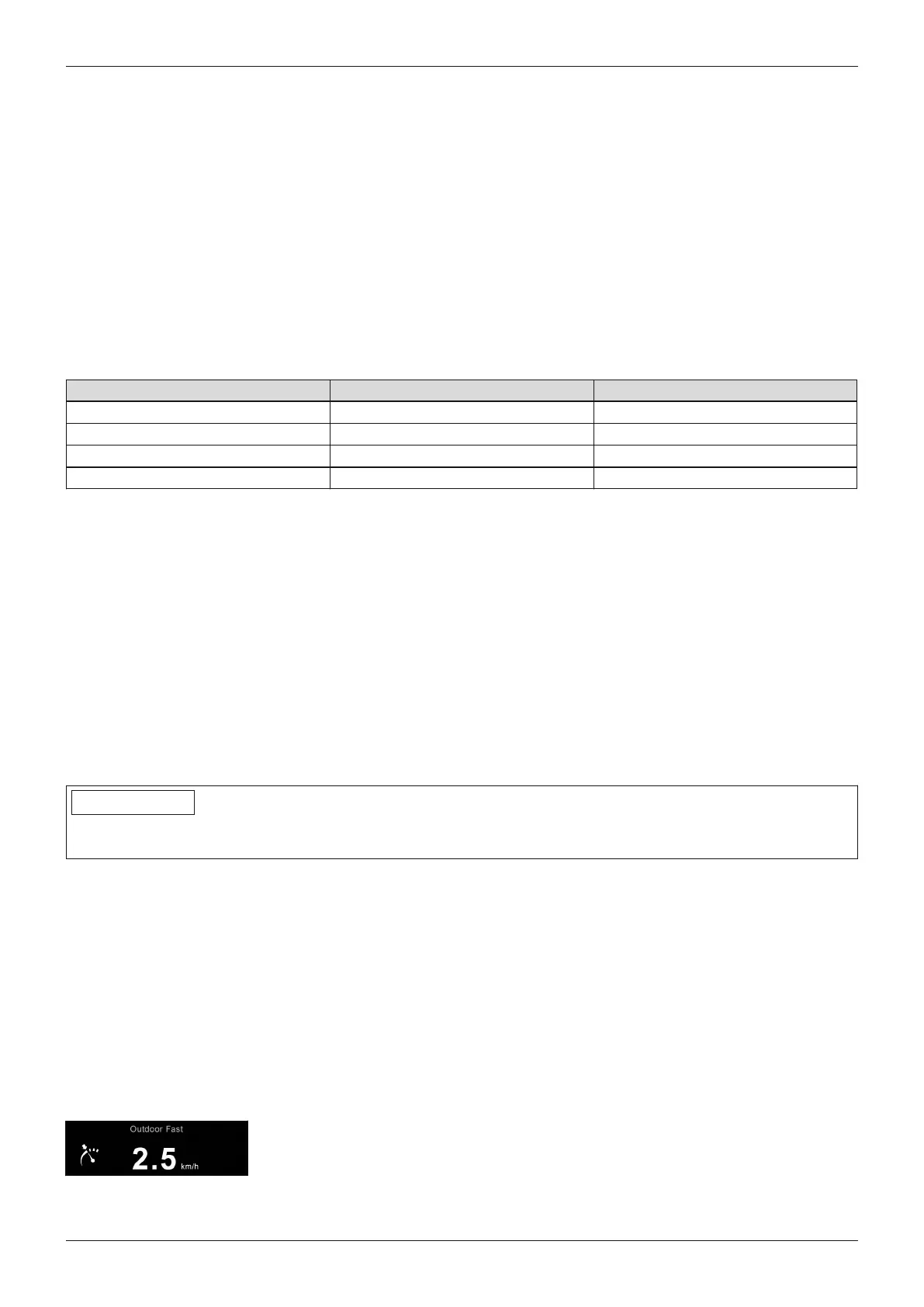
The Latched drive mode is displayed on the TEN° control panel using the symbol
shown at left.
79Juvo
Use















 To Next Page