
 Need help?
Do you have a question about the PacketLight Networks PL-300 and is the answer not in the manual?
Provides an overview of the PL-300 product family and its capabilities.
Details the key functionalities and passive nature of the PL-300.
Describes common use cases and benefits of the PL-300.
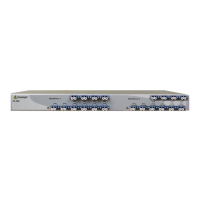
Details the physical attributes and form factor of the PL-300 unit.
Explains the modular design and various configurations available for the PL-300.
Lists the technical parameters and performance data of the PL-300.
Outlines essential safety guidelines and warnings for handling and operating the PL-300.
Describes the environmental and physical conditions needed for proper PL-300 installation.
Provides step-by-step instructions for the physical installation of the PL-300.
Lists DWDM channel frequencies and wavelengths with 100 GHz spacing.
Lists DWDM channel frequencies and wavelengths with 50 GHz spacing.
Presents the CWDM ITU grid wavelengths with 20 nm spacing.
Introduces and details various practical application scenarios for the PL-300.
Describes the optional fiber shelf for organizing optical fibers with the PL-300.
 General
| Brand | PacketLight Networks |
|---|---|
| Model | PL-300 |
| Category | Network Hardware |
| Language | English |

 To Next Page