12 Alignment
12.1. PC / RGB panel white balance
1 PC (VGA) Color
Gray Scale Analyzer
Pattern
IIC mode:
Panel W/B Adj
Component/
RGB-IN Select:
RGB
Cool
Picture menu:
Standard
Color temperature:
Normal
POS./Size:
Picture:
Aspect:
Full
25
1) Set G cut off to " 80 ".
Note: · Before adjustment, color signal has not been displayed
on panel.
· The pedestal adjustment has been done.
· The signal root must be A side.
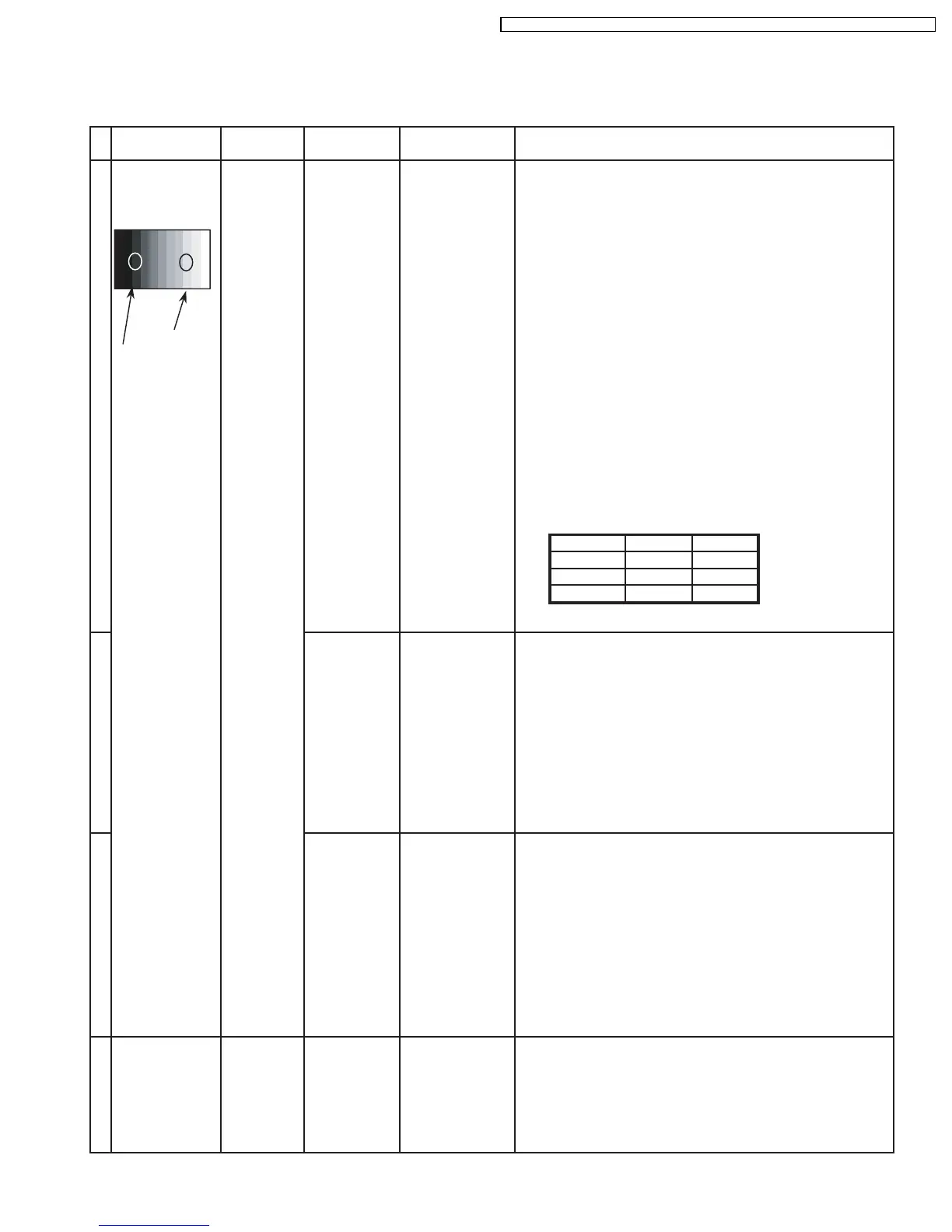
High light 75%
Low light 15%
2)Find 75% (amplitude) of white area by color sensor.
PANEL W/B
G cut off
PANEL W/B
G Drive 3) Set G Drive to " E0 ".
PANEL W/B
B Drive 4) Adjust B and R Drive to set the High color temperature
R Drive as shown Table 1.
PANEL W/B
R,G,B Drive 5) Increase equaly R, G and B Drive to get the
largest level of 3 color drive to "FC".
Color Temp. x y
Cool(Hi) 0.276 0.276
Normal(Mid) 0.288 0.296
Warm(Low) 0.313 0.329
Table 1 W/B adjustment values
2 1) Change color temperature to "Normal".
PANEL W/B
G cut off 2) In Mid color temperature, repeat the procedures 1) to 5) of
Cool mode.
PANEL W/B
R,G,B Drive
3 1) Change color temperature to "Warm".
PANEL W/B
G cut off 2) In Low color temperature, repeat the procedures 1) to 5) of
Cool mode.
PANEL W/B
R,G,B Drive
4 1) Copy the R drive, G drive and B drive data obtained in above
steps into NTSC, PAL and DVI area.
INPUT Alignment menu ProcedureEquipment Setting
· NTSC
· PAL
· DVI
Warm
Picture menu:
Standard
Color temperature:
Normal
POS./Size:
Picture:
Aspect:
Full
25
Normal
Picture menu:
Standard
Color temperature:
Normal
POS./Size:
Picture:
Aspect:
Full
25
45
TH-37PHD8GK / TH-37PHD8GS / TH-37PHD8UK / TH-42PHD8GK / TH-42PHD8GS / TH-42PHD8UK













 To Next Page