Chapter 9
DA7 Users’ Guide
9
-
6
9
Dynamics/
Delay
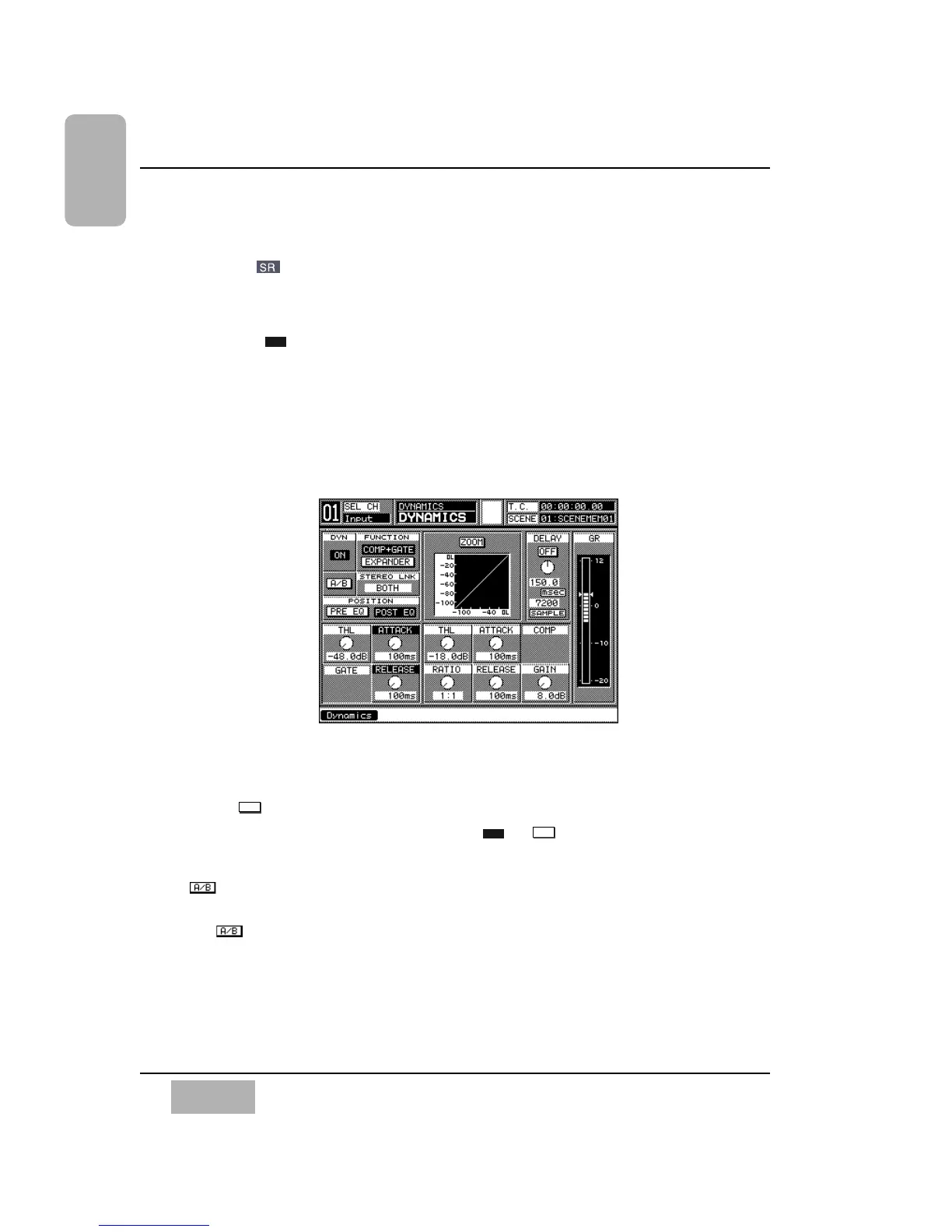
9-3 DYNAMICS Window
Press the knob in the DYNAMICS/DELAY section to display the
[DYNAMICS] window. Or, cursor to the [DYN] area graph in the [CHANNEL]
window, and press the ENTER button to display the [DYNAMICS] window.
Or, when the [AUTO DISP CHANGE] selection in the [UTILITY>CONFIG]
window is , pressing an LED button or adjusting a knob in the
DYNAMICS section will automatically display the [DYNAMICS] window.
The [DYNAMICS] window reflects the current dynamics settings for the
selected channel and contains the controls for adjusting the dynamics and
delay attributes for the channel.
Dynamics has two modes, compressor + noise gate, or expander. You can
also set the channel delay time from this window.
[DYNAMICS] Window Elements
[DYN] Button
Toggle this button to switch the dynamics or for the currently
selected channel.
Button
This button permits you to compare two different dynamics settings. Toggle
the button, and the two settings can be compared.













 To Next Page