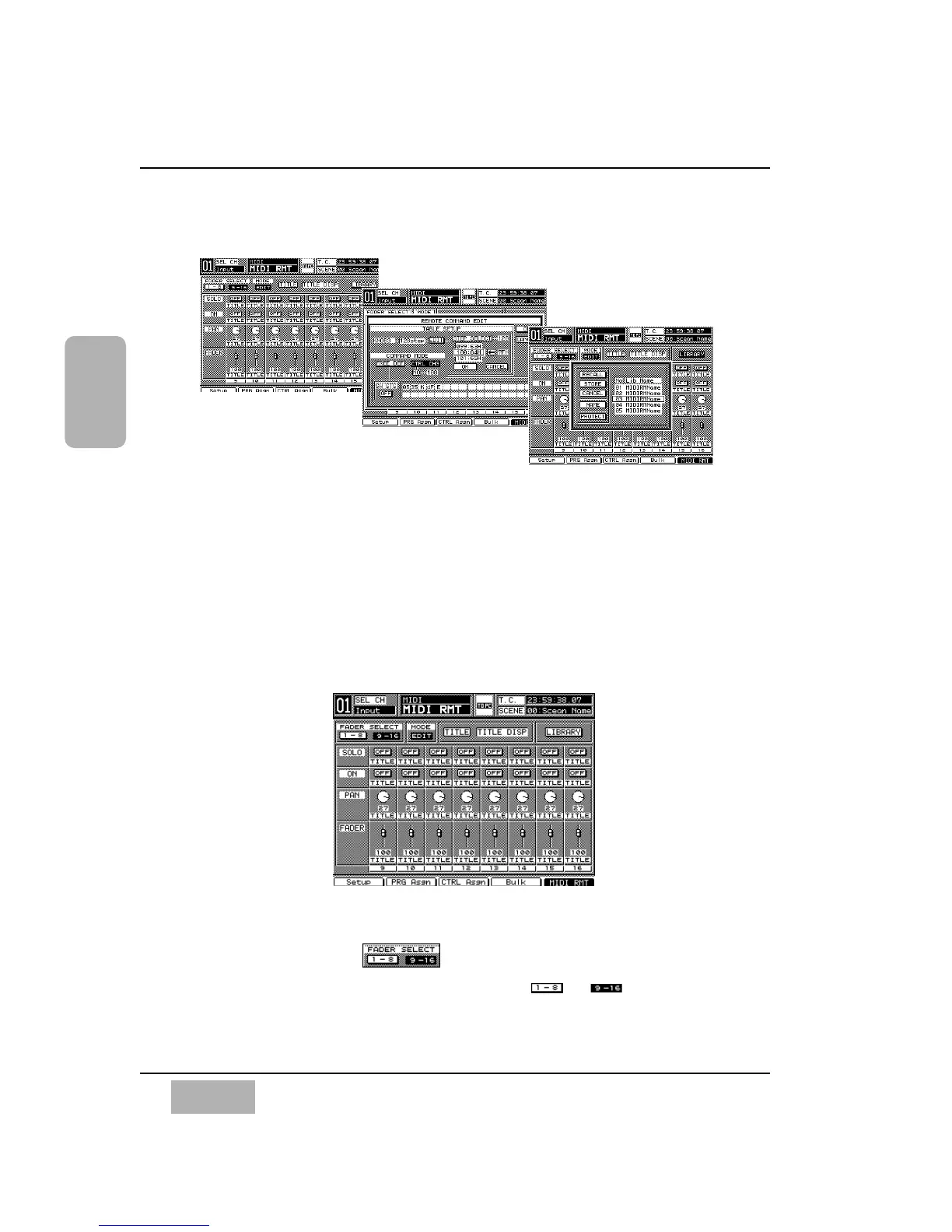
11-5 MIDI, REMOTE Windows
These windows display and set MIDI remote operations for the external MIDI
devices, and edit MIDI remote libraries. Set registration of the MIDI remote
to the fader layers on the User Customize Window. Execute the MIDI remote
by using the MIDI control change command.
For more information, see Section 16-4, Utility, User Custom (USER
CSTM) Window.
[REMOTE] Window
[FADER SELECT] Area
Choose a page for remote by selecting either the or button, and
pressing the ENTER button.
Chapter 11
DA7 Users’ Guide
11
-
14
11
MIDI
REMOTE Windows
REMOTE Window













 To Next Page