Chapter 17
DA7 Users’ Guide
17
-
2
17
Options
17-1 ADAT Digital I/O Card, WR-ADAT
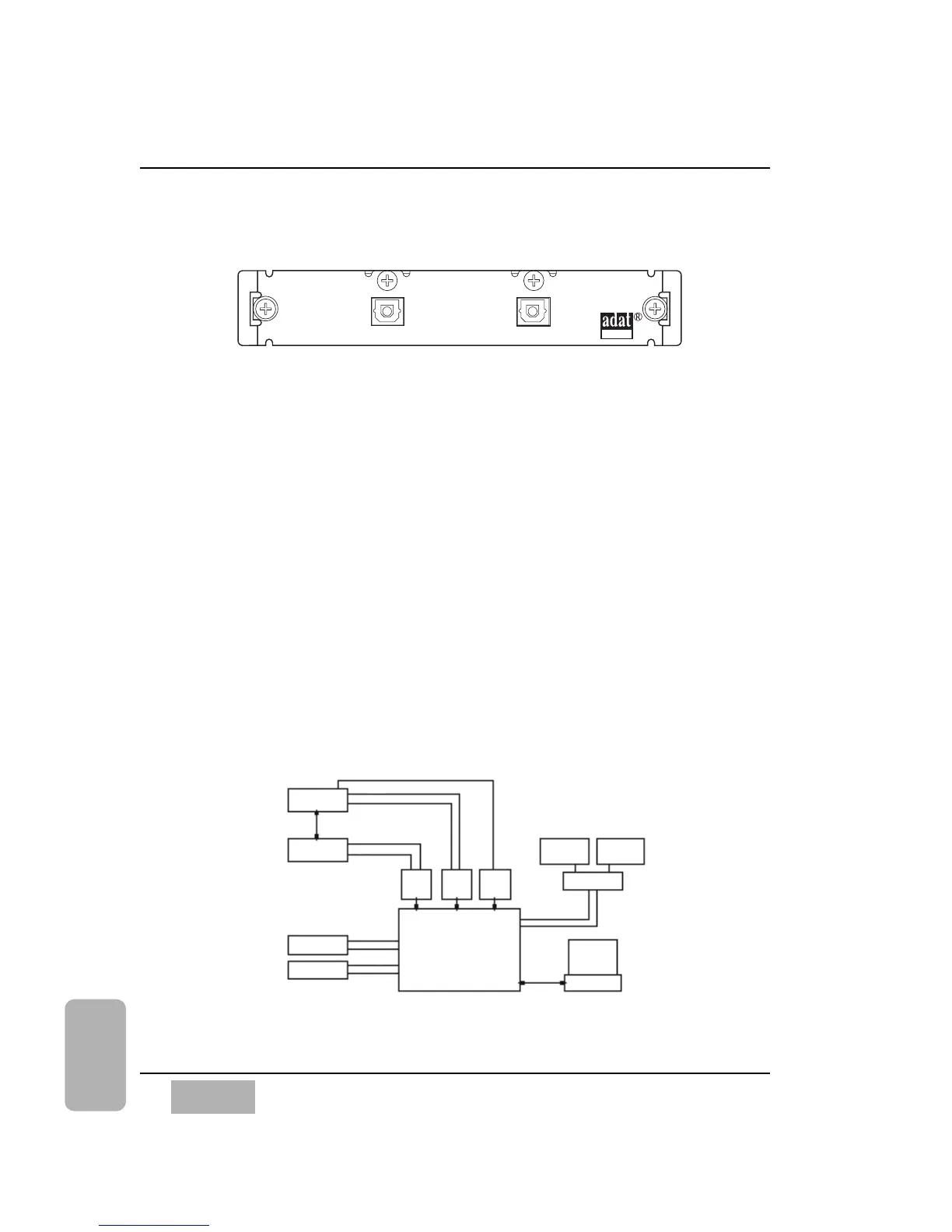
You can use the ADAT card with the DA7 to connect an external ADAT
recorder.
Connect the ADAT card to an ADAT recorder, with a pair of fiber cables, from
the In and Out of the ADAT card to the Out and In of the ADAT recorder.
To send a signal to the ADAT recorder, the [DIGITAL INPUT SELECT]
area of the [D-I/O>INPUT SET] window must be assigned to reflect the
routing being used to feed the ADAT recorder. When the ADAT card is used
in SLOT 3, it replaces analog inputs 9-16, and the FLIP buttons are
illuminated (orange). Go to the [D-I/O>INPUT SET] window and toggle the
path of the SLOT 3 card to the inputs of Channels 9-16.
ADAT + DA7
Use this diagram when setting up the DA7 with an ADAT recorder. This will
provide the DA7 with a connection to 16 tracks of digital recording. To verify
that the setup is properly connected, go to the [D-I/O>INPUT SET] window.
On the lower left, where SLOT 1, SLOT 2, and SLOT 3 are indicated, the
crosshatching will go away when a proper connection has been made.













 To Next Page