DA7 Users’ Guide
8
-
1
8
Pan/Assign
Surround
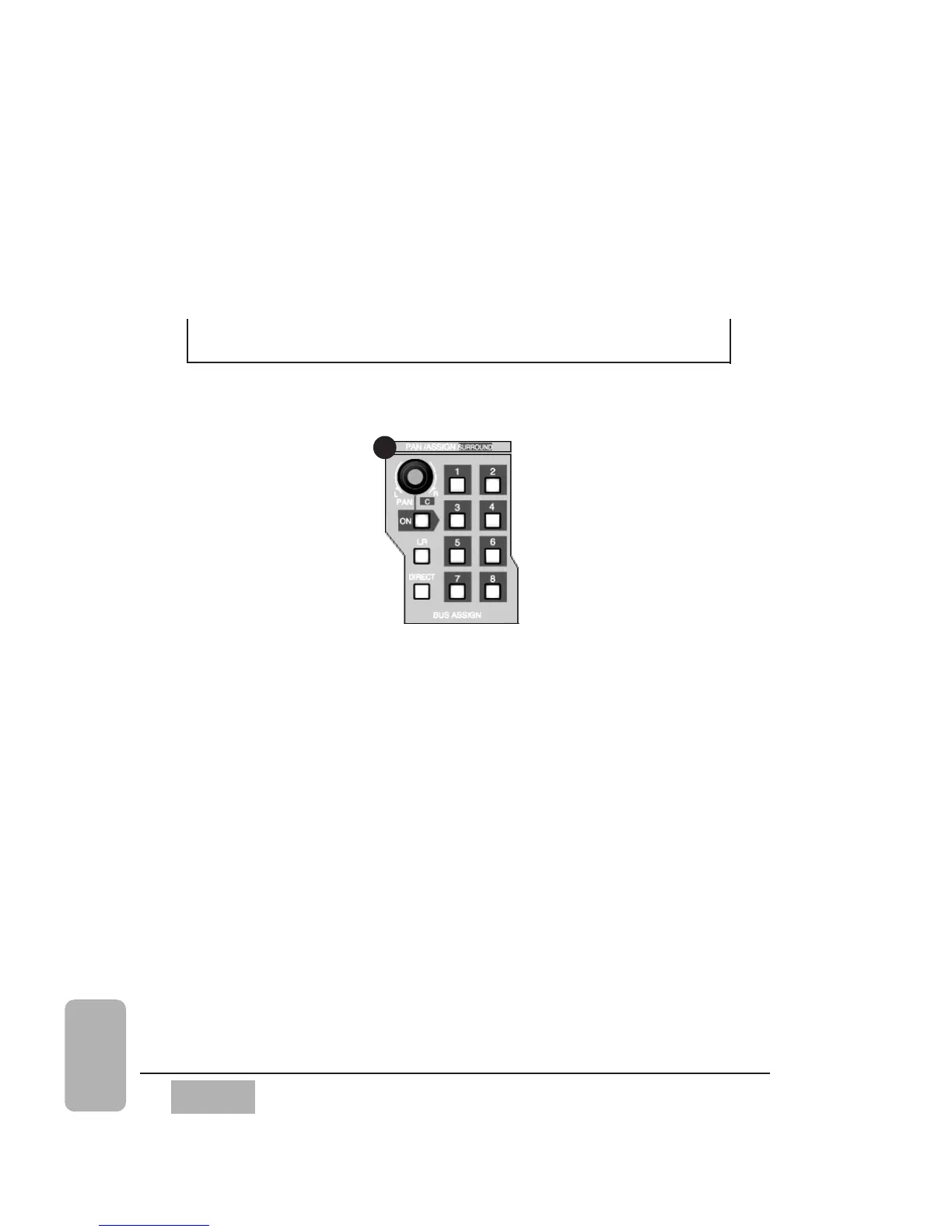
8-1 PAN/BUS ASSIGN Controls
This section explains access to the PAN and 5.1 surround sound controls,
and the assignment of L/R, DIRECT, and BUSES 1-8 for a selected channel.
The ON LED button in this section only switches the pan on (red) or off for
odd and even selected buses. It has no effect on DIRECT assignments. Pan is
always active for the L/R outputs. Pressing the PAN knob displays the [PAN/
SURROUND] window on the LCD. It also controls the level for the center
output in surround sound mode, which goes out on surround sound BUS 3.
Chapter 8
Pan/Assign, Surround,
Bus Assign
PAN/ASSIGN/SURROUND Section
5













 To Next Page