DA7 Users’ Guide
11
-
1
11
MIDI
Press the MIDI button in the SETUP section of the Top Panel. A window
from the [MIDI] window group will appear in the LCD. Each time you press
the MIDI button, the [SETUP], [PRG ASGN], [CTRL ASGN], [BULK], and
[MIDI RMT] windows are shown in sequence in the LCD.
Appendix G details the technical information on MIDI communications.
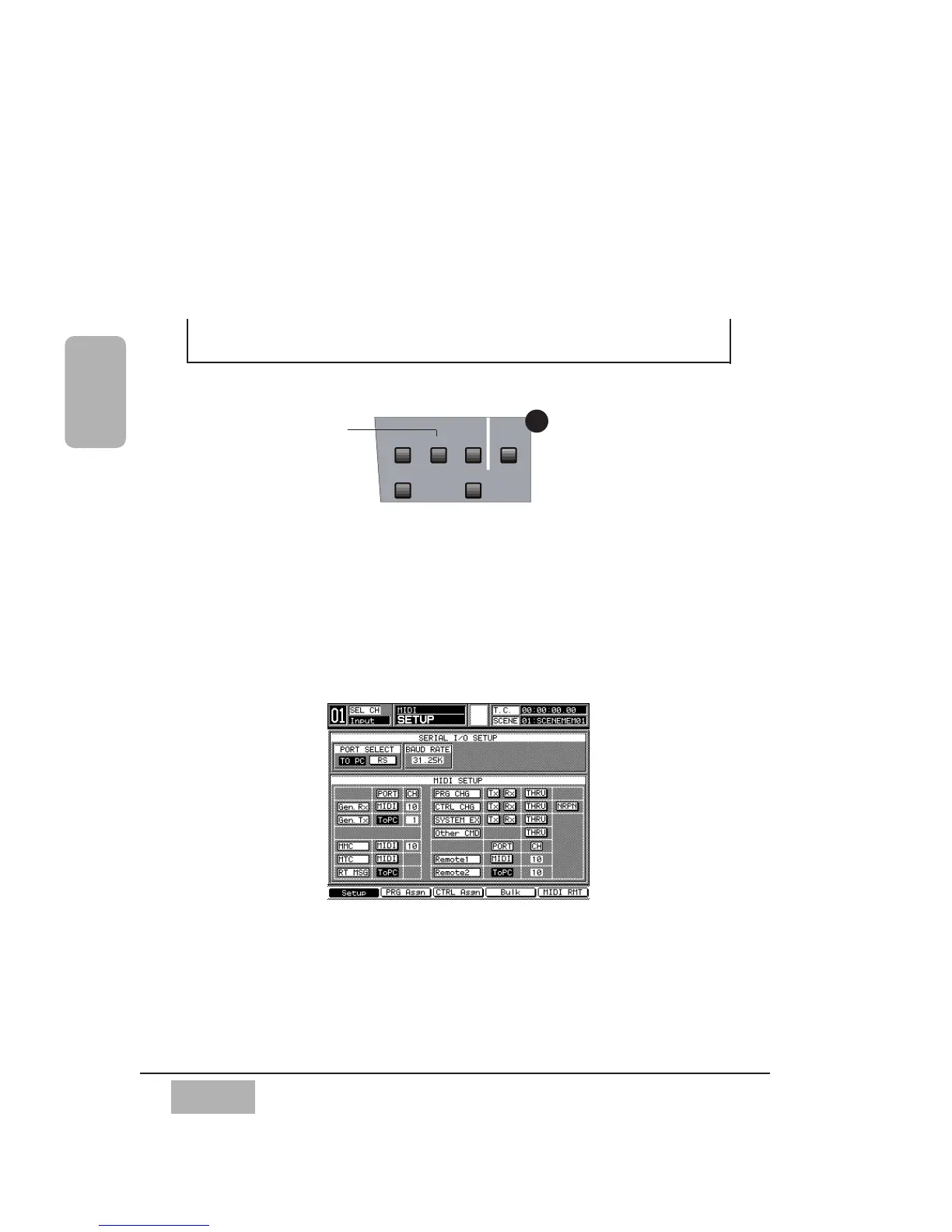
11-1 MIDI, SETUP Window
The [MIDI>SETUP] window shows the configuration settings for MIDI
operations.
The DA7 has ports for MIDI IN and MIDI OUT and serial ports for
connection to a personal computer. Use the TO PC serial port or RS-422/485
connector to connect to a Mac or a Windows computer or RS422/485 device.
Chapter 11
MIDI
SETUP Window













 To Next Page