DA7 Users’ Guide
13
-
1
13
Group
13-1 Overview
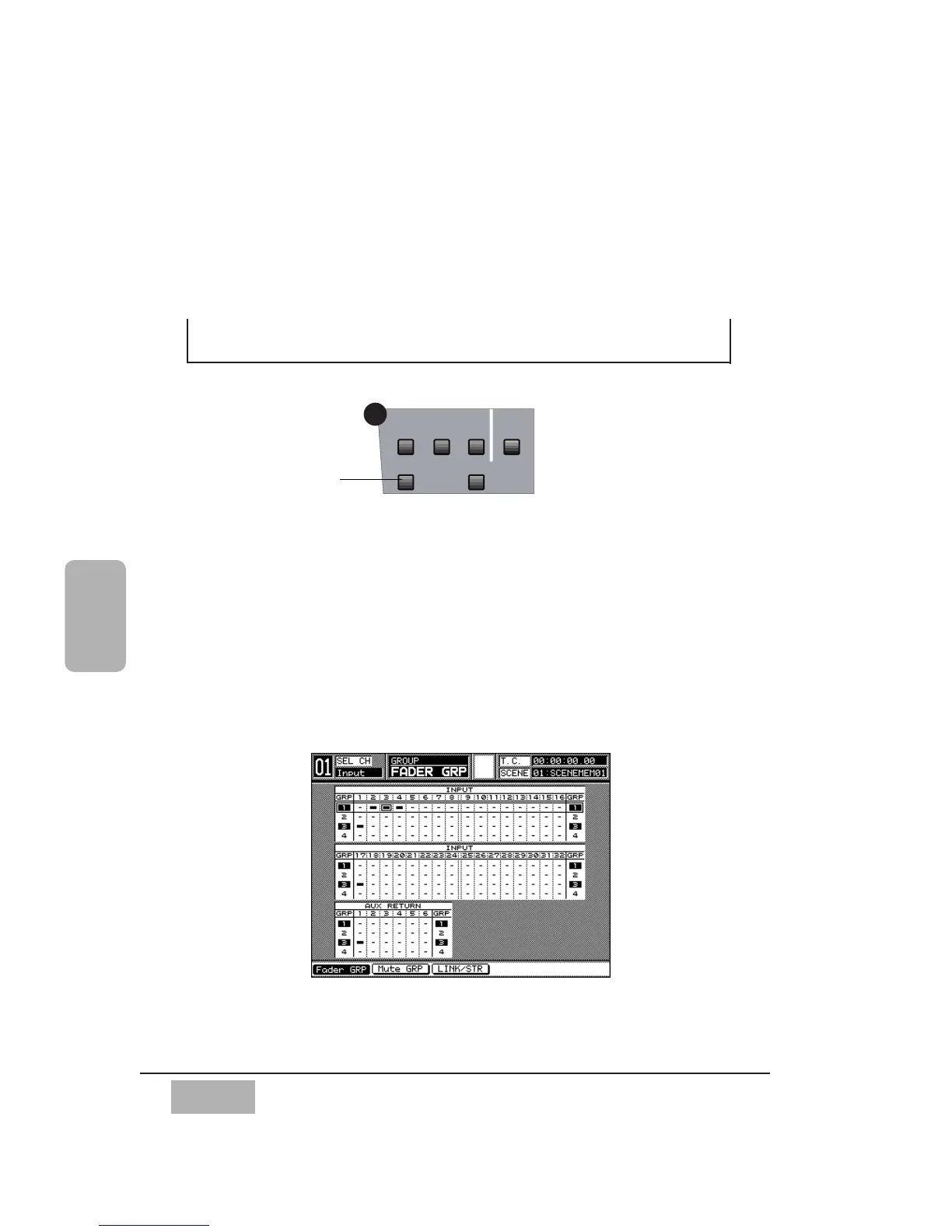
The GROUP button is one of the display control buttons in the SETUP
section of the Top Panel. Press the GROUP button to display the most
recently selected window for the window group.
The [GROUP] window selections are [FADER GRP], [MUTE GRP], and
[LINK/STR]. The [MUTE GRP] functions are split between two windows.
One shows input selections and the other shows output selections.
Section 13-2 FADER GRP (Fader Group) Window details the elements and
operations of the [FADER GRP] window.
Chapter 13
Group













 To Next Page