Chapter 17
DA7 Users’ Guide
17
-
11
17
Options
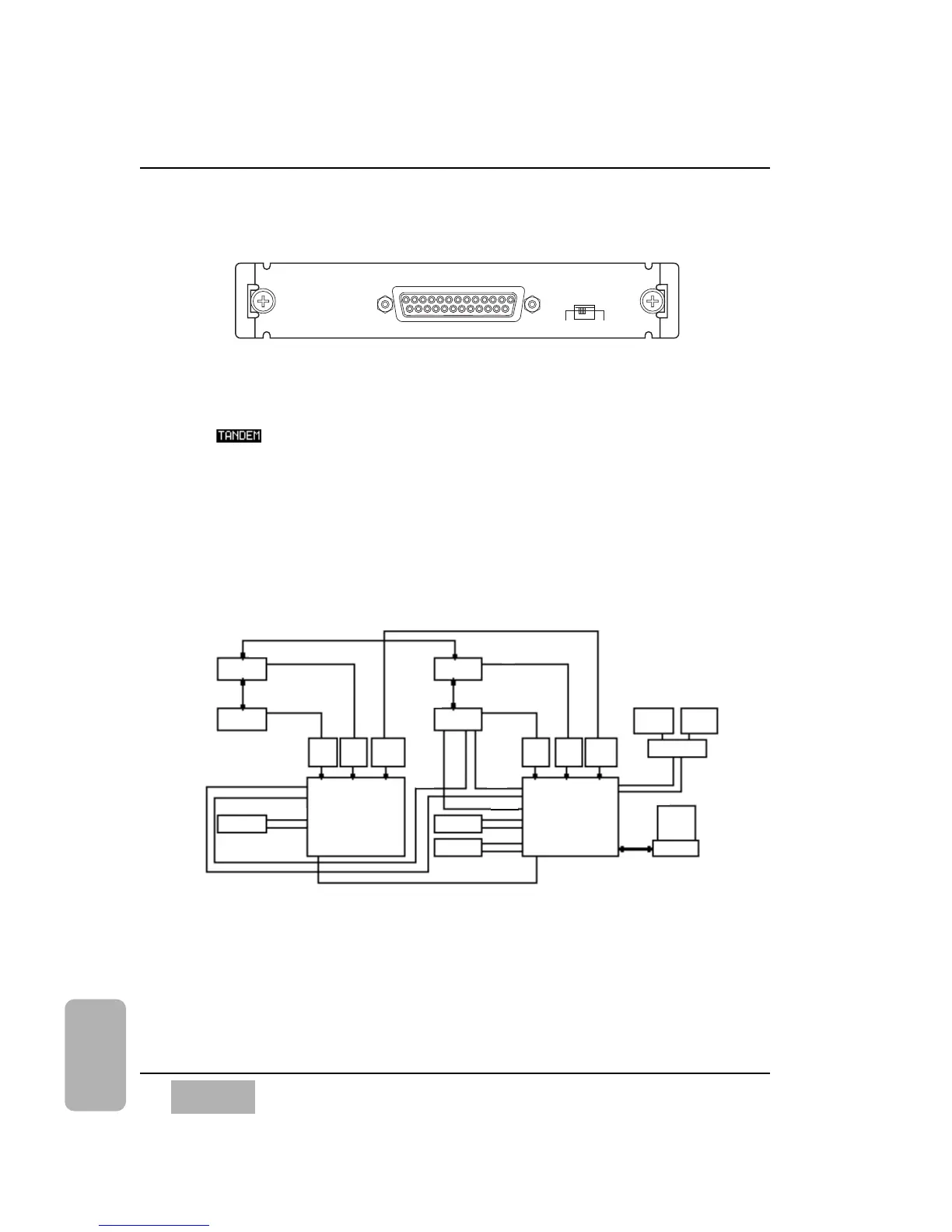
17-6 TANDEM Card, WR-TNDM
The TANDEM card is for use only with SLOT 3 on the Rear Panel of the DA7.
SLOT 3 has the options of [NORMAL], [INS], or [TANDEM] mode. When
the button is selected, the SLOT 3 column of the [D-I/O>TO SLOT]
window changes to recognize which option card is in the slot. When you
assign [TANDEM] on or off, a data field in the window will confirm
connection. Another data field is used to program an [OFFSET DELAY]
value to the slave DA7.
TANDEM Connection
This diagram shows how to connect two DA7s with four DA88s, with a DA88
operating as the Master Clock source.
Connections
Insert a TDIF option card into both SLOT 1 and SLOT 2. Carefully screw
these cards into their respective slots in the DA7 so they are properly
grounded. The DA88 8-track signal from SLOT 1 is assigned to inputs 17-24.
The DA88 8-track signal from the SLOT 2 card is assigned to inputs 25-32.













 To Next Page