Chapter 11
DA7 Users’ Guide
11
-
15
11
MIDI
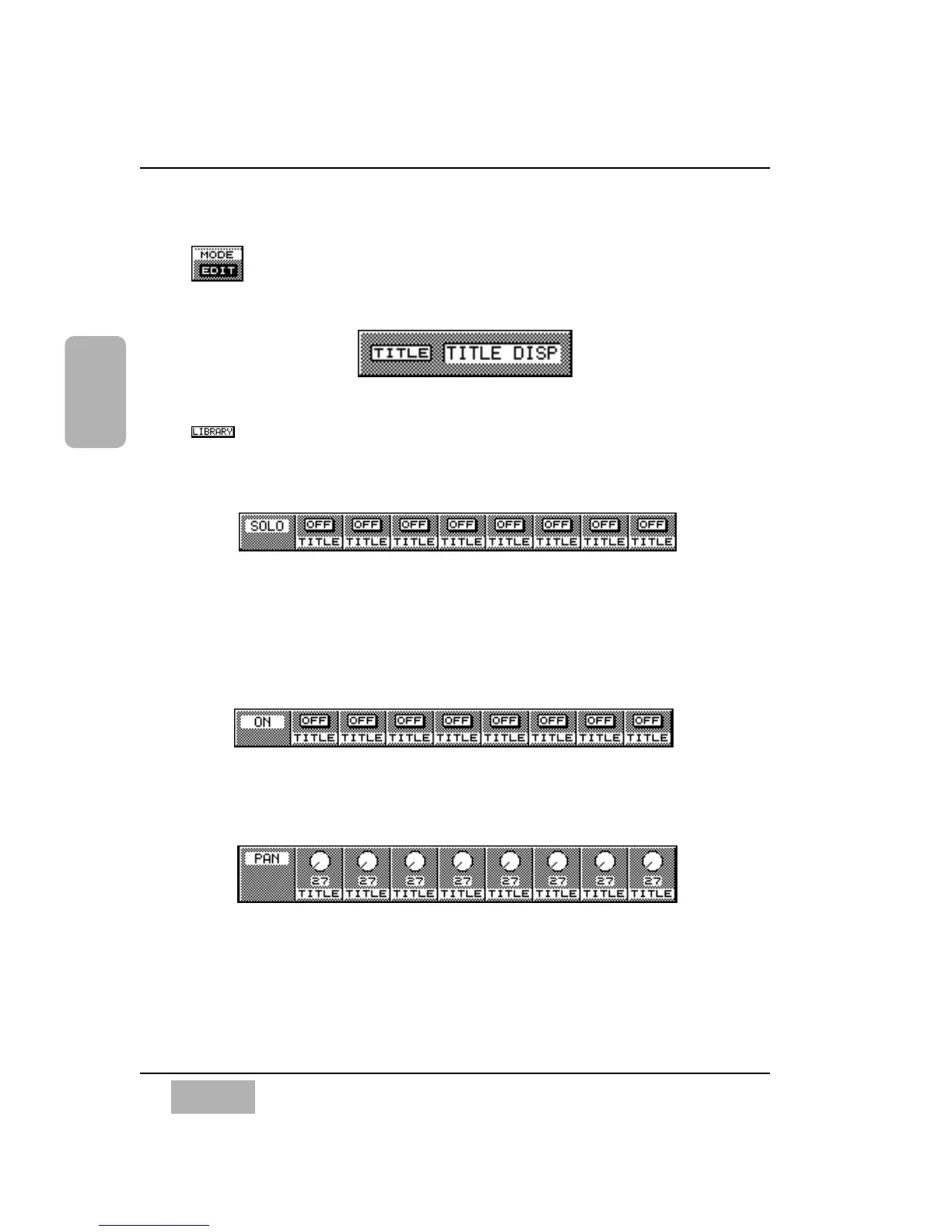
[EDIT]
This button sets the edit mode.
[TITLE]
This area displays a remote library title.
Button
This button calls up the MIDI Remote Library window.
[SOLO]
Use the [SOLO] switch to assign a control change message that is
predetermined in an external MIDI device. Cursor to the operator button, and
press the ENTER button to open the [REMOTE CONTROL EDIT] window
for the edit of the message. You can enter the name for each operator in the
[TITLE] field right under the operator button.
[ON]
Use the [ON] switch to assign a control change message. Functions and
operations are the same as the [SOLO] switch.
[PAN]
Use the [PAN] knob to assign a control change message. Functions and
operations are the same as the [SOLO] switch.













 To Next Page