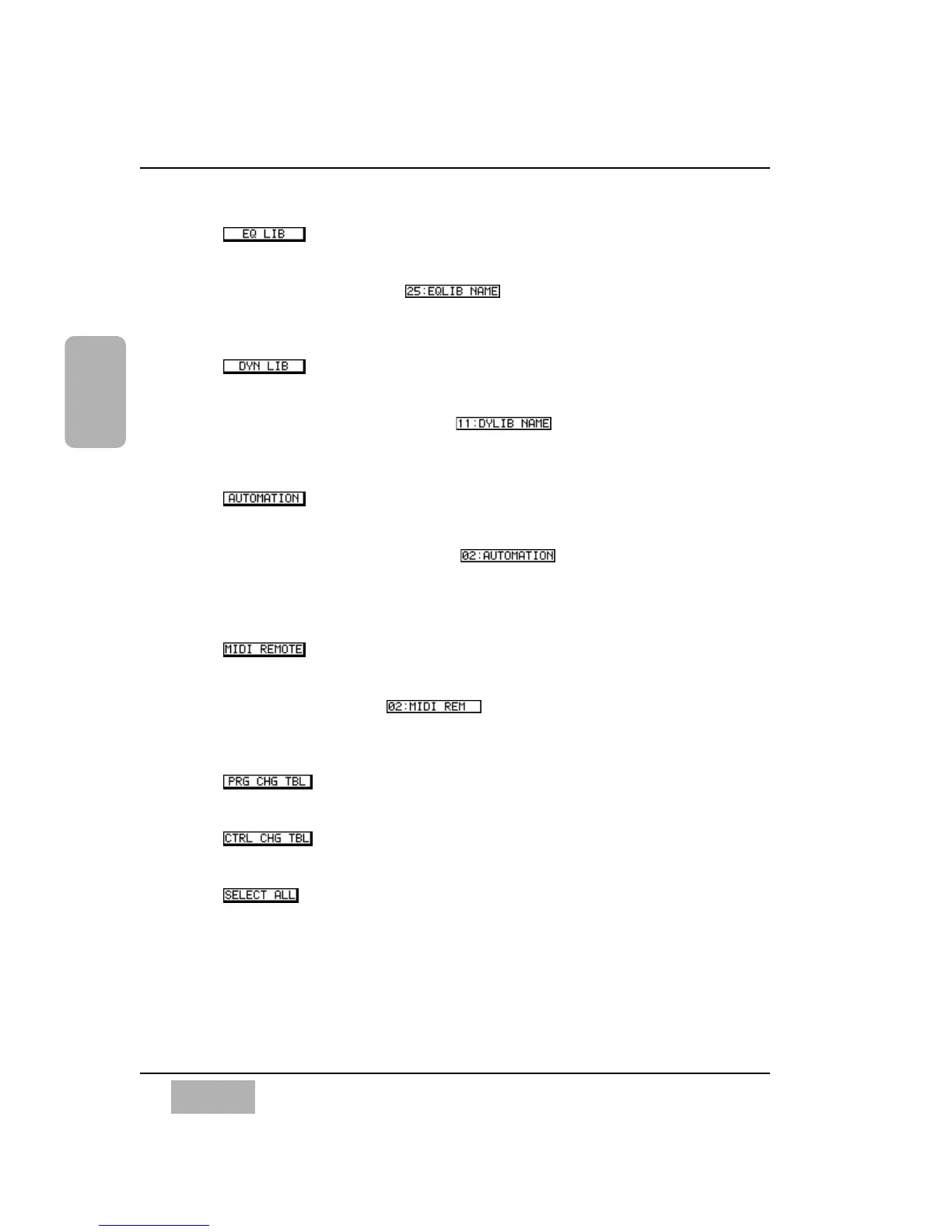
Button
Select an EQ library by pressing the ENTER button.
[EQ library number/title ]
Select an EQ library number by rotating the JogDial. Choose ALL or
1-50. The initial setting is ALL.
Button
Select a dynamics library by pressing the ENTER button.
[Dynamics library number/title ]
Select a dynamics library number by rotating the JogDial. Choose ALL
or 1-50. The initial setting is ALL.
Button
Select automation event data by pressing the ENTER button.
[Automation event number/title ]
Select an automation event number by rotating the JogDial. Choose
ALL, 00 (name of current mix, factory preset new mix), or 1-4. The
initial setting is ALL.
Button
Select MIDI remote setup data by pressing the ENTER button.
[Remote number/title ]
Select a MIDI remote number by rotating the JogDial. Choose ALL or
1-5. The initial setting is ALL.
Button
Select a program change table by pressing the ENTER button.
Button
Select a control change table by pressing the ENTER button.
Button
Select all data by pressing the ENTER button.
Chapter 11
DA7 Users’ Guide
11
-
11
11
MIDI













 To Next Page