Chapter 14
DA7 Users’ Guide
14
-
11
14
Automation
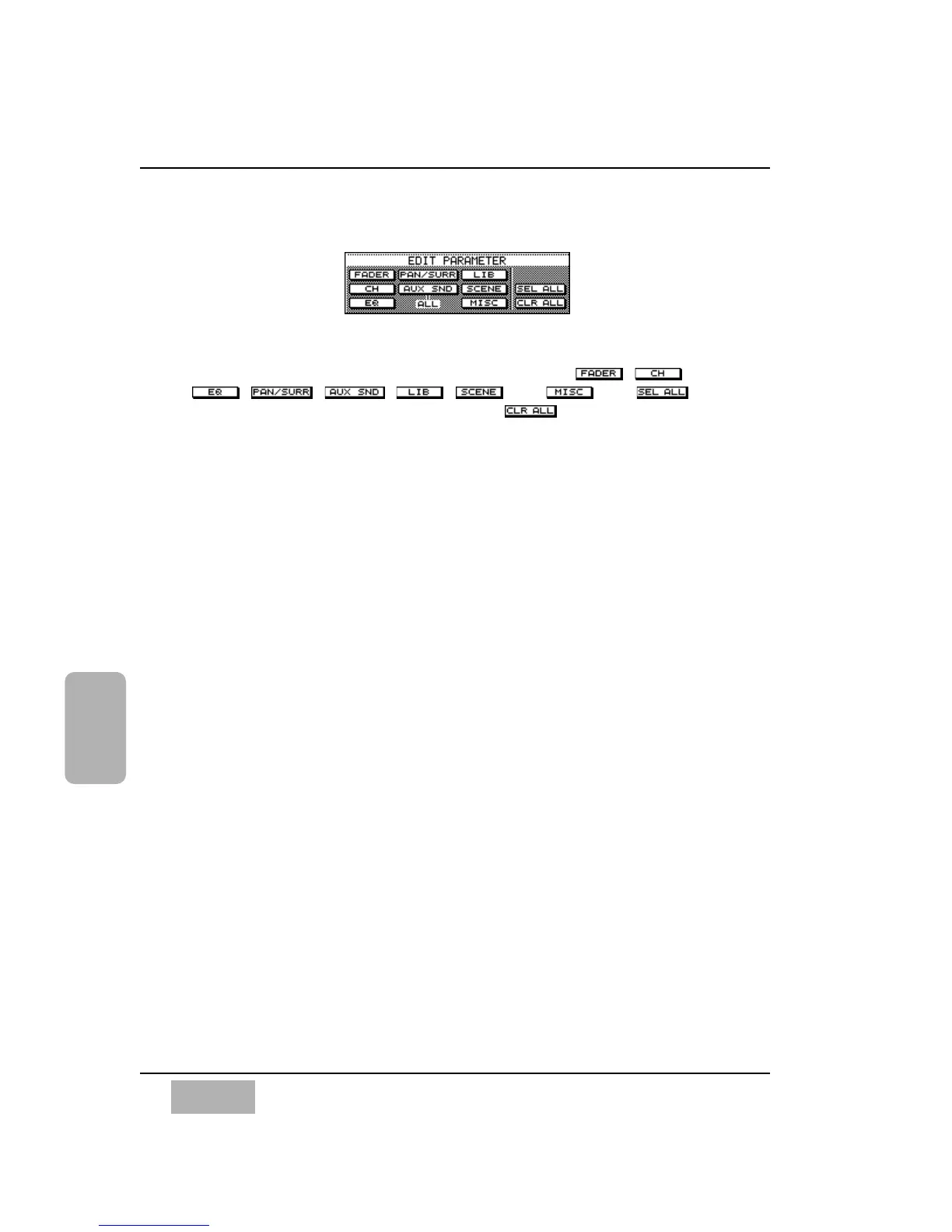
[EDIT PARAMETER] Area
Parameters that can be recorded by the automation are , ,
, , , , , and . The
button chooses all the parameters, while the button removes the
parameters from the recording sequence. When selected, the parameter will
appear as inverse video.
There is a short cut to the selection of these parameters. When in MMC
mode, press the SHIFT (#0) key and one of the #1 – #9 buttons
simultaneously for the shortcuts below:
1 FADER
2 PAN/SURR
3 LIBrary
4 CH ON
5 AUX SND
6 SCENE
7EQ
8 NO FUNCTION
9 MISC
Under the MISC parameter area you can edit:
Dynamics on/off
Protect Channel
Beat Change
EDIT PARAMETER Area













 To Next Page