K3.1.141e Manual NitroFlow HP_EN.doc - 32 -
If the
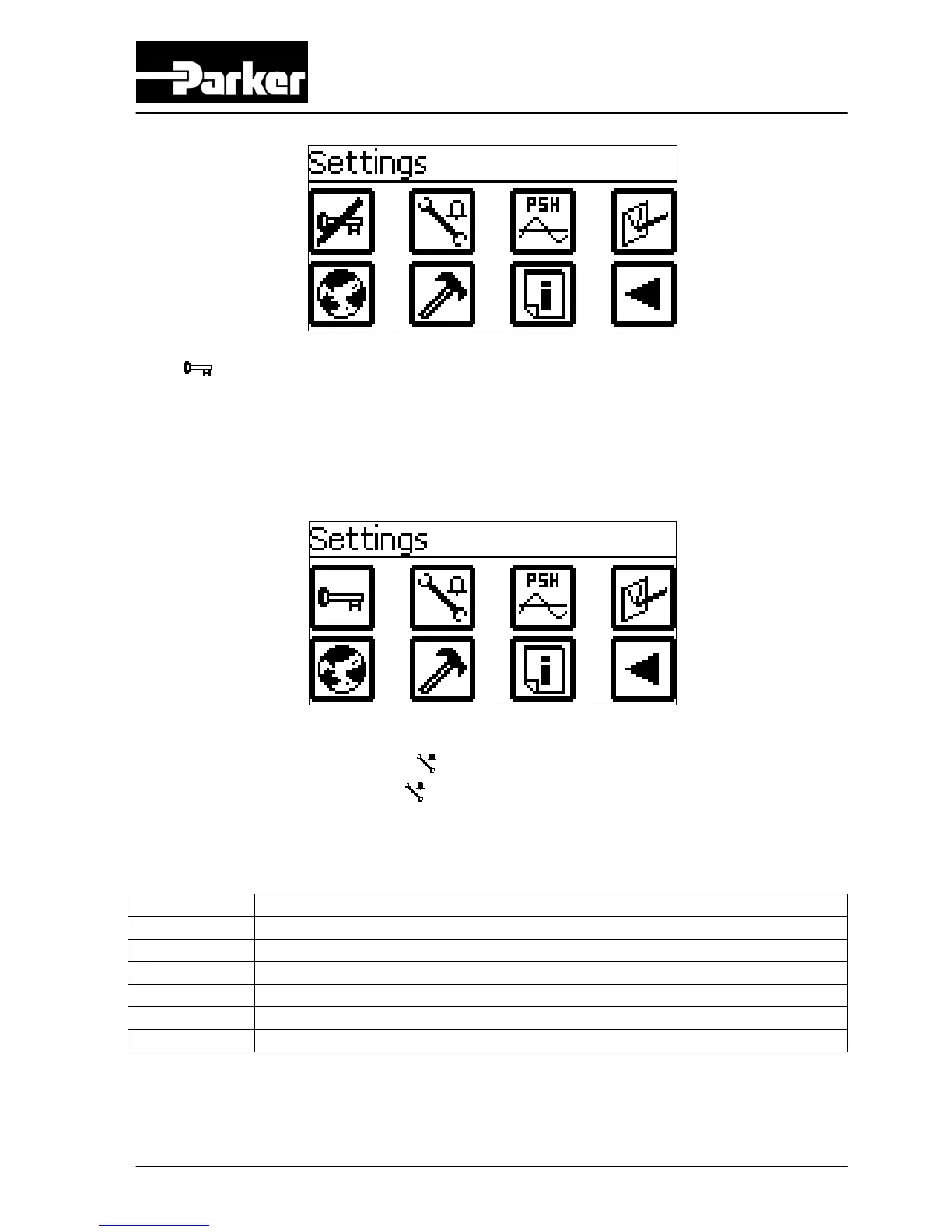
button in the settings screen is not crossed out (see below), there are two
possible options:
• Pin code is not activated and all menus are free accessible
• Pin code is activated but menus are not accessible because correct pin
code was not entered. When touching a restricted button beeps are
generated. Correct pin code has to be entered to have access to menus.
6.2.4 Alarm menu
Access: Touch alarm menu button in settings screen
Function: Set various alarms
The alarms that can be set, are:
Screen Alarm
1/6 O2 high (oxygen level too high)
2/6 O2 low (oxygen level too low)
3/6 Inlet pressure high (membrane pressure too high)
4/6 Inlet pressure low (membrane pressure too low)
5/6 Outlet pressure high (outlet pressure too high)
6/6 Outlet pressure low (outlet pressure too low)
ATTENTION:
Default all alarms are set to NO, which means they are not activated.



 To Next Page