K3.1.141e Manual NitroFlow HP_EN.doc - 51 -
9.6 Replace fuse
To maintain the safety of the product, use only the
fuse of the size and rating as specified (T3.15A /
250V).
1. Stop the unit by touching the
button in the
main screen (refer to §6.2.1).
2. Switch off the main switch.
3. Remove the cover plate above inlet and outlet
connections.
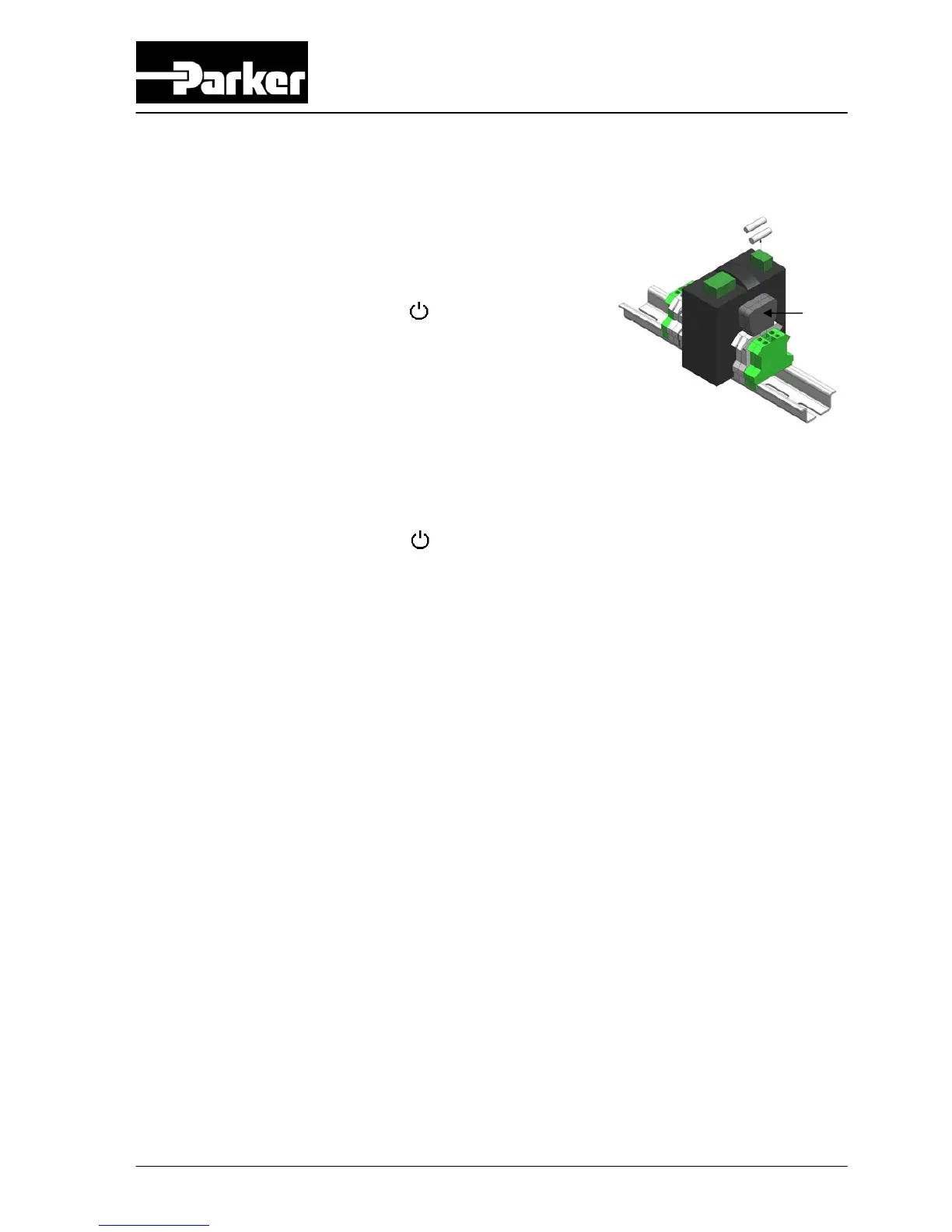
4. Remove the fuse holder (A).
5. Place a new fuse.
6. Close the cover plate above inlet and outlet connections.
7. Switch main switch back on.
8. Start the unit by touching the
button.
Fig. 9-4 Replace fuse
A



 To Next Page