PCAN-Ethernet Gateway FD DR – User Manual
46
LED Symbol Status Meaning
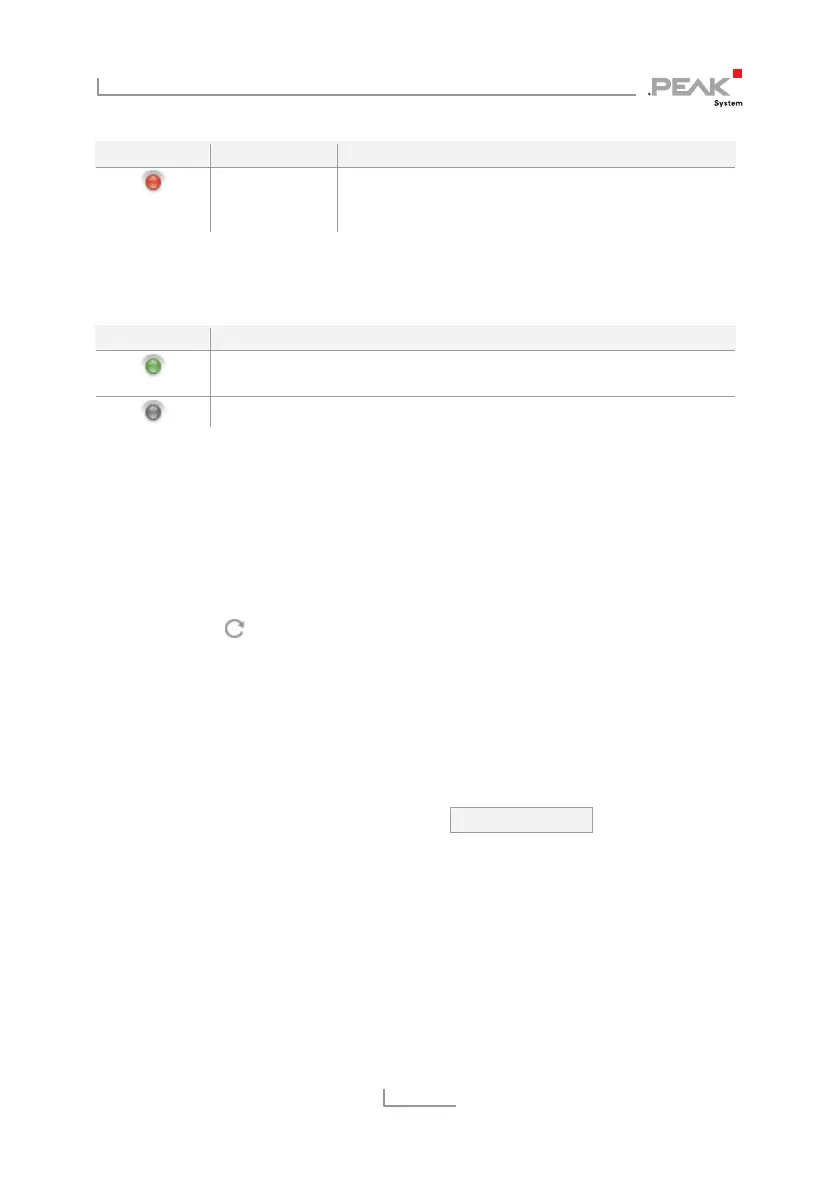
Bus Off The CAN controller was switched off. The error
counter is higher than 255. A possible cause can
be a short circuit on the bus.
ListenOnly: The state of the Listen-Only-Mode is represented by an
LED.
LED Symbol Meaning
Active. The CAN channel is not sending messages, nor is it
answering incoming messages (Acknowledge).
Inactive
Bit Rate: The nominal bit rate and if defined the data bit rate of this
CAN channel. These values should match the bit rates of the
connected CAN bus.
Additional Information: Furthermore, status information and user
defined notes are available for each channel. Click the triangle icon
on the right edge of the list item to view the information. With the
Reset button
you can reset the CAN channel.
In Expert mode, (see chapter 5.6.2
Device > User Management
)
further detailed information is displayed.
CAN Channel Configuration:
Each channel is handled and configured by a separate form.
Settings can be saved by clicking the Save Settings button located
underneath the form.
Active: (Expert mode only) Use the checkbox to activate or
deactivate the CAN channel.
ListenOnlyMode: If the PCAN-Gateway should act as a pure
observer, not affecting the data traffic, Listen-Only-Mode must be
enabled. Activate Listen-Only-Mode with a click on the checkbox.



 To Next Page