PCAN-Ethernet Gateway FD DR – User Manual
66
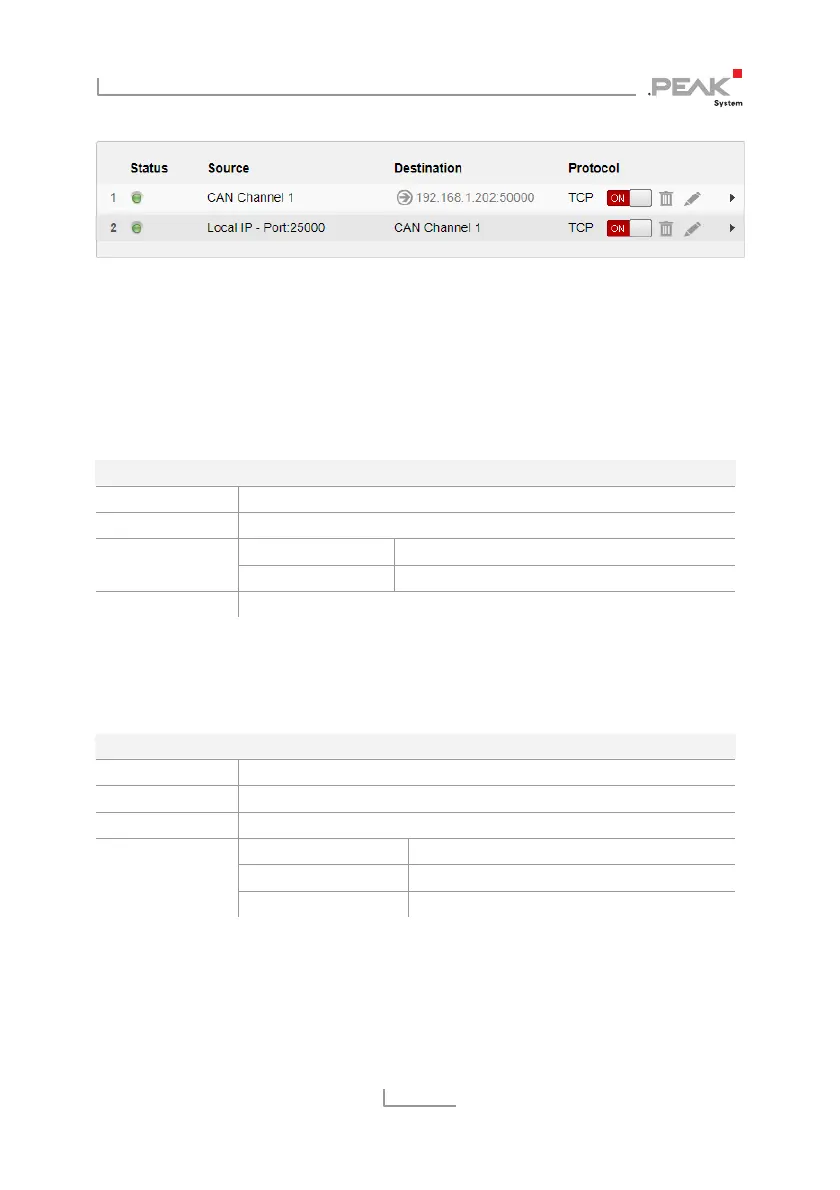
The Routes on Gateway 2:
Gateway 2 is to accept the data packets sent via LAN network by
Gateway 1, and pass the containing CAN messages through CAN
channel 2 into CAN bus B. For this, a Receive route with the
following values must be created.
Gateway 2 > Receive Route A
Route Direction Receive: IP > CAN
Status Activate
Port 50000 (like the Send route A) IP Interface
Protocol TCP (like the Send route A)
CAN Channel 2 (connected to CAN bus B)
Gateway 2 should transmit incoming message traffic from CAN bus
B into the LAN network. For this a Send route with the following
values must be created.
Gateway 2 > Send Route B
Route Direction Send: CAN > IP
Status Activate
CAN Channel 2 (connected to CAN bus B)
IP-Address 192.168.1.201 (address of Gateway 1)
Port 25000
IP Interface
Protocol TCP
Transferring data between 2 PCAN-Gateways always consists of a
Send and a Receive route. Note that both should use the same
transfer protocol (TCP or UDP) and the same port.



 To Next Page