PCAN-Ethernet Gateway FD DR – User Manual
69
Assigning the Filters
The two filters must now be assigned to the Send route. However,
in Normal display mode only a single filter can be used per send
route. In Expert mode several filters can be assigned.
This is how you switch to Expert mode:
1. Open the page
Device > User Management
.
2. Choose in the form Display Mode Setting the display mode
Expert.
3. Confirm your changes with Save Settings.
This is how you assign a filtert o a Send route:
1. Open the page
Routing > Manage Routes
.
2. Open the desired Send route with the pencil symbol for
editing.
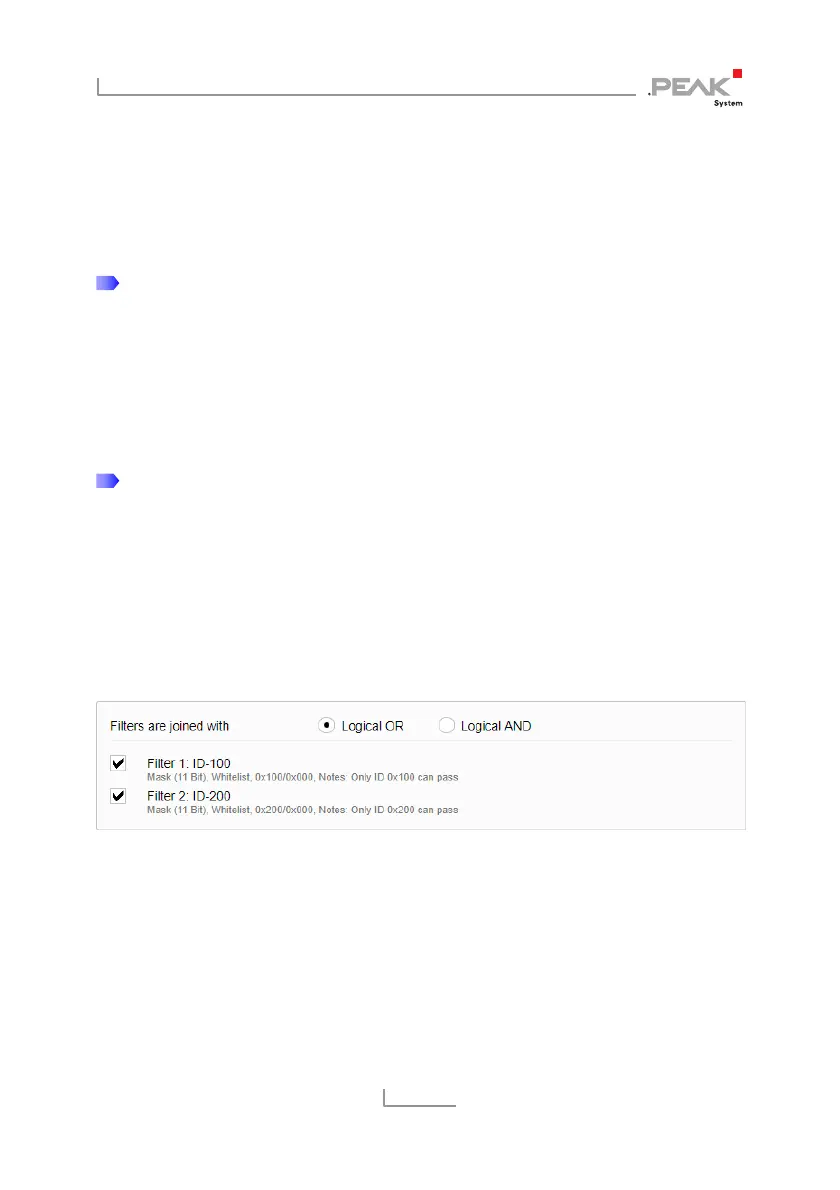
3. Choose Logical OR for Filters are joined with in the filter
form.
4. Activate the checkboxes of the filters ID-100 and ID-200.
5. Confirm your changes with Save Settings.
Now the outgoing messages of the Send route are filtered
as desired.



 To Next Page