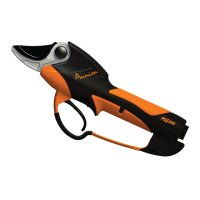
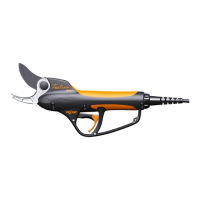
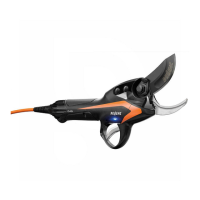
PRUNING SHEARS C45, C45-P150, C45-P200
163529-D
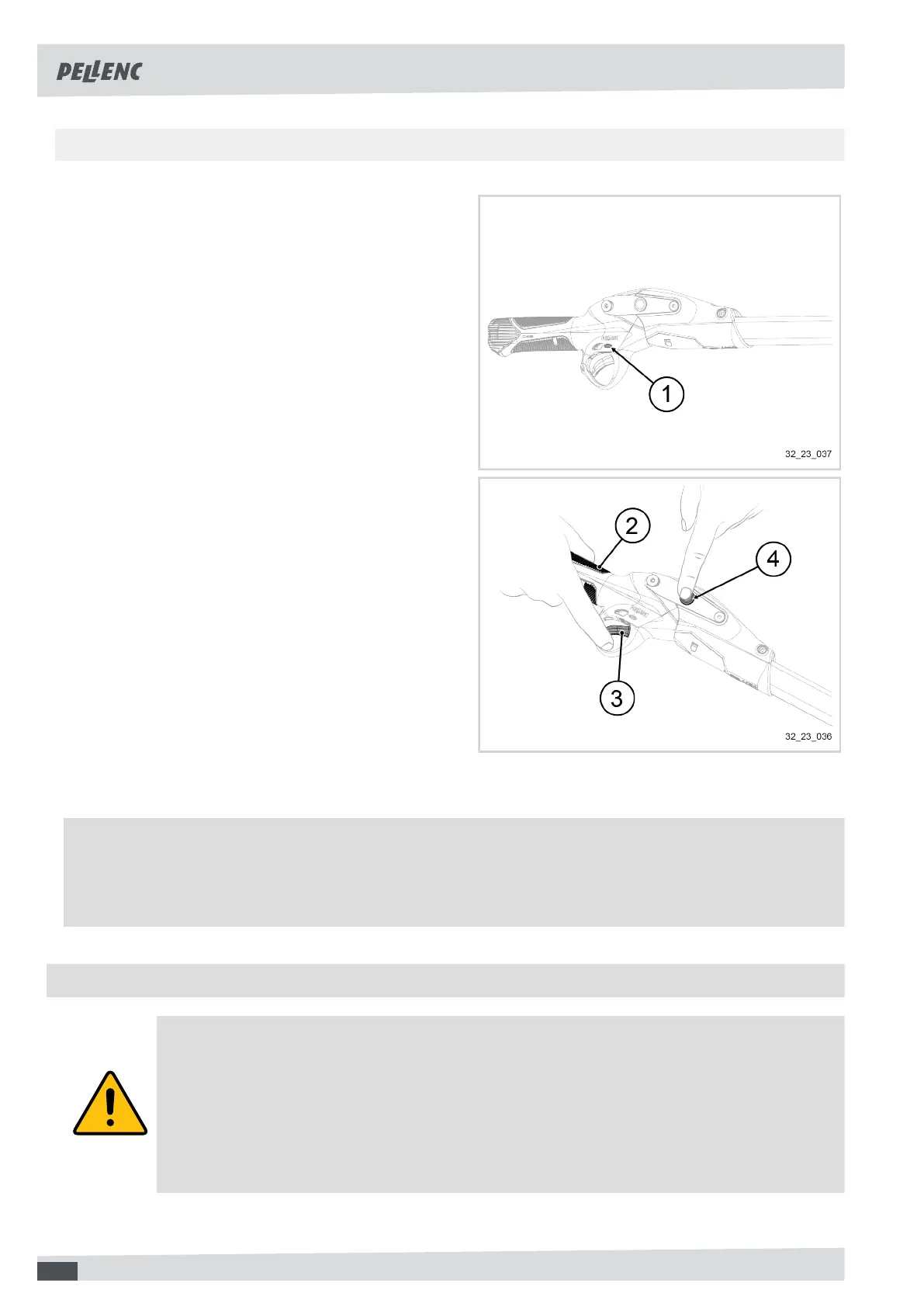
5.2.2. STARTING THE TOOL WITH A POLE WITH ACTIV' SECURITY ACTIVATED (FACTORY SETTING)
1. Turn on the battery.
See the operating instructions for the battery.
The battery beeps twice.
The Activ' Security LED (1) flashes red while waiting
for information on the calibration of the tool accord-
ing to its user.
2. Take the tool in your hand, making sure your fingers
are in contact with one of the conductive pads (2).
3. Place the index finger of the hand holding the tool
on the trigger (3).
4. Position the index finger of the other hand on the tool
sleeve (4).
The Activ' Security LED turns solid red when the tool
has saved the user-related calibration parameters.
5. Release the tool sleeve (4).
The Activ' Security LED turns blue.
The tool emits a beep.
6. Press the trigger (3) with your index finger to operate
the tool.
Note
For more information on Activ' Security:
• The user must not touch the cutting head and must be in contact with the conductive pads simultaneously,
5.3. ACTIV'SECURITY DEACTIVATED
Warning
The user is strongly advised not to deactivate the Activ' Security. Deactivating this safety system
exposes the user to the risk of serious and deep cuts.
The user is responsible for any accident that occurs as a result of the deactivation of the Activ'
Security feature.
The deactivation of this safety system is recorded in the battery's black box.
20


 To Next Page