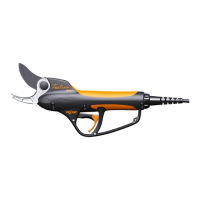
PRUNING SHEARS C45, C45-P150, C45-P200
163529-D
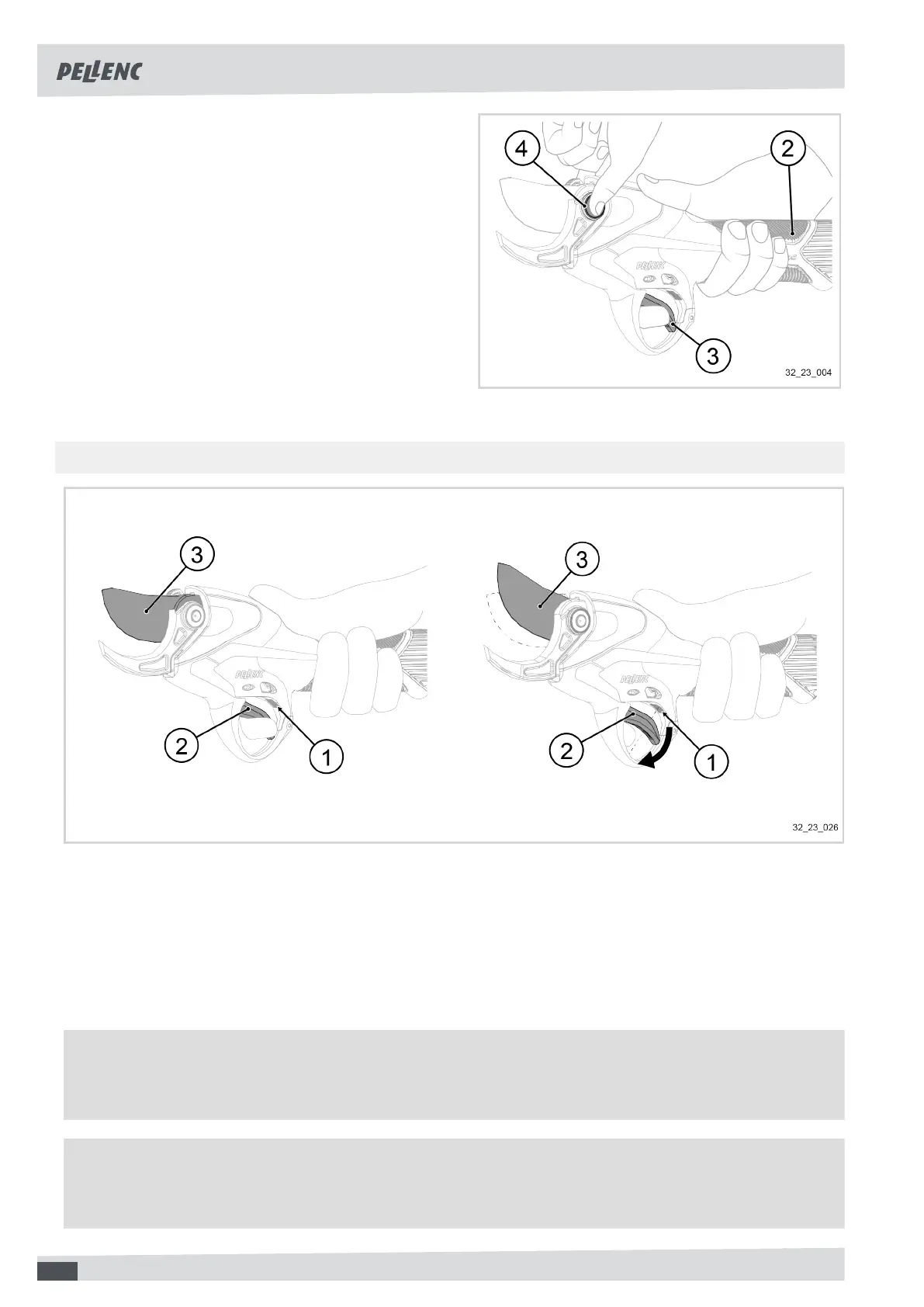
2. Take the tool into your hand.
3.
If Activ' Security is activated:
• Ensure that your fingers are in contact with one of
the conductive pads (2) and simultaneously
• Touch the blade pin (3) with your other hand.
4. Press the trigger (4) with the index finger of the hand
holding the tool.
The blade opens.
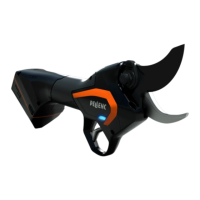
5.4.2. OPTICAL SENSOR AND HALF-OPENING
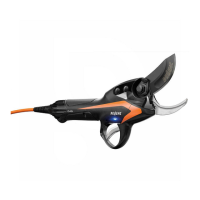
The blade (3) remains in half-open position as long as the optical sensor (1) detects that the user's finger is in front
of the trigger (2).
When the finger moves away from the trigger (2), the optical system controls the full opening of the blade (3) (modes
C1 + C3).
For more information on setting the sensitivity of the optical sensor, see 5.6.3. "Functional" setting modes, page
29
Note
Depending on the gloves used, they may have an impact on the operation of the optical sensor. We recommend
not wearing black gloves.
Important
If the optical sensor is no longer functioning properly, check that nothing is blocking the trigger slot, or clean
the optical sensor window with cleaning alcohol.
24


 To Next Page