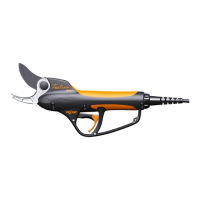
PRUNING SHEARS C45, C45-P150, C45-P200
163529-D
Method 3 (tool equipped with a pole):
In the case of a tool with a pole, it is difficult to reach the
blade hook. To check the presence of the Activ' Security
it is necessary to perform the following steps:
1. Switch the tool on.
See the operating instructions for the battery.
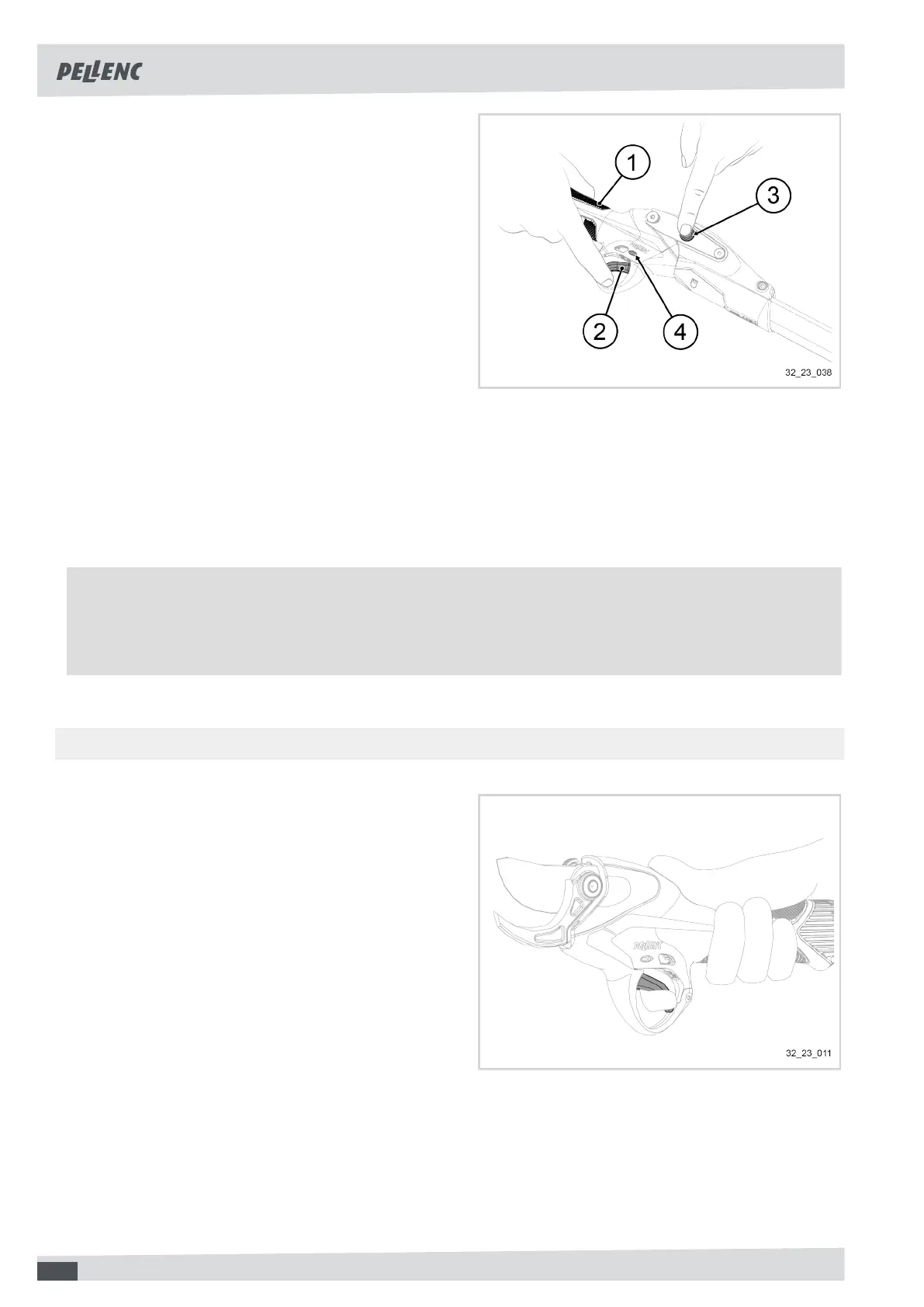
2. Take the tool in your hand, making sure that your fin-
gers are in contact with one of the conductive pads
(1).
3. Place the index finger of the hand holding the tool
on the trigger (2).
4. Position the index finger of the other hand on the tool
sleeve (3).
The "Activ' Security" LED (4) is solid red.
5. Take the index finger off the tool sleeve (3).
The "Activ' Security" LED (4) must be blue.
6. Check the correct operation of the blade according
to the position of the trigger (2).
Note
When the blade is held in the open position and the battery emits a beep in the event of simultaneous contact
with the two conductive surfaces, the Activ' Security is working. In case of malfunction, try to increase the
contact area with the tool and wear/replace your conductive gloves.
6.3.3. CHECKING THE OPERATING TRIGGER
1. Visually check the condition of the operating trigger.
2. Ensure that nothing physical (e.g. tape, collar, etc.)
prevents or interferes with the operation of the oper-
ating trigger.
3. Ensure that the operating trigger is functioning prop-
erly by pressing it.
34


 To Next Page