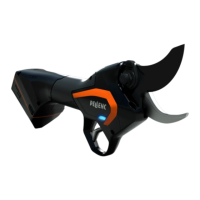
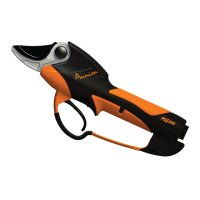
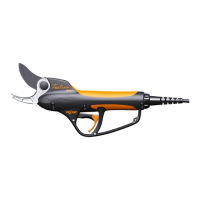
PRUNING SHEARS C45, C45-P150, C45-P200
163529-D
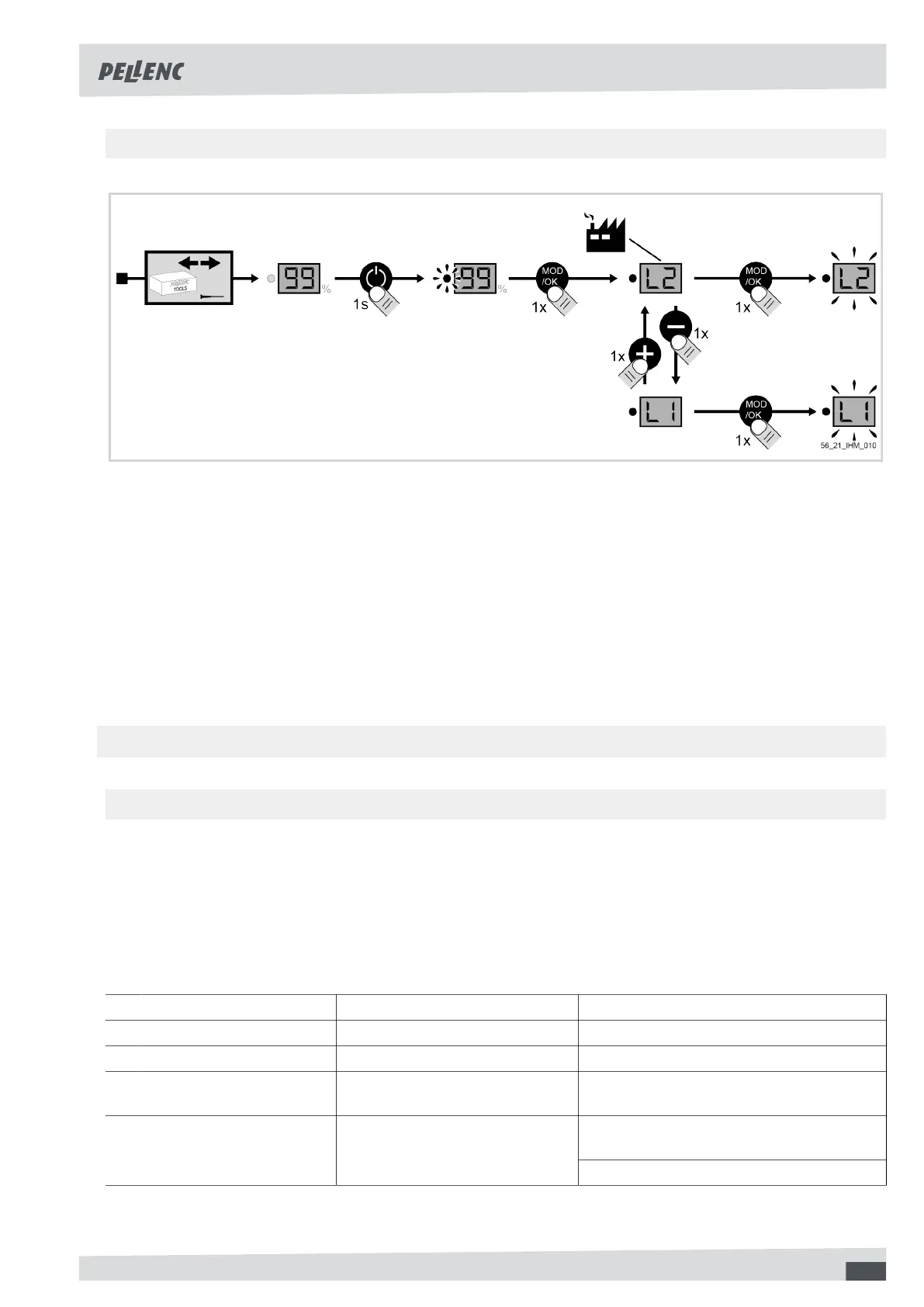
5.6.2.3.CHANGEOFAUTHORISATIONMODE
1. Disconnect the tool from the battery.
See 4.8. Disconnecting the tool from the ULIB 150P and 250 batteries, page 18.
2. Switch on the battery.
See the operating instructions for the battery.
3. Press the "mode" button on the battery,
4. Select the mode by pressing + or -,
5. Press the "mode" button to validate.
6. Switch off the battery.
See the operating instructions for the battery.
7. Connect the tool to the battery.
See 4.7. Connecting the tool to the ULIB 150P and 250 batteries, page 17.
5.6.3. "FUNCTIONAL" SETTING MODES
5.6.3.1.PRESENTATIONOFTHE"FUNCTIONAL"SETTINGMODES
The user has the possibility to act on 4 so-called "functional" settings:
• Blade crossing.
See 6.3.4. Checking the crossing over of the hook and the blade, page 35.
• Half-opening of the blade,
• Sensitivity of the optical sensor,
• Tool into standby delay.
Functional modes Description Adjusting the setting
F5 : Blade crossing setting Adjust the blade crossing. 1 - 9: Low crossing - high crossing
F6 : Half-open setting Adjust the blade half-opening. 1 - 9: Narrow opening - wide opening
F7 : Adjusting optical sensor
sensitivity
Adjust the sensitivity of the blade's
optical sensor.
1 - 9: Very sensitive - not very sensitive
1 - 8: Minimum time limit - maximum time
limit
F8 : Tool standby delay setting Adjust the amount of time the trig-
ger is held down before the tool
goes to standby.
9: No standby mode
To modify the "functional" settings of the tool, see 5.6.3.2. Change of "functional" settings mode, page 30.
29


 To Next Page