114
Shooting Functions
4
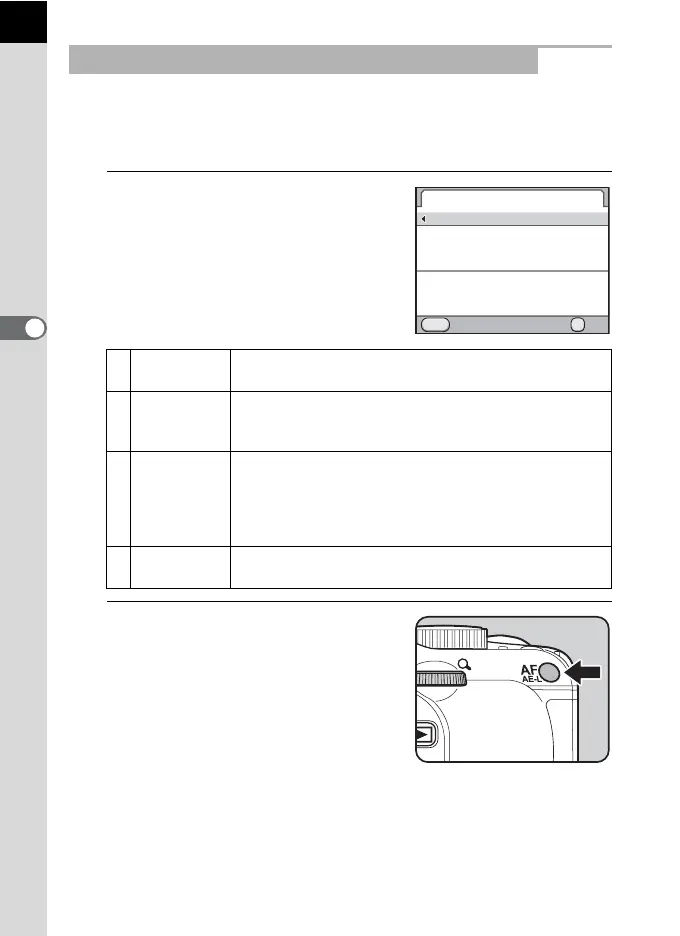
You can set the camera so that focusing is performed when the =/L
button is pressed. Use this setting when the autofocus by pressing the
shutter release button halfway is not desired.
1
Select [Enable AF1] or [Enable
AF2] in [10. AF/AE-L Button] of
the [A Custom Setting 2] menu.
2
Press the =/L button.
Auto focusing is performed.
Using the =/L Button to Focus on the Subject
1 Enable AF1
Auto focusing is performed by using the =/L
button or the shutter release button. (default setting)
2 Enable AF2
Auto focusing is performed only when the =/L
button is pressed and not when the shutter release
button is pressed halfway.
3 Cancel AF
\ appears in the viewfinder while the =/L
button is pressed. Auto focusing is not performed when
the shutter release button is pressed. (Take your finger
off the =/L button to return to normal autofocus
mode.)
4 AE Lock
The exposure setting is locked when the =/L
button is pressed. (p.108)
10.
1
2
3
4
OK
MENU
AF/AE-L Button
Enable AF1
Enable AF2
Cancel AF
AE Lock
AF is performed when the
Cancel OK
AF/AE-L button is pressed



 To Next Page